

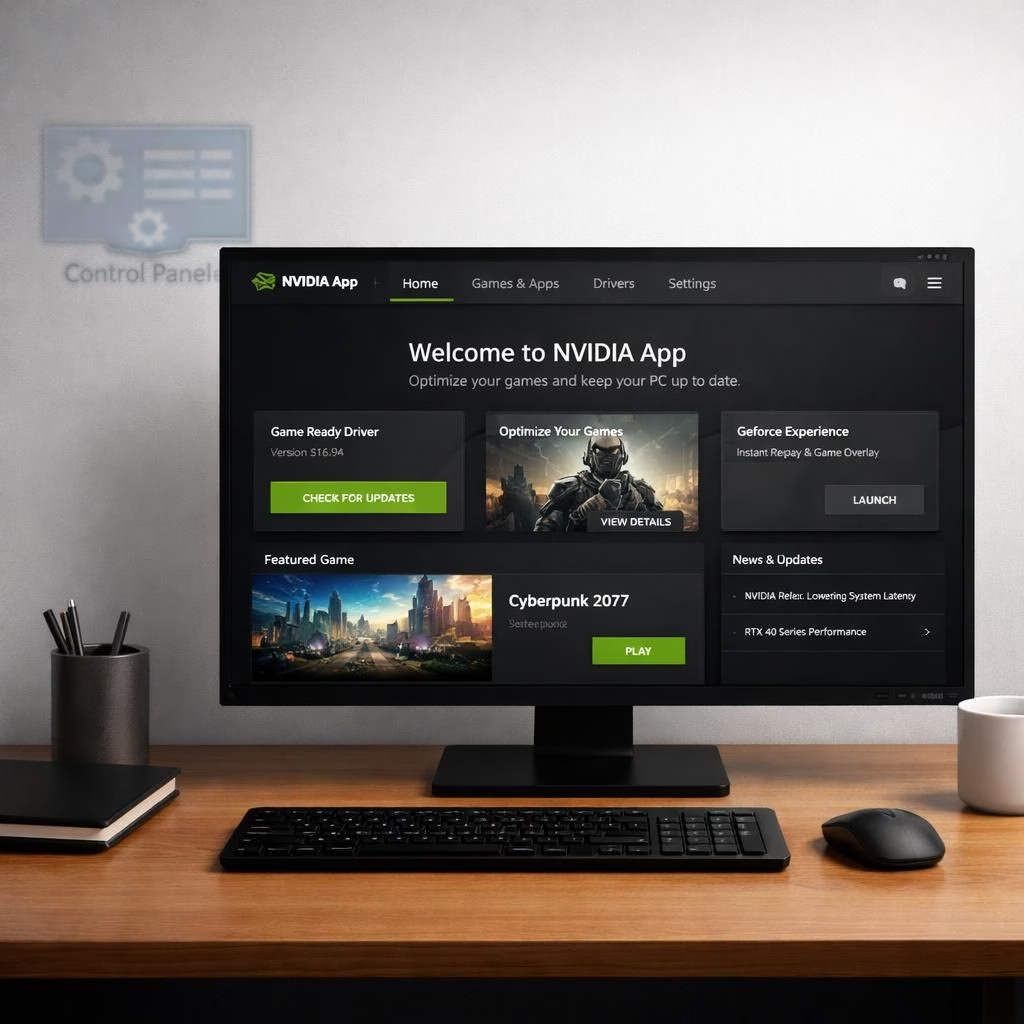
In 2026, Nvidia is turning a page on software history. The old Control Panel is officially retired, replaced by a single, friendly Nvidia App. This move is not a gimmick; it is a practical upgrade that brings drivers, game settings, and DLSS toggles into one place. The legacy control hub served two decades of loyal service, but the future is here with a cleaner, faster interface. The transition promises fewer windows, quicker tweaks, and a smoother startup experience for both gamers and creators. The legacy name will linger in the Microsoft Store, but it will not receive updates. The Nvidia App is designed to be the one-stop shop readers deserve, with a focus on stability and simplicity.
Nvidia App migration meets the Control Panel legacy
Over the past year, most essential features moved into the App. You can download and install drivers, adjust game profiles, and toggle DLSS modes with a few clicks. The App centralizes display options, color profiles, and shader caches, reducing scattering across tools. The aim is simple: one app covers what used to require several windows, improving consistency and reducing setup friction for new and veteran users alike.
Control Panel legacy fades while Nvidia App grows in 2026
RTX PRO users will keep access to professional features for now as migration completes. The plan is to migrate these features over to the App. For those who still need the legacy interface, it remains in the Microsoft Store but will not receive updates. For most users, the path forward is clear: embrace the App. It combines driver management, per-game tuning, and DLSS toggles in a single, coherent interface. This unity saves time and reduces the chance of configuration mismatches when moving between machines or sharing settings with friends.
The latest Game Ready driver arrives today, tailored to the newest releases and run-ready experiences. The update brings performance improvements and stability fixes. It also includes DLSS refinements and broader compatibility notes. The result is a smoother, more predictable gaming session, thanks to the integrated experience.
Beyond the basics, this shift reflects a broader trend in software design. Big brands are moving away from a patchwork of half-finished tools. The App approach emphasizes clarity, speed, and an enjoyable user experience. Think of it as a relay race, where the old legacy interface hands off duties to a faster, more capable teammate. The goal is future-ready architecture that benefits gamers and professionals alike.
Practical tips for the transition:
- Do a driver clean install if you want to access the old interface temporarily, but know that this is a temporary setup.
- Most users will not need to revert; the App provides a stable daily driver for gaming and creators.
- Use the App to manage drivers, game profiles, and DLSS options.
- Keep GeForce Experience as the single source of truth to reduce desktop clutter and mismatches across machines.
In 2026 hardware cycles, the tech press often hails migrations as modernization done right. The App delivers a coherent user experience, robust performance, and a touch of humor in subtle UI micro-interactions. If you are curious about precise feature mapping, consult support resources for the latest migration notes.
Original article: The Verge coverage on Nvidia GeForce Control Panel retirement
We invite readers to share their thoughts in the comments.
References
External note: For official details on the Nvidia App migration, see NVIDIA GeForce News.
FAQ
- What is the Nvidia App replacing?
Answer: The Nvidia App consolidates drivers, per-game tuning, and DLSS settings into a single interface as the successor to the classic Control Panel. - Will I lose features?
Answer: Most functionality is retained, with professional features migrating to the App for RTX PRO users over time. - Do I need to uninstall the old interface?
Answer: Not immediately. A driver clean install can temporarily restore it, but most users won’t revert. - Where can I find the old interface?
Answer: It remains in the Microsoft Store for now, but updates are no longer provided.
Bottom line: Nvidia’s move to the App consolidates what many users relied on into one reliable hub. Start by opening the App, reviewing drivers and DLSS presets, and testing a few game profiles to ensure your settings carry over smoothly.