

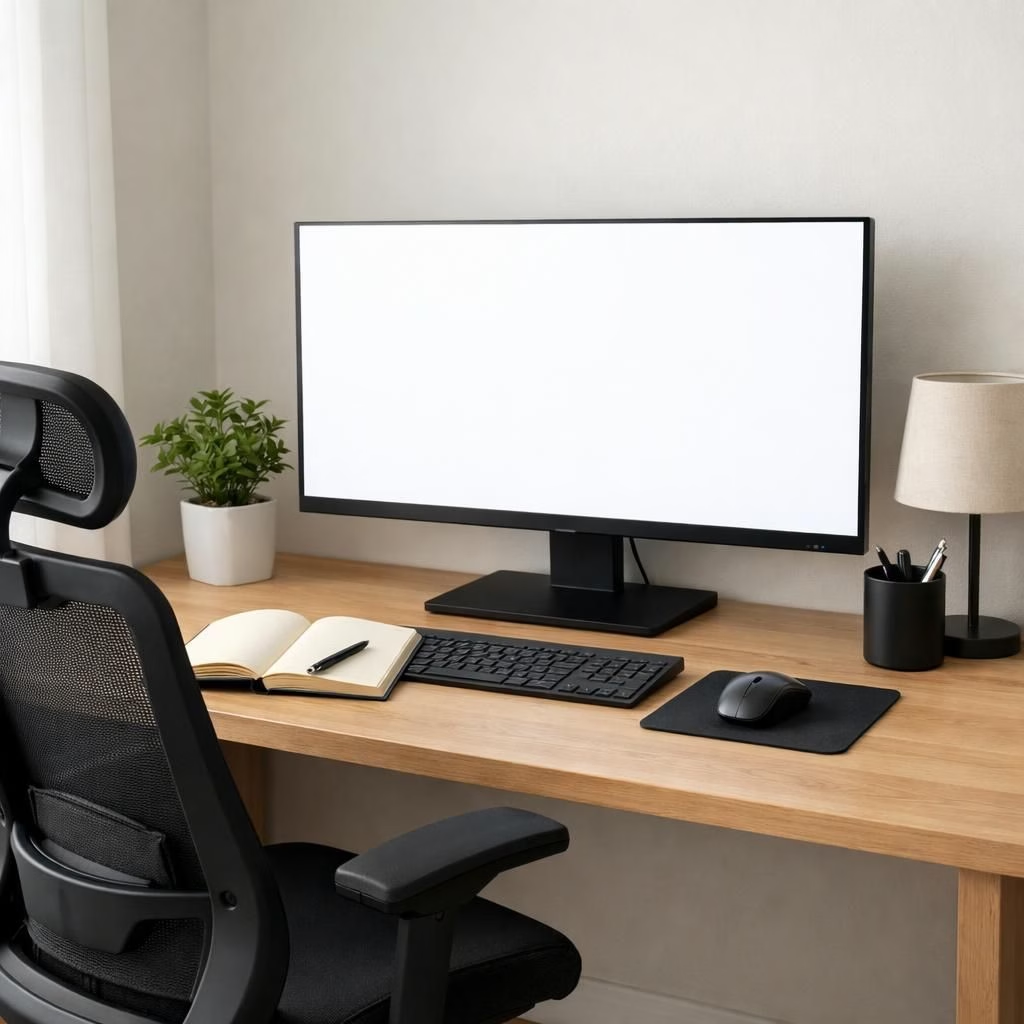
For anyone designing a space with monitor size in mind, the home office is less a room and more a tiny productivity lab. The truth is that bigger is not always better, and the best monitor size depends on distance, resolution, and daily tasks. In 2026, the trend toward ultra-wide and 4K is real, but so is the sanity of your eyes and the ergonomics of your chair. This article revisits a popular claim that 27 inches is the holy grail and explains why a more nuanced approach often pays off.
monitor size myths in the workspace
The meme around a 27-inch monitor sticks around, but it doesn’t cover every desk. The optimal monitor size depends on viewing distance, pixel density, and the work you do. If you sit two to three feet away, a 27-inch screen at 2K or 4K can have more pixels than you need. You may see crisp text, but you might also find yourself leaning in or squinting at icons. People chase the biggest screen to look productive, but productivity comes from good layout and steady focus, not inches. The right monitor size helps you read text without craning your neck. It also reduces the need to constantly resize windows. In short: pick a size that fits your distance and your routine, whether you code, design, or scroll through memes.
monitor size essentials for an efficient workspace
Practical lens: consider your typical distance to the screen and your preferred desk depth. A smaller screen with excellent scaling can reduce eye fatigue even if you own more pixels. A larger screen isn’t inherently better if you can’t sit far enough away to read without squinting.
- Measure your desk and seat. Know how far your eyes sit from the screen to estimate monitor size.
- Test distances with a temporary setup before you buy. A quick test with a cardboard mockup helps.
- Use text scaling and zoom options to keep content legible without leaning or squinting, especially on a high-density display.
- Set the monitor height so the top edge is near your eye line; a riser or adjustable stand helps.
- Keep your chair and desk at the right angle to maintain ergonomics without sacrificing monitor size utility.
- Account for your everyday tasks. If you do a lot of reading, a slightly smaller, high-DPI screen with proper scaling may beat a larger one.
In the end, the answer isn’t a magic number. It’s a balance of monitor size, your workspace setup, and how you work. The goal is to reduce eye strain, improve posture, and boost focus. This approach proves more practical than chasing a headline metric.
Original article by Why Consumer Reports Says The Best Monitor Size For Your Home Office Isn’t 27-Inches.
Thanks to the original source for the inspiration. If you enjoyed this perspective, share your thoughts in the comments and tell us your preferred monitor size for your home office setup.