

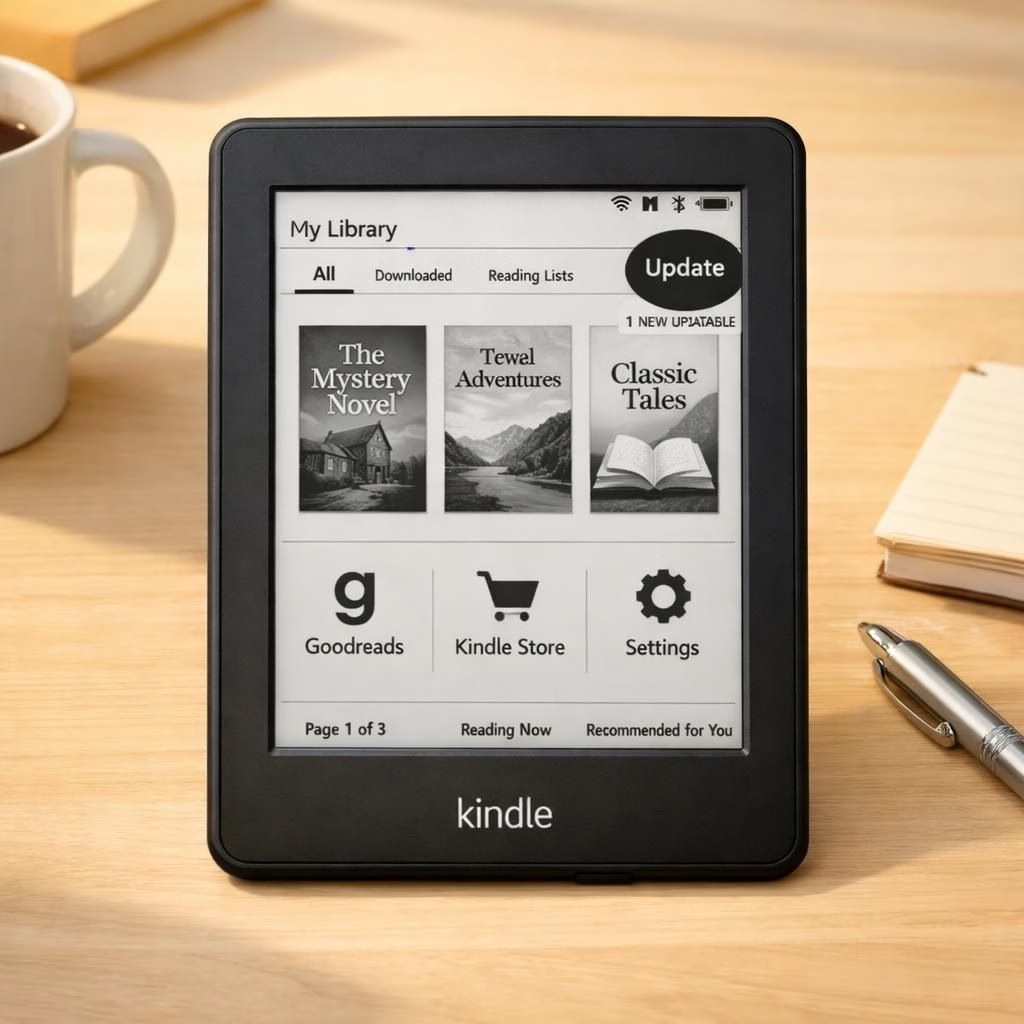
Kindle devices and Support are entering a new phase in 2026 as Amazon shifts away from aging hardware. The move blends nostalgia with practicality and a reminder that devices age, too.
What this means in plain English: older Kindles will lose certain updates and official app Support for new features. This isn’t a badge saying obsolete—it’s a software sunset. The goal is to keep security tight and maintenance manageable for Amazon, while still letting you read your favorite books if you adapt a little.
Kindle and Support: What the 2026 policy change means for readers
First, the core truth: Kindle devices released before 2013 are not going to vanish from your shelf overnight. But their access to new features, stores, and cloud services is going to shrink. Expect fewer firmware updates, pared-back apps, and a slower path to new formats. In practical terms, your Kindle may still happily render your purchased titles, but you might not be able to install some new apps or download newly formatted books directly on the device.
- Security updates will taper off for older models, which means treat the device like a long-lived gadget and keep others safe.
- App compatibility will drift away from old hardware, so some services may not be available on older Kindles anymore.
- Amazon aims to reduce fragmentation across devices, keep the ecosystem lean, and simplify Support channels.
Kindle and Support: Practical Steps to Stay Reading Ready
Now that we know the landscape, here are pragmatic options that keep you reading without a full tech meltdown. The spirit is positive: you can still read, share, and enjoy your library with a few small changes.
- Upgrade path: If you can, consider a newer Kindle or use the Kindle app on a tablet or phone.
- Offline safety net: Your old Kindle can still function as a dedicated reader for offline purchases. Back up essential books on your main device too.
- Account hygiene: Verify your Amazon account is current. Review two-factor protection and recovery options to prevent lockouts during updates.
- File compatibility: Some formats may not render on older Kindles. Use official channels for format changes or rely on supported apps on other devices.
- Security mindset: Do not jailbreak or hack devices to bypass policy. It risks malware, a bricked device, or account compromise.
- Alternative readers: If you want a fresh experience, compare other e-readers that fit your reading taste and budget. You can still access your Kindle library via official apps.
- Data hygiene: Regularly back up highlights and notes from your Kindle to a computer or cloud storage.
For many readers, the shift is a gentle nudge toward smarter device management. The Support ecosystems are evolving, but your love of books can adapt with humor and patience.
Kindle and Support: Security tips in 2026 that actually help
Security remains the quiet hero here. Rely on official apps and devices for updates. Avoid sideloading risky software. Keep your accounts safeguarded with strong passwords and multi-factor authentication. If your device is older, don’t connect it to risky networks. Use a trusted home or office setup. Regularly review your device list in your Amazon account to ensure it includes only devices you still use. That keeps the Kindle and Support ecosystem healthy and your data safer.
- Update management: Schedule a quarterly check on firmware status for your Kindle family and related apps.
- Device separation: Use a dedicated reader for books. Keep your daily driver separate to minimize data risk.
- Phishing awareness: Be cautious with emails about updates that ask for sensitive info. Amazon won’t ask for passwords via email alone.
We’re not trying to scare you. We’re here to help you chart a sensible, budget-friendly course that respects your reading habit and your devices. The goal is sustainable enjoyment, not panic shopping.
Kindle and Support: Costs, upgrades, and practical choices
Upgrading can be smart if your budget allows. Compare models, check refurbished options with warranties, and consider new accessories like a protective cover and a reading lamp. If you’re happy with your current Kindle, you can still use the official Kindle apps and cloud features on other devices. The key is to preserve access to your library while balancing convenience and security.
Remember: tech ages, but your reading habit can stay evergreen with planning and humor. The Kindle and Support ecosystems will still serve readers who plan ahead.
Kindle and Support: Final reflections and reader engagement
Whether you upgrade or stick with your current setup, take a practical approach rather than panic. Stay informed, protect your accounts, and keep a fallback plan ready for future changes.
We want to hear how you’re handling the shift. Share your strategies, experiments, and questions in the comments and let the community learn together.
Original article inspiration and thanks: Mashable provided initial coverage of the Kindle devices, with contributions from BBC, PCMag, ZDNet, and The Independent. Mashable’s framing is appreciated. Mashable article: End of Support for older Kindles.