

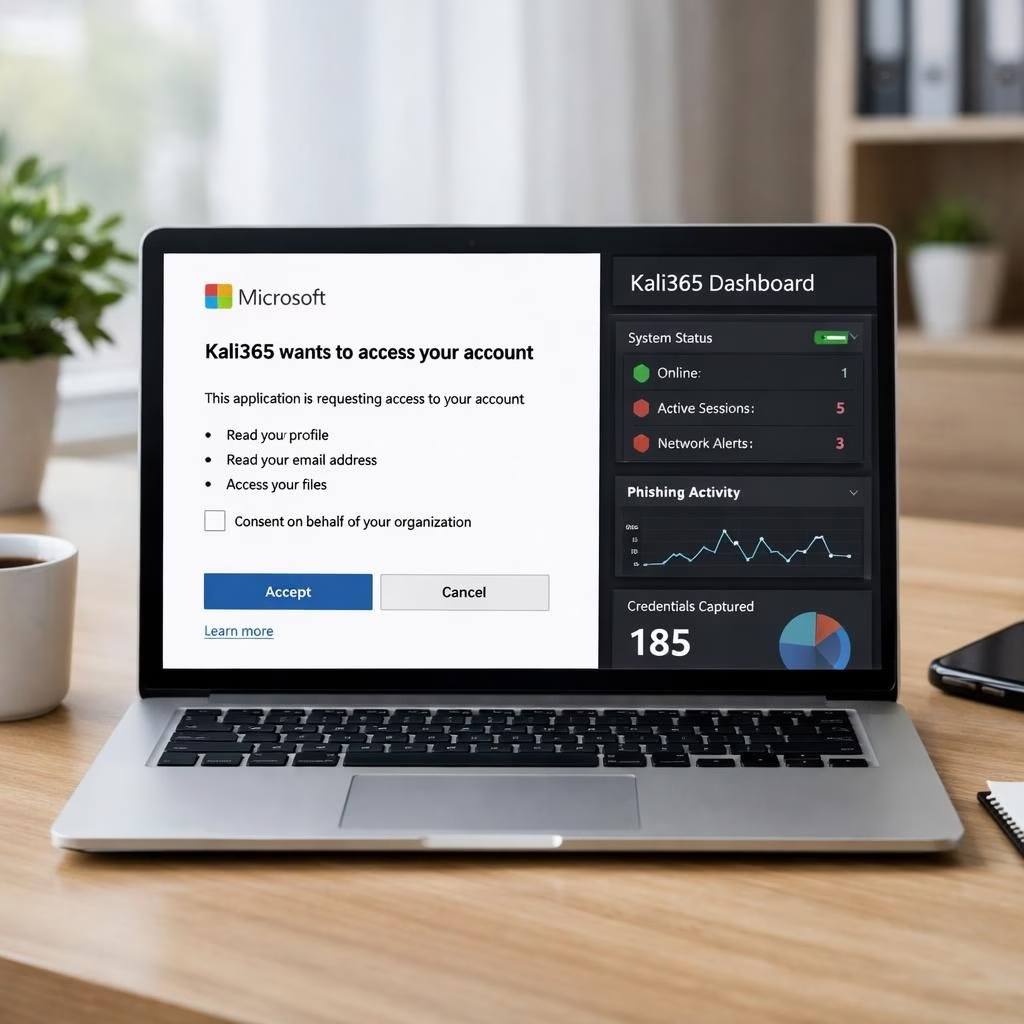
This is a practical heads-up about Kali365 and PhaaS—a pairing that sounds like a sci-fi villain but is very real in 2026. The FBI’s public service announcement is clear: attackers are using Kali365 to turn Microsoft 365 access tokens into a no MFA convenience store. Yes, Kali365 makes it easier for less-technical bad actors to push AI-generated phishing and to track targets in real time. If you thought phishing was already a problem, you’re not far off: Kali365 and PhaaS bring a dashboard, templates, and token theft into one tidy package, which is why we need to talk about it with a wink but also with practical guardrails.
Kali365 and PhaaS: What They Are and Why They Matter
Kali365 is the platform—the shopping cart—for phishing-as-a-service, designed to help criminals craft convincing lures and harvest OAuth tokens. PhaaS stands for Phishing-as-a-Service, a concept that has matured from a sketchy forum thread to a cloud-based offering. The two together become a threat vector that bypasses MFA by presenting a legitimate consent flow to the user, and then quietly harvesting tokens in the background. The FBI warns that this ecosystem lowers the barrier to entry, letting even non-technical actors run automated campaigns with real-time dashboards. The net effect isn’t just a breach; it’s a reproducible, scalable threat that knows how to blend in with everyday cloud usage. The updated ecosystem also means attackers can operate with less direct interaction and greater automation.
How Kali365 Reframes PhaaS Attacks: A Simple Breakdown
The basic flow remains familiar: lure, authorize, token theft, and persistence. In the Kali365 world, the lure arrives as a phishing email impersonating trusted cloud services. The attacker shares a device code and directs victims to a real Microsoft verification page. The victim, acting in good faith, pastes in the code and unknowingly authorizes the attacker’s device. The action unlocks OAuth tokens—access and refresh tokens—that grant access to the Microsoft 365 account. With tokens in hand, the attacker can access Outlook, Teams, and OneDrive without a password or additional MFA prompts. The last step lets the intruder stay inside for days or weeks, quietly harvesting data and staging further intrusions. The PhaaS toolkit adds automation, templates, and real-time dashboards that make the threat scalable.
- The lure often masquerades as a notice from trusted cloud services.
- The device code flow is used to exploit a real Microsoft page.
- Token theft yields long-lived access with minimal user friction.
- Persistent access can remain undetected for extended periods.
In practice, this means threats can operate undetected inside a breached account until routine audits uncover anomalies.
Protective Tips: Staving Off Kali365 and PhaaS
Practical defense is about small, repeatable controls. The FBI’s guidance focuses on binding device code flow, adding conditional access rules, auditing usage, and limiting how authentication transfers from devices to mobile platforms.
- Restrict device code flow or block it for most users via conditional access, with exceptions for essential processes.
- Implement a conditional access policy that blocks device code flow for all users, with narrowly scoped exceptions for business needs.
- Audit device code flow usage to understand legitimate dependencies before enforcing a policy.
- Block authentication transfer policies to prevent session transfers from computers to mobile devices.
- When full restriction isn’t possible, exclude emergency access accounts to prevent lockouts.
- Monitor for suspicious device codes, unusual login times, and new device access.
- Ensure MFA remains enabled on accounts with sensitive data; adopt zero-trust for Microsoft 365 resources.
- Test conditional access changes in a controlled environment before broad rollout.
Applied properly, this reduces opportunities for PhaaS operators to move quickly inside an environment.
What to do if you suspect exposure
If you notice odd calendar invites or suspicious logins, act quickly: review recent OAuth consent grants, reset tokens, and ensure MFA is on for sensitive accounts. Check for unfamiliar devices or sessions and revoke anything suspect. Notify IT or security teams, and consider filing a report with IC3 if you believe you’ve been targeted. This approach helps contain the breach and document indicators to support investigations. Following the FBI’s steps will reduce dwell time and speed recovery.
Original article: FBI PSA: Kali365 Phishing-as-a-Service. Special thanks for the original material that informed this post.
Have you encountered phishing attempts like these? Share your thoughts and experiences in the comments below to help others spot the signs early.