

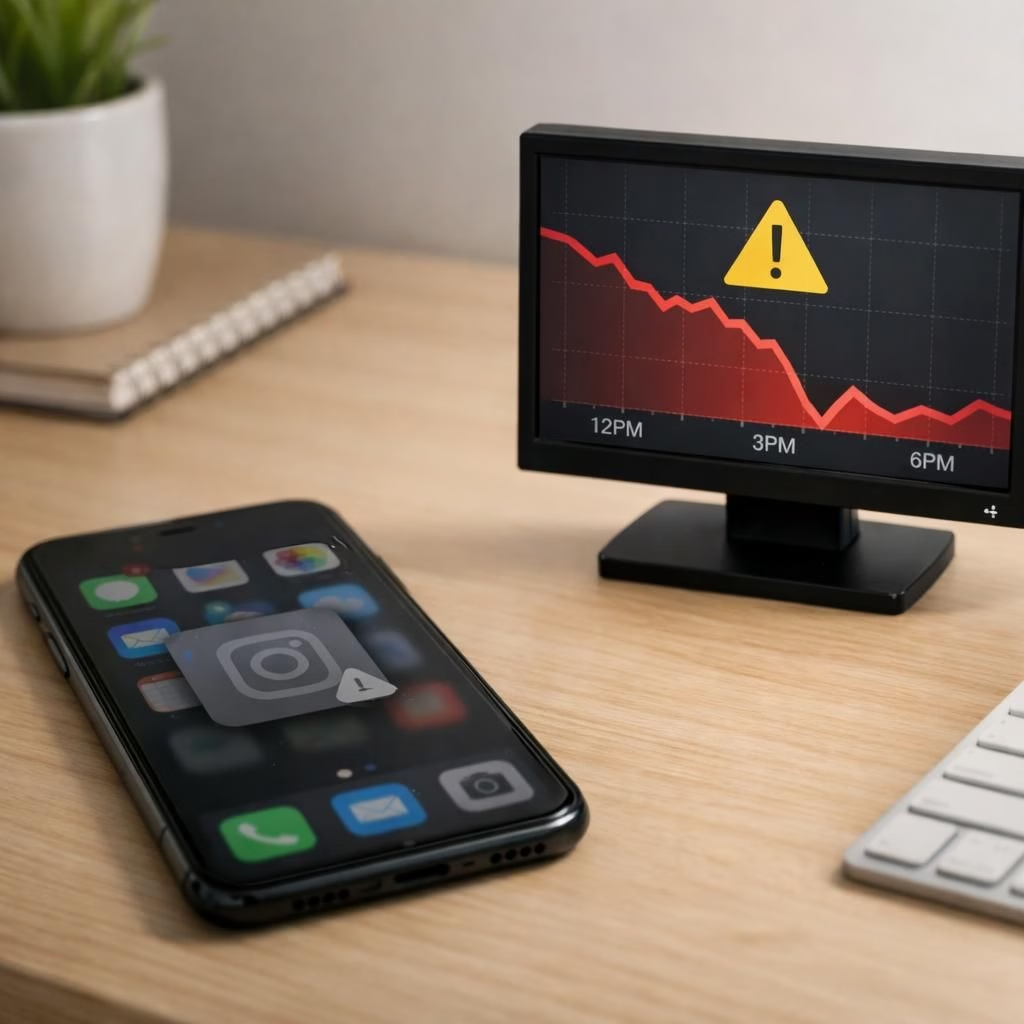
In the early hours of 2026, Instagram outage disrupted the usual scroll-fest for thousands. Downdetector registered more than 10,000 reports, with a peak around 08:59 IST. Most complaints pointed to the Instagram app itself (71%), followed by server connections (19%), and issues with the feed or timeline (5%). Across Reddit, threads about DMs turning blank screens spread quickly, nudging the narrative toward a server-side fault rather than a device problem. The takeaway was clear: the outage touched messaging and general access more than most other features, reminding us that even the largest platforms are built on fragile, well-tuned code.
Instagram outage insights for 2026
When a giant like Instagram experiences an outage, the slow-motion clock of the internet keeps ticking. The posted breakdown helps teams triage: the app itself vs. the backend vs. the feed. In practice, this outage reveals where the stack fails first and which signals predict the next hiccup. The incident response cycle moves from silent debugging to public communication, and that shift alone changes how users perceive the platform’s reliability. For broader platform strategy, Meta is exploring paid subscriptions on Instagram: Meta’s new paid subscriptions on Instagram.
Understanding the Instagram outage signals
Data from 10k+ reports show the split: 71% app access problems, 19% server connections, 5% feed or timeline issues. That pattern points to frontend delivery hiccups and occasional API rate limits or backend cache failures. In practice, users face two pain points: logging in or opening the app, and then seeing missing messages or stale feeds. The Reddit chatter on DMs underscores this: blank screens, missing conversations, and a sense of waiting for a fix that might come after lunch. This aligns with a backend fault more than a device glitch.
Practical tips during Instagram outage for users
- First, do not panic. Check official status posts and verify whether the issue is regional or account-specific.
- Try logging out and back in, rebooting the device, or accessing Instagram through a web browser.
- If the DM tab is blank, don’t waste hours refreshing—give the servers a moment to recover.
- For those who rely on Instagram for work or customer support, pivot to a backup channel like email or another messenger during the outage.
- The goal is to minimize downtime while the outage sorts itself out.
Instagram outage: what this means for users and the industry
The outage isn’t just a momentary nuisance; it highlights the fragility and resilience of large-scale platforms. When the app goes dark for thousands, it tests how quickly teams can respond, how transparently they can communicate, and whether users adopt backup workflows. The data-driven narrative suggests a few lessons: maintain offline copies of critical messages, use multi-channel alerts for important conversations, and avoid over-reliance on a single social network for essential communication. For developers and IT teams, the outage emphasizes robust error handling, clear status dashboards, and resilient caching strategies that keep feeds coherent even when core systems stumble. Meta Platform Status offers a practical example of real-time incident reporting: Meta Platform Status.
Two more reflections on the Instagram outage
From a design perspective, the outage invites a reconsideration of how features degrade. When the app cannot deliver messages, it should still show a minimal, informative screen that reduces user frustration. When feeds stall, the system can offer a lightweight fallback view or status badge so users know what is happening. The real magic comes from proactive monitoring, fast rollback plans, and clear, human-friendly updates that explain what is known, what is being done, and when users can expect relief. The Instagram outage thus becomes a case study in reliability engineering rather than a random blip on a map of social media chaos. For broader context, see Zuckerberg’s AI-focused bet across Meta’s platforms: Zuckerberg’s $135 Billion bet: Why Instagram and Facebook could be flooded with AI content and a related look at cross-platform updates: WhatsApp may soon bring this Instagram-like feature to Status.
Managing Instagram outage communication
Clear, calm updates matter. When the system stumbles, the audience wants to know what to expect, what is fixed, and what they can do right now. The outage offers a reminder to keep our own communications robust: designate a backup channel, post status updates, and avoid mass panic. In 2026, many teams rely on cross-posting to multiple platforms to keep essential conversations alive. The Instagram outage can teach brands, creators, and casual users how to stay connected even when the core platform falters.
Personal resilience during a Instagram outage
To protect your day-to-day, consider a practical checklist: save essential messages locally, back up important media, and keep alternative contact methods ready. Plan ahead for time-sensitive announcements. Use offline features and notifications to reduce anxiety. If you must post, draft offline and queue when the service recovers. The aim is to minimize disruption and preserve momentum during the Instagram outage storm.
Final notes on the outage and its lessons
In the end, outages test both technology and temperament. The Instagram outage teaches teams to be honest about problems, to speed up communication, and to design with failure in mind. Users gain more respect for robust status pages, predictable incident windows, and a network that supports continuity even when the main stage falters. Remember, the best online experience blends strong engineering with thoughtful user support—and a little humor when resilience is tested by a global platform.
Original article: Thank you to the original article for providing the core material. We appreciate the authors and the source for making the data accessible and the discussion engaging. If you have thoughts or experiences with this Instagram outage, consider sharing them in the comments below. We welcome your insights, tips, and anecdotes.
FAQ
-
What caused the outage?
Analyses point to backend and caching issues that affected login, DMs, and feeds, rather than a single simple bug.
-
How long did the disruption last?
Restoration varied by region, with many users seeing partial recovery within hours and broader stability as servers stabilized.
-
What can I do to stay connected next time?
Keep backup channels ready (email, alternate messaging apps), monitor official status pages, and avoid basing critical work solely on one platform.
-
Should brands adjust during outages?
Yes—publish calm, factual updates and offer alternative contact methods to sustain momentum with your audience.
Conclusion: Outages test both engineering and empathy. If you manage a brand or public account, build contingency workflows now and maintain a clear incident response plan so audiences stay informed when a major platform stalls.