

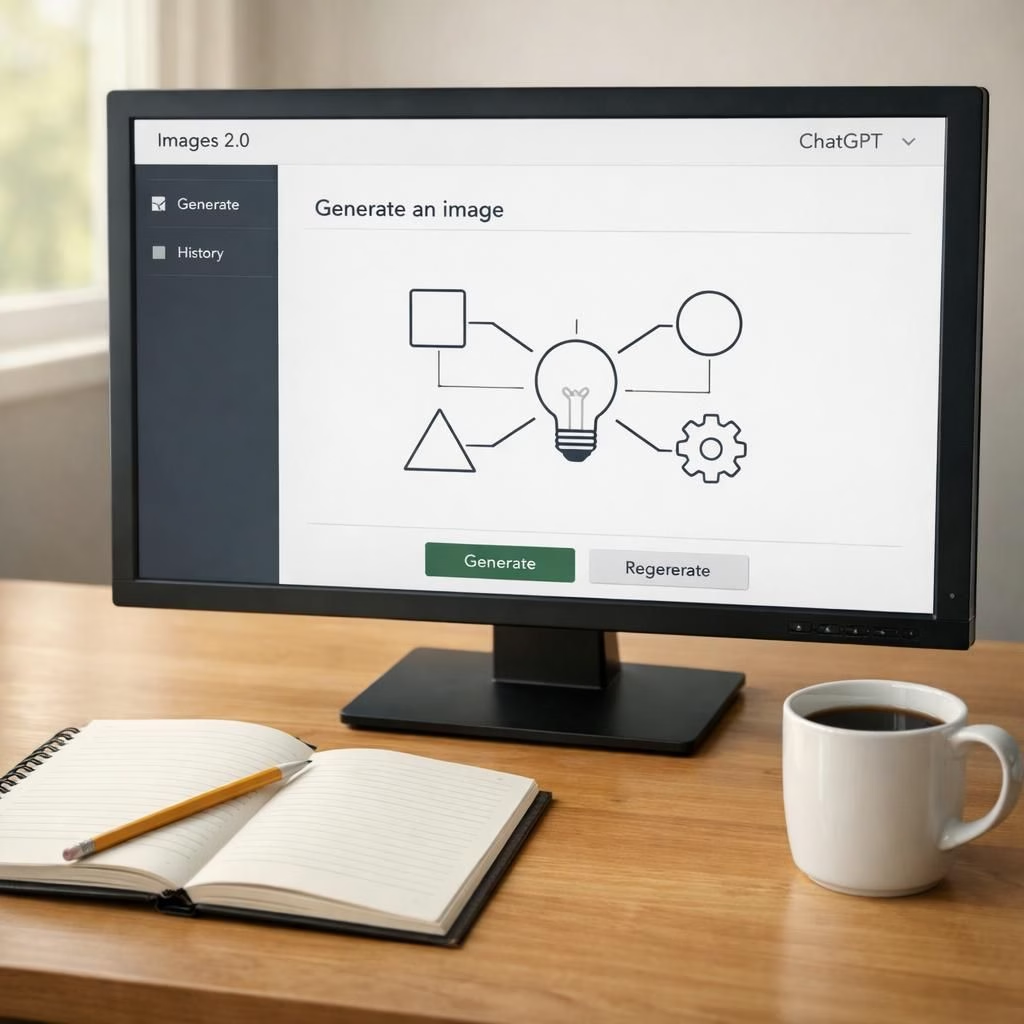
Images 2.0 and ChatGPT have shifted from buzz to backbone in the AI-graphics arena. The new model doesn’t just spit out pretty pictures; it stitches context, text cues, and diagrams into coherent visuals you can actually read. In 2026, we see an ecosystem where image generation gets smarter about lines of thought, not just lines on a canvas. This piece keeps the core truths intact while adding a pinch of humor and practical guidance for creators, developers, and curious readers.
Images 2.0: Smarter visuals with smarter prompts
The leap with Images 2.0 is not merely higher resolution or brighter colors. It interprets prompts with a sharper eye for semantic intent. If you ask for a chart that communicates growth, the system positions axes, labels, and legend text so the reader can skim and grasp the idea in seconds. It can weave text into the image gracefully, so captions and callouts feel like natural parts of the diagram rather than afterthought overlays. This is especially useful when you want diagrams that double as readable artifacts in reports or slides. In practice, Images 2.0 treats prompts as a contract: tell it the story you want, and it will deliver a visual narrative that supports your message instead of fighting it.
From a creator’s viewpoint, the capability to combine charts, annotations, and thematic imagery in a single render reduces back-and-forth and speeds up iteration. You’ll see more consistent typography, better alignment between graphic elements, and clearer depictions of relationships in data. This is not just pretty art; it is accessible visuals that communicate ideas quickly. With Images 2.0, you can craft visuals that feel deliberate, not accidental, and that’s a win for anyone who cares about legible content.
ChatGPT: Narrating diagrams and guiding visuals
ChatGPT brings a storytelling layer to the image game. It can generate diagram captions, construct step-by-step visual flows, and even draft the labels that appear within an image. The synergy is practical: you describe the concept, ChatGPT suggests a layout, and Images 2.0 renders the result. The result is diagrams that aren’t merely decorative; they function as learning aids, onboarding cues, and quick-reference visuals. In 2026, this pairing helps teams align on a shared mental model: the text guides the image, and the image reinforces the text.
For educators, marketers, and product teams, this means fewer compromises. You get visuals that reflect precise terminology, include accessible color contrasts, and preserve legibility across devices. ChatGPT can also help tailor visuals to different audiences, dialing up or down technical detail as needed. The collaboration feels natural, almost like you have a co-pilot who knows when to emphasize a label, when to simplify a chart, and when to adjust the scale for readability.
Practical tips for using Images 2.0 with ChatGPT in 2026
If you want to maximize quality, start with clear prompts. Specify the purpose of the image, the audience, and the key data points you expect to appear. Be explicit about text in the image—where it should sit, what size the labels should be, and how much contrast is desired. The combination of Images 2.0 and ChatGPT excels when you provide structure: a data story, followed by a visual summary, then a brief caption or legend. This chain reduces ambiguity and speeds up iteration cycles for both design and validation.
Leverage modular prompts. Ask for a base diagram, then request variations that tweak color schemes, typography, or annotation density. If you need different formats for different channels, generate a chart for a slide deck and a simplified version for a social post using the same underlying data. The AI chain remains consistent, which helps maintain brand coherence and reduces cognitive load for viewers.
Keep accessibility in mind. Request high-contrast text, alternative text for the image, and alt-friendly annotations within the diagram. ChatGPT is powerful, but accessibility ensures your visuals reach everyone who needs them. The result is inclusive, informative, and more effective in real-world workflows.
Why this matters for creators, teams, and learners
The marriage of Images 2.0 and ChatGPT offers practical advantages beyond flashy capability. It lowers the barrier to producing professional visuals for non-designers, speeds up prototyping, and helps teams converge on shared visuals that communicate ideas clearly. As AI-generated visuals become a standard tool in classrooms, board rooms, and marketing labs, the emphasis shifts from awe to utility. In 2026, the value is no longer just what the tool can render, but how well it supports your message, your data, and your audience.
For enterprises and solo creators alike, the update means fewer delays and more confidence in the diagrams they publish. When you can trust that a generated image will align with your terminology and flow, you can focus on the narrative around it rather than battling the visuals themselves. Images 2.0 and ChatGPT become a reliable duo for turning abstract ideas into tangible visuals you can discuss, annotate, and share.
In short, this evolution isn’t just about nicer pictures; it’s about smarter storytelling through visuals. The work you produce becomes easier to understand, quicker to validate, and more engaging to your audience. If you are building documentation, training materials, or data-driven content, consider leaning into Images 2.0 with ChatGPT as your on-demand visual co-author.
Original article and inspiration: TechCrunch coverage of ChatGPT’s Images 2.0. Thank you to TechCrunch for the original coverage and the thoughtful material that sparked this recap.
We’d love to hear your experiences with Images 2.0 and ChatGPT. Share your thoughts and examples from your own projects in the comments.
Original article: TechCrunch article on ChatGPT’s Images 2.0. Thank you to TechCrunch for the original coverage.
References
- TechCrunch: ChatGPT’s Images 2.0 coverage
- The Verge: AI image updates and storytelling tools
- OpenAI Blog
- Bloomberg: AI visualization advances
- Original TechCrunch article: https://techcrunch.com/2026/04/21/chatgpts-new-images-2-0-model-is-surprisingly-good-at-generating-text/