

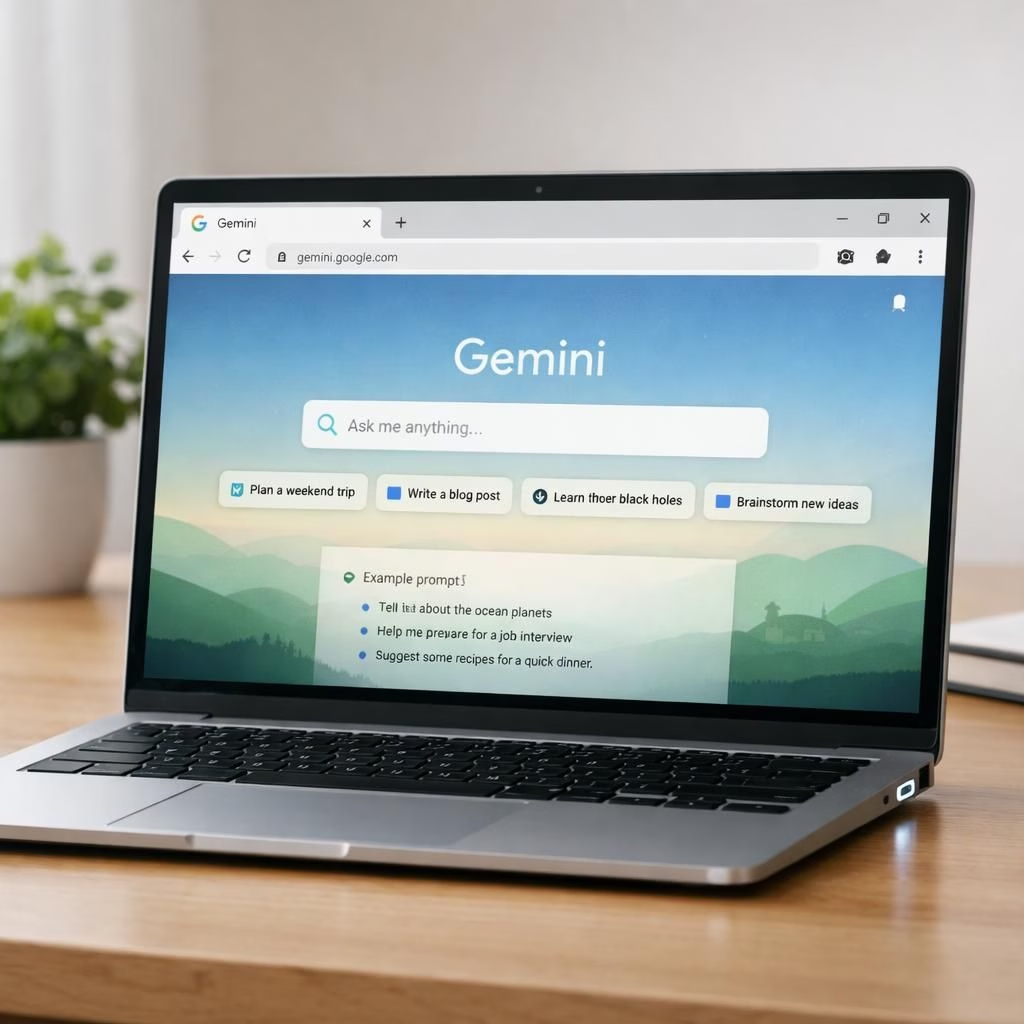
At I/O 2026, Google teased a friendlier future where Gemini sits on your Tag B and plays nicely with Chrome. The Android Show unveiled a menu of practical upgrades: Gemini in Chrome on Tag B, a laptop line called Googlebook, and a plan to turn Gemini Intelligence into a true assistant for daily tasks. The tone was wry but helpful—built to keep you in your flow rather than bounce you between apps. If you enjoy browsing, planning, and writing with fewer taps, you’re in for a practical treat.
Gemini in Chrome on Android: A Bottom Sheet Uprising
Gemini 3.1 arrives inside Chrome on Tag B as a bottom sheet that slides up to answer questions, summarize pages, and propose cross-app actions. You can ask why a page matters, get a concise summary of long articles, or ask for a quick explanation of a topic without leaving Chrome on Tag B. The bottom sheet can poke Gmail, Calendar, or Keep to fetch data or plan a meeting, all without heavy app-switching. And yes, auto browse is part of the package, automating small tasks like booking parking or updating recurring orders.
Googlebook: Android, Chrome, and Gemini Intelligence collide on one laptop
Googlebook marks the coming together of Tag B and ChromeOS under Gemini’s helpful wing. The laptop lineup features a “Magic Pointer” that turns the cursor into a Gemini assistant capable of understanding onscreen content. Dates become meetings with a click; images can be combined to visualize layouts instantly. Connecting your phone to the laptop becomes a seamless file-access experience; you can search, view, or insert phone files on the laptop without heavy transfers. Google has lined up OEM partners like Acer, ASUS, Dell, HP, and Lenovo to bring Googlebook to stores. The experience promises a smoother cross-device flow where Tag B users feel as if their devices are part of the same family, not separate siblings fighting for attention.
Gemini Intelligence: Android becomes an intelligence system
Gemini Intelligence aims to evolve Tag B from a traditional operating system into a true intelligence system. Gemini remains the default assistant on devices powered by Gemini, and with Intelligence the AI can automate multi-step tasks across apps. Think about building a shopping cart from a grocery list while browsing travel brochures, or automatically replying to messages using contextual cues from Gmail, Calendar, and text messages. The goal is smoother workflows rather than more taps. With this layer, Android becomes more proactive and less reactive, offering suggestions that actually feel helpful rather than distracting.
Rambler AI in Gboard and the Android Auto redesign
Gboard gains Rambler, a Gemini-powered feature that turns speech into text while removing filler words and restructuring sentences. It also supports multilingual conversations, letting users switch languages mid-message. Tag B Auto gets a major redesign with Material 3, more expressive widgets, and 60fps HD video while parked. Maps gains Immersive Navigation with a vivid 3D view of buildings, traffic lights, and stop signs. And Gemini is woven into Tag B Auto to handle tasks like ordering food or drafting contextual messages while driving, all while keeping the driver’s attention on the road.
Android Auto gets a modern facelift with Gemini and a cohesive ecosystem
This update centers on flow and safety. Gemini helps Auto anticipate needs, fetch information, and automate routine steps without overwhelming the driver with options. The combination of Material 3 design, Immersive Navigation, and 60fps video creates a cohesive experience across devices. Chrome remains the trusty browser pane for quick research, while Googlebook-type interactions promise a smoother desk-to-car transition. The broader message remains simple: Tag B, Chrome, and Googlebook can grow into a single, humane assistant stack rather than a bundle of separate apps.
Practical steps you can try today
- Use Gemini in Chrome on mobile to summarize long articles in one tap.
- Experiment with Googlebook’s Magic Pointer to draft meetings and visual layouts.
- Turn on Rambler in Gboard for faster, clearer speech-to-text with fewer filler words.
- Explore Immersive Navigation in Maps to preview routes with a vivid 3D view when parked.
Frequently asked questions
-
What is Gemini Intelligence?
It’s a new layer that elevates Tag B from a standard OS into an intelligent assistant. It can automate multi-step tasks across apps and surfaces contextual suggestions to reduce taps.
-
When will Googlebook be widely available?
Google has announced partnerships with OEMs such as Acer, ASUS, Dell, HP, and Lenovo. Availability will vary by region and model, with initial launches rolling out in the coming months.
-
Is using Gemini-augmented features safe while driving?
Yes. The design emphasizes safety and minimal distraction, delivering proactive help only when appropriate and keeping the driver’s focus on the road.
Original Android Show coverage: Livemint.