

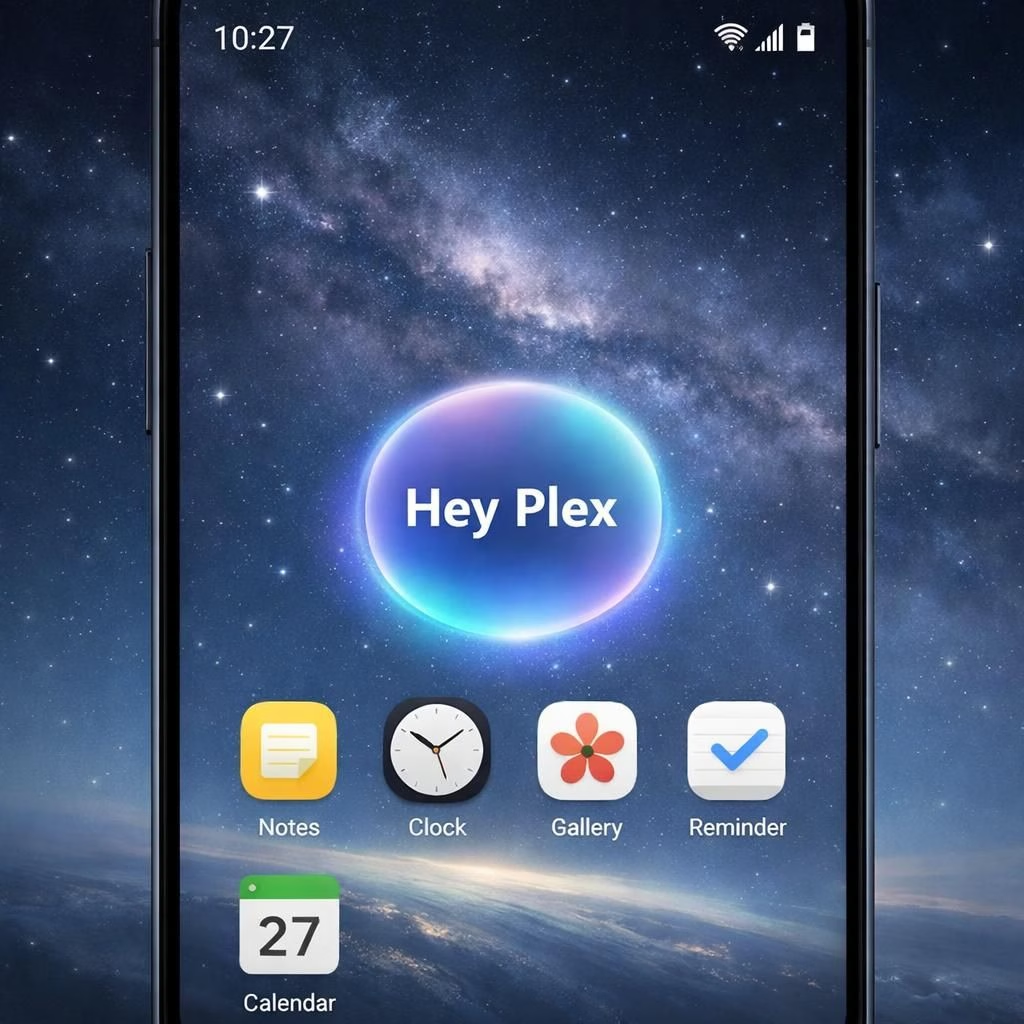
Samsung Electronics is expanding Galaxy AI to deliver a richer, open, integrated multi-agent ecosystem. The goal is to reduce steps in everyday tasks by letting AI work in the background without demanding attention. Galaxy AI helps you get things done more naturally, giving you more choice, flexibility, and real control. As routines evolve, many people already rely on multiple AI agents for different tasks. Samsung expands Galaxy AI to support an integrated set of AI agents, so you can pick experiences that fit your mood and schedule. This is not a one-app trick; it’s system-level magic—an OS-side orchestration that understands context and makes interactions feel natural. It also lets Samsung curate experiences from trusted services, like Perplexity, while keeping everything cohesive within the Galaxy environment.
Galaxy AI as system-level orchestrator
In practice, Galaxy AI acts as the system-level orchestrator, weaving together several AI agents into a single, natural flow. Rather than living inside isolated apps, this approach maps context across core Galaxy apps—Notes, Clock, Gallery, Reminder, Calendar—and supports select trusted third-party apps. The result is a smoother, multi-step workflow where Perplexity can step in on demand while Galaxy AI keeps the experience cohesive and seamless within the Galaxy environment. The OS learns your rhythm, prefetches tasks, drafts calendar invites, and arranges reminders with simple prompts, turning everyday moments into a well-coordinated routine.
AI agents at play in Galaxy AI’s ecosystem
Samsung will add Perplexity as an extra AI agent on upcoming flagship Galaxy devices. Access comes via a voice wake phrase, ‘Hey Plex,’ or by pressing and holding the side button for quick-access controls. This makes contextual assistance easy to reach and cuts down the time spent hunting for the right app. Perplexity becomes another AI agents across selected Samsung apps—Notes, Clock, Gallery, Reminder, Calendar—and some trusted third-party apps, enabling smoother, multi-step workflows and letting users move between tasks without manual app juggling. The result is a richer, more flexible AI experience across the device. The approach reinforces Samsung’s commitment to an inclusive, open ecosystem from 2026 onward, with Perplexity joining the Galaxy AI lineup to help your day go more smoothly than ever.
Benefits for daily life in a growing multi-agent ecosystem
With this multi-agent ecosystem, you gain several practical advantages. First, you shave steps off common tasks by letting the OS chain actions across apps. Second, you enjoy more natural interactions because context flows rather than issuing commands. Third, developers can participate through trusted services while preserving a cohesive user experience. Galaxy AI remains aware of your rhythms, so reminders, notes, and schedules align without repeated taps. Perplexity can handle complex queries and help draft multi-step workflows, while your calendar stays in sync with reminders and notes. The result is smoother multitasking across the device and fewer file-juggling frustrations. This is not chaos; it’s curated orchestration that keeps AI agents in harmony.
We invite readers to share their thoughts in the comments below and tell us how an integrated Galaxy AI and AI agents experience would change their daily routine. Your insights help shape how this ecosystem could evolve in 2026 and beyond.
Original article: Samsung Newsroom — Thank you for the original material that inspired this rewrite.
Getting started with Galaxy AI and AI agents
- Enable Galaxy AI in Settings and review the capabilities that apply to your device.
- Activate Perplexity with ‘Hey Plex’ or the side button and test a simple query.
- Offer Perplexity access to notes, reminders, and calendar by enabling integrations for supported apps.
- Experiment with a short, two-step workflow (e.g., ‘Remind me to call X after I finish a meeting’) to see how the system orchestrates tasks.
FAQ
- What is Galaxy AI’s multi-agent ecosystem?
It coordinates several AI agents across the device to streamline tasks with context-aware help. - How do I access Perplexity on Galaxy devices?
Use ‘Hey Plex’ or press and hold the side button to trigger Perplexity in supported apps. - Will this be available on all Galaxy devices?
Samsung plans to roll out on upcoming flagship devices first, with broader expansion in 2026.
Conclusion
Galaxy AI’s multi-agent approach aims to make daily tasks feel effortless by orchestrating AI across the OS. For users, this means fewer taps and more natural interactions—an ecosystem that adapts to your rhythm.