

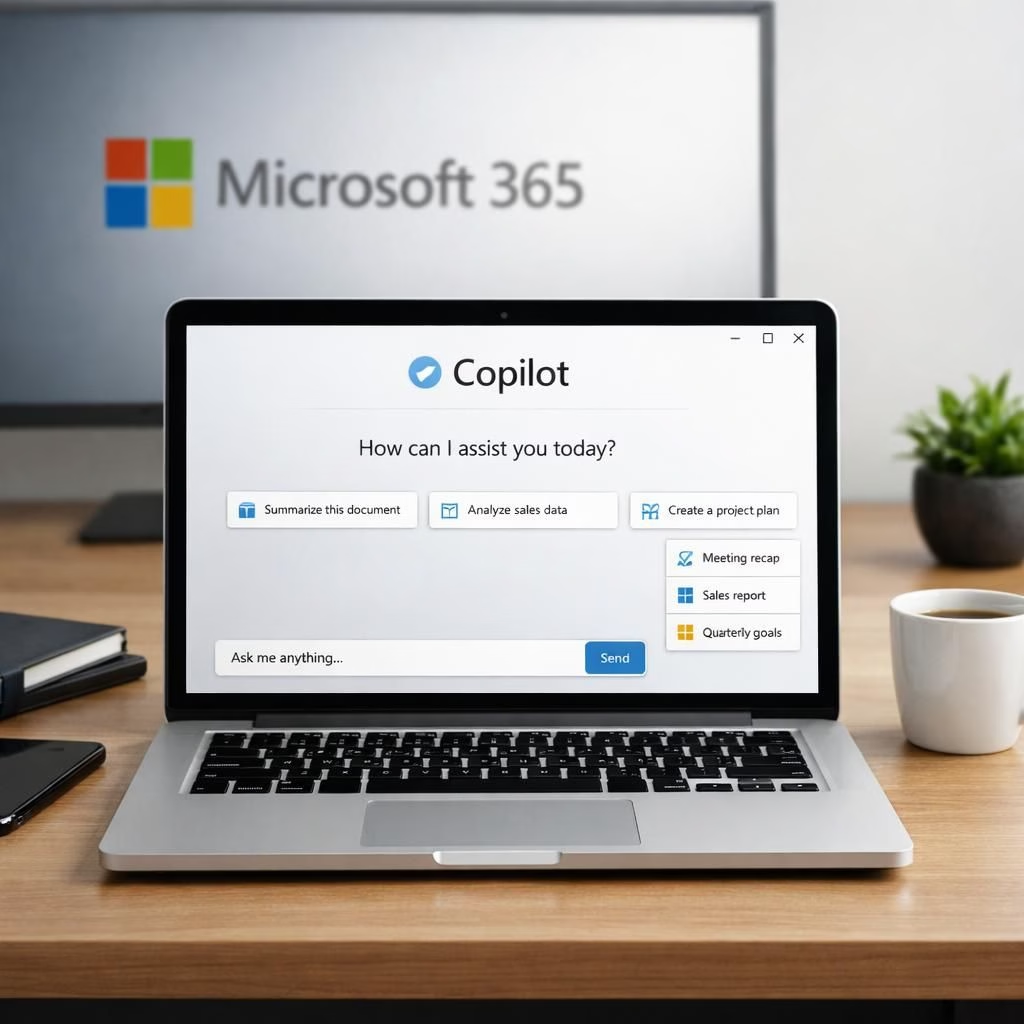
Copilot and Microsoft 365 sit at the center of a refresh in enterprise AI terms, turning a playful disclaimer into a practical promise. When people hear Copilot they imagine a helpful sidekick nudging tasks through inside the Microsoft 365 suite. The pairing shifts the vision from clever emails to enterprise-grade workflows. In 2026, the duo reads like a blueprint for IT and business teams to collaborate without friction, fitting calendars, documents, and dashboards with impact and ease.
Copilot and Microsoft 365: Turning Terms Into Trusted Productivity
Microsoft clarified that the entertainment phrasing is legacy from when Copilot launched as a Bing search companion. A spokesperson cited by PCMag explained that the language no longer reflects current use and will be updated in the next release. The emphasis now centers on deeper integration with Microsoft 365 and enterprise workflows that go far beyond entertainment. CEO Satya Nadella has highlighted Copilot’s reliability and speed in earnings calls, underscoring its role in Microsoft’s AI strategy.
Copilot in Microsoft 365: Clarity, Latency, and Enterprise Confidence
OpenAI, Anthropic, Meta, and xAI all include cautions about AI limits but avoid the entertainment phrasing. OpenAI warns against treating outputs as the sole truth, while Meta restricts use of AI outputs in regulated activities. Elon Musk’s xAI goes further, asking users to indemnify the company against liability. The main point remains that Copilot is embedded in Microsoft 365 and enterprise workflows, supporting teams while respecting governance.
From a product perspective, the change is about aligning language with practice. The intent is to set a reliable baseline for accuracy and latency—two traits Nadella highlighted in the January earnings call. The goal is to reassure users that the tool fits into daily routines inside Microsoft 365 rather than forcing teams to adapt to a strange product. Practically, this means features spanning email drafting, document summarization, and cross‑department coordination within enterprise governance.
Enterprise buyers seek stability and clarity over clever headlines. The new messaging positions Copilot as a trusted assistant inside Microsoft 365 that respects compliance, privacy, and security policies. The real value lies in a dependable workflow partner that reduces repetitive tasks, accelerates decision making, and frees people for higher-value work. The lighthearted licensing backstory can remain a nod to tech history while the practical impact remains the headline for managers and frontline users alike.
Looking ahead, ongoing updates will fine-tune how Copilot behaves in the enterprise. The next updates are expected to improve data interpretation inside the Microsoft 365 ecosystem, boost response times, and tighten governance so teams can customize prompts and outputs without policy misalignment. The playful tone around terms should not distract from dependable productivity gains. In short, Copilot powered by Microsoft 365 is moving from novelty to a reliable workspace partner in 2026.
Readers with experiences to share are invited to join the discussion. Has this integration inside Microsoft 365 actually boosted productivity, or does it feel more like a marketing stunt? Do you trust Copilot to handle confidential information in meetings, spreadsheets, and presentations? Please post your take in the comments so others can learn from real-world deployments.
Original article attribution and thanks go to PCMag for the reporting that sparked this deeper look. We appreciate the original coverage and invite readers to explore it here: PCMag original coverage on Copilot and entertainment terms.
Copilot in Action: Quick Start Steps
- Enable Copilot in the Microsoft 365 admin center through the official setup guide.
- Draft emails and summaries automatically within the Microsoft 365 environment with governance guardrails.
- Analyze data and generate dashboards inside the Microsoft 365 ecosystem.
- Collaborate across departments using shared prompts and outputs in the Microsoft 365.
FAQ
- What does entertainment disclaimer mean for users? It’s a legacy phrase; current guidance emphasizes reliability and governance rather than amusement.
- How does Copilot integrate with governance in the Microsoft 365 platform? It operates within enterprise policies, privacy controls, and data safeguards.
- Is Copilot available for broad enterprise deployment? Availability depends on licensing and admin enablement; check with your IT team.
- Can Copilot handle confidential information in meetings? Use within governed workflows and with appropriate access controls.
Conclusion
In short, Copilot within Microsoft 365 is moving from a novelty to a dependable workspace partner in 2026. The focus is on practical productivity gains, governance, and scale across large organizations.