

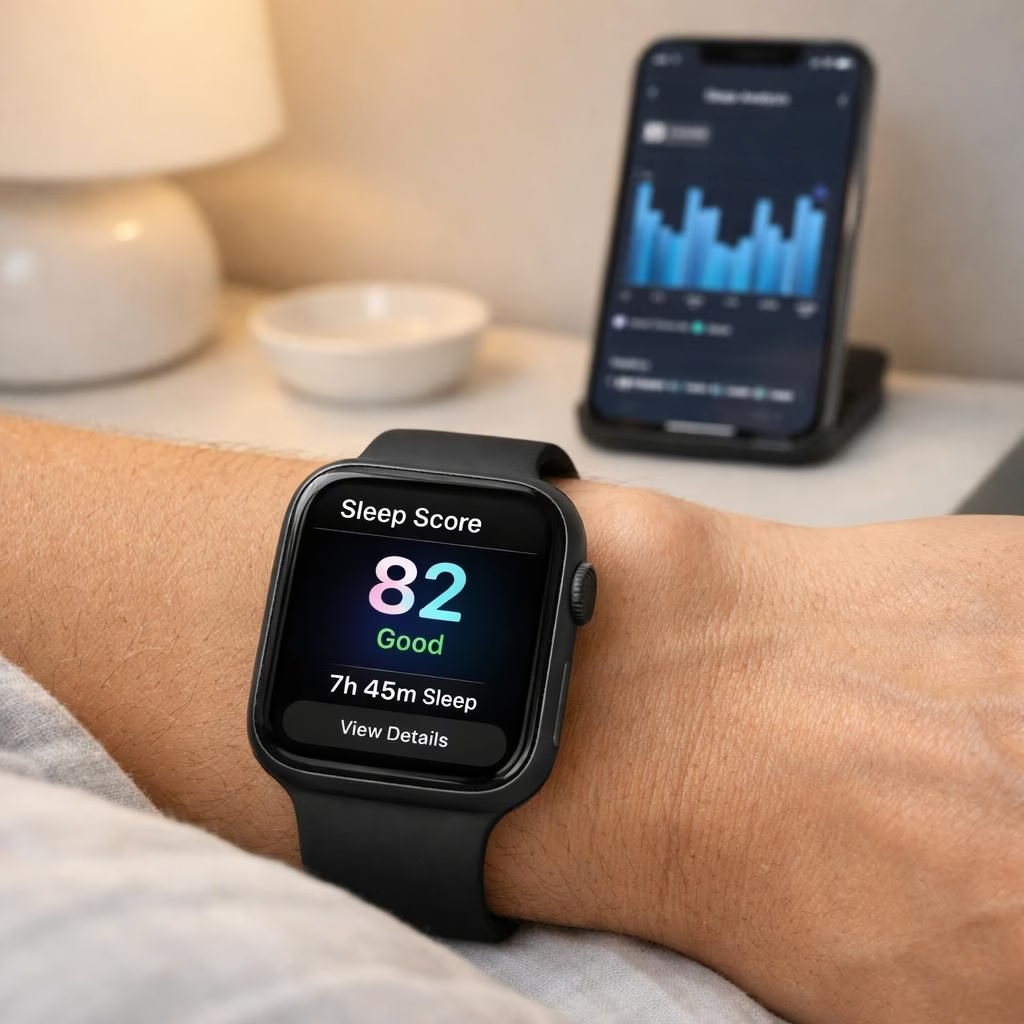
If you’re chasing clearer nightly data, the Apple Watch sleep score and sleep tracking settings can be a surprisingly friendly duo, turning vague snooze vibes into actionable insight for 2026. Think of it as your wrist’s own progress report: a numeric score paired with knobs you can tweak, not a mysterious oracle in a dark cloud. In practice, the Apple Watch sleep score is more useful when you align it with sensible routines, and the sleep tracking settings matter just as much as the device you wear on your arm. The goal here is practical improvement, not drama, and the result can be a steadier routine and a calmer morning mood.
Apple Watch sleep score: How reliability improves with conscious tweaks
Let’s demystify the concept: the Apple Watch sleep score is not a perfect mirror of your mental rest. It blends data from heart rate, movement, and breathing patterns to produce a night-to-night number you can use for trend-watching.
The score becomes meaningful when you treat it as a guide rather than a verdict. Small, consistent tweaks to your routine—applied over time—make the score more reliable and actionable in 2026.
When you see the score, curiosity matters more than judgment. A slightly lower result isn’t a failure; it’s a nudge to adjust your evening wind-down ritual or your sleep window, which helps you build a steadier week.
Active wearers and desk dwellers alike can benefit from knowing what drags the score down. Poor pre-bed routines, irregular bedtimes, or late caffeine can tilt the metrics. The sleep score reacts quickly to these changes, which is good news for anyone who prefers quick feedback loops. The trick is to test one variable at a time within sleep tracking settings.
If the score dips after a late workout, try a gentler cool-down and a longer wind-down before bed. If it dips after screens, consider a 60-minute screen curfew. In this way, the Apple Watch sleep score becomes a tiny coach—firm but fair, with a touch of humor about the process.
Beyond the numbers, the practical value is in comparability. When you reset routines or adjust habits, you can observe whether the score trend improves. The improvement doesn’t rely on perfect monitoring; it relies on consistency. The Apple Watch sleep score, read alongside your basic sleep habits, helps you identify patterns you might miss with a vague sense that you “slept okay.”
This is where the synergy between the Apple Watch sleep score and the broader sleep tracking mindset shines: data plus deliberate changes equal better nights, which tend to reduce daytime fog and boost productivity.
In practice, these adjustments translate into clearer nights: fewer awakenings, more restorative sleep, and a morning routine that starts with a better mood and sharper focus. The beauty is in small gains: a consistent bedtime, a calm wind-down, and data that tells a coherent story rather than a chaotic one. That story, told by the Apple Watch sleep score, becomes easier to read when you keep the sleep tracking settings straightforward and reliable.
Original reporting and inspiration are appreciated. This guide builds on thoughtful analyses from the following sources: 9to5Mac and Tom’s Guide for the original material.
If you have thoughts, experiments, or personal tweaks that worked for your sleep score and sleep tracking settings, drop a note in the comments below. Sharing your experiences helps readers tune their own routines with practical, real-world tips.
Thank you for reading and for engaging with this material. For attribution and context, you can explore the original reports linked above. Your curiosity helps keep the conversation alive, and your feedback helps improve future guides like this one.
sleep tracking settings
Begin with a stable bedtime. In sleep tracking settings you can anchor your routine and improve signal clarity.
Next, add a wind-down routine and reduce late-screen exposure. Keeping these steps simple helps the data tell a clearer story without turning your nights into a lab experiment.