

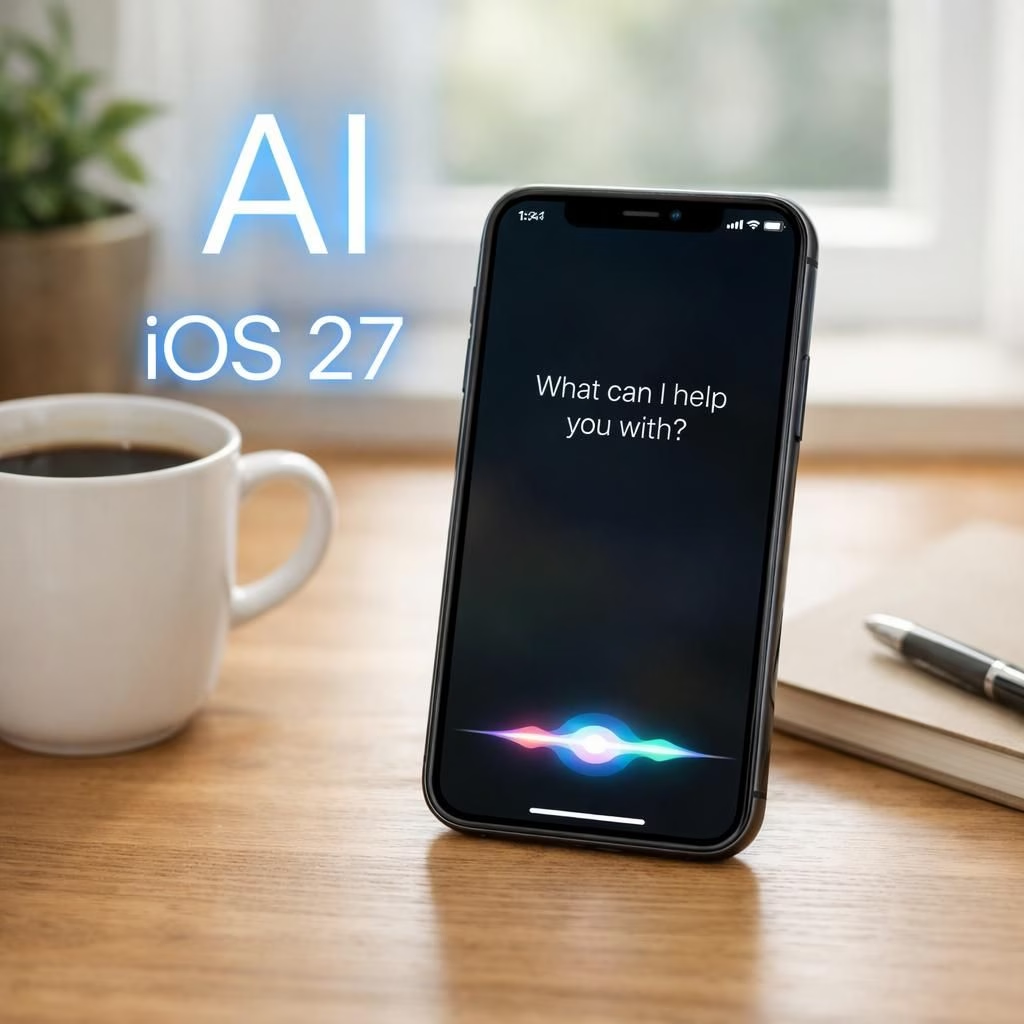
At WWDC 2026, Apple rolled out iOS 27 and iPadOS 27 with a calm, confident swagger. The keynote focused on stability, sprinkled with an AI upgrade that makes Siri feel more capable and less clippy. In short: iOS 27 and AI are front and center, and the update promises to smooth daily use with smarter automation and friendlier customization.
AI-Powered Siri and iOS 27: Stability-First Approach
First up: Siri. The assistant that often arrives fashionably late now has a sharper edge thanks to its third-generation foundation models. Apple emphasizes that these models are built in-house, not on Google infrastructure. User data from Siri interactions stays on a trusted path. The visuals get an upgrade too: Siri appears as a glassy orb, a UI change that is as soothing as a well-timed notification. You can type or talk, and there is a dedicated app to revisit prior conversations across devices. Cross-device continuity finally feels less like a scavenger hunt.
Siri is about more than chat. It’s context aware. It can scan your emails, messages, and photos to surface relevant info. It can draft an email in a requested tone or recommend wine pairings for a dish, all on your signal. You can also interact with Siri in-camera mode for quick visual searches, almost like Google Lens. You can use it to split a restaurant bill. The voice is more expressive. You can tailor its tempo and tone to taste. This is AI in the sense that it learns what you like and does the busywork for you. It’s not sci‑fi; it’s practical help on demand.
And yes, you get more context. Siri can pull the threads from your emails, messages, and photos to answer complex questions. It can act on your behalf, drafting emails or suggesting wine picks for a dish. The on-device options stay fast, while more ambitious tasks may run in the cloud if needed. The result is a more capable assistant that keeps things simple for you.
AI Features and iOS 27 Tweaks
Platform stability is the backbone of the update. Apple promises faster app launches (up to 30%), quicker photo loading (up to 70%), and AirDrop transfers that feel instant (up to 80%). The phone also negotiates network switches more deftly. You’ll avoid the moment of silence when you move through rooms and lose service. Rollout timing is also on the agenda: Apple plans to ship iOS 27 later this year, likely in September.
Older devices benefit from a better-optimized CPU Scheduler. Even an iPhone 11 user can enjoy smoother performance without heavy battery trade-offs.
Liquid Glass, the design language’s refreshed look, now offers a slider to tune readability and contrast. You can dial the glassy sheen from crystal-clear to more opaque via Settings > Appearance > Liquid Glass. It’s more than cosmetics. It helps in bright daylight or dim cafes when you want a calmer interface.
Parental features get a strong push. A Setup Assistant guides parents through restrictions. An Ask to Browse gate routes new sites to a guardian for approval. Communication Safety nudges kids away from nudity or violence in Messages and FaceTime by default blur. Time Allowances and Schedules let families set screen-time budgets and weekly patterns. A redesigned parental dashboard puts you back in control and shows what’s happening at a glance.
In Photos, AI features sneak in gradually. The existing Clean Up tool improves with the upgraded foundation models. For larger edits, Apple’s Private Cloud Compute may handle processing. Smaller edits stay on-device. A new Extend tool expands edges to add breathing room. It uses context from the photo to guess what should be there. Spatial Reframing lets you shift perspective and fills gaps automatically. Faces and pets are preserved as much as possible to avoid fake pixels. The tools live in the Photos app under Edit > Tools. Usage is free at first, with higher iCloud tiers offering more quota.
Image Playground also gets stronger. The image-generation model can produce higher-quality AI images in many styles. Photorealistic is the default if you don’t specify a style. There are daily usage limits, based on your iCloud plan. This keeps things fair and practical for everyday creators.
More contextual actions arrive in Messages and Mail. One-tap actions help you add items to your calendar or reminders with a tap. The same idea shows up in Call Context for Phone: during a call, you’ll see relevant information like flight numbers without hunting for confirmations. Shortcuts becomes easier too. You can describe what you want, and the app will assemble the automation. You get powerful routines with fewer steps.
Safari updates are a delight for tab enthusiasts. It can organize tabs by topic and notify you about changes to pages, such as price drops or restocks. Custom Extensions let you describe a feature you want, and Safari builds it for you. Extensions you create carry over to your Mac, so your workflow stays in sync across devices. This is a small but meaningful leap in browser ergonomics.
Even the smaller updates matter. Apple improves Mail search with smarter ranking. Natural language calendar events become a breeze. Accessibility gains include richer image descriptions from VoiceOver and live captions that translate videos in real time. Maps gets a boost with advanced Flyover visuals and more detailed 3D models. If you wear AirPods, you’ll finally control an EQ, tailoring mids, highs, and lows. iOS 27 Shared Albums now support full-resolution images with Android and Windows users. Health adds menopause insights, and the Home app provides clearer, faster smart-home notifications. Passwords can auto-fix weak or compromised credentials, and message syncing gets quicker when you return to your iPad.
In short, 2026 is about reliability and smarter everyday tools, not gimmicks. It’s about reducing busywork so you can focus on life, not logistics. If you want to share tips or ask questions, drop them in the comments and we’ll explore together.
Tips to try these features this fall
- Update to the latest iOS 27 when available and explore the new Siri UI by asking a simple question aloud.
- Open the Camera to test in-camera visual search with Siri for quick actions like bill-splitting or reservations.
- Visit Settings > Appearance > Liquid Glass to tailor readability to your environment.
We’d love to hear your take. Share your thoughts in the comments below and let’s discuss how iOS 27 and AI changes are shaping your daily workflow in 2026.