

Welcome to 2026. The Xbox ecosystem keeps pace with high refresh rates and a user‑friendly design language. The latest Insider updates aren’t a mind game; they’re a practical nudge toward better firmware, brighter icons, and a more polished Boot Up experience. The update round brings a refined boot ceremony and a refreshed Gamerscore badge system. The interface learns your routines and rewards small wins. It’s not sci‑fi; it’s a seven‑minute tour through a console that wants to be your home theater and coffee maker. If you’re reading in 2026, you’re in a year where a badge feels like celebration and a boot screen like a warm‑up act for the main show.
Xbox Nostalgic Green Logo Signals a Return to Roots
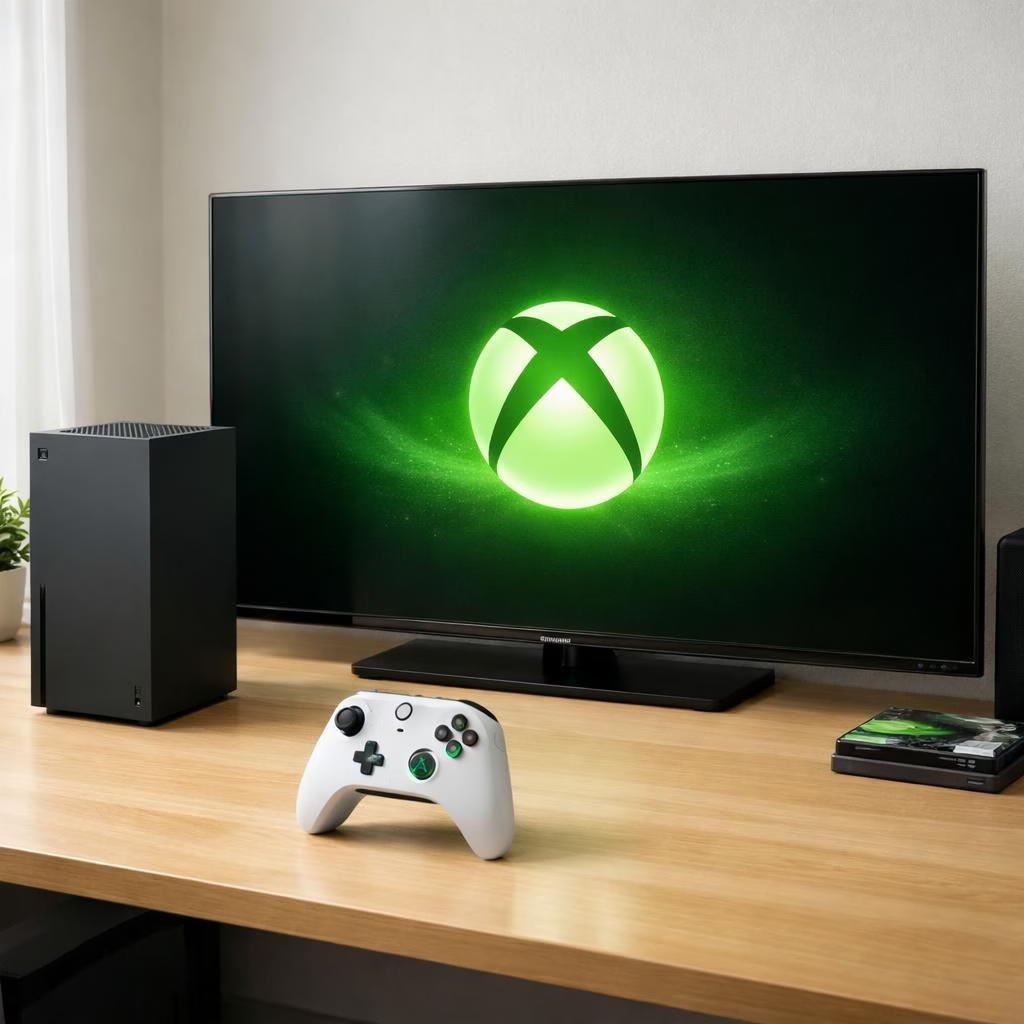
People notice the green glow. It’s a logo that says we remember the party. The Xbox green mark signals roots and forward motion, with a refreshed, familiar look. It’s not loud; it’s confident. It feels like a smartwatch nudging you to stand up, but for a console logo. ADWEEK notes that design cues matter, and this one matters quietly. For players, the logo signals continuity that remains playful and inviting.
Boot Up Animations and Gamerscore Badges Shine
One star attraction is a brand‑new boot animation. It nods to Team Green but adds modern polish. It’s a tiny opening act that promises the show will be great. The Boot Up sequence pairs with a refreshed Gamerscore badge system. Milestones come with tasteful, readable icons. It’s not about flash; it’s about clear progress. Tiny celebrations make you want to press Start again. If you’re a badge hunter, you’ll see new tiers and a friendlier progression curve.
Xbox Wallpapers, System Updates and Teases for 2026
It isn’t only about boots and badges. The updates bring animated wallpapers with the new logo. You can choose a calm background or a bolder one without slowing your home screen. The system update aligns with a broader product roadmap that hints at Project Helix. It’s not a promise; it’s a whisper from the engineers. There may be more cross‑device storytelling and performance tweaks in the months ahead. GAMINGbible has covered similar moves, underscoring that these changes fit a wider strategy.
What this means for players is straightforward: less friction, more personality, and a smoother path to enjoying your library. If you manage multiple devices, you’ll appreciate how the boot experience harmonizes with your daily gaming habits. And yes, the green glow remains a friendly reminder that Xbox is listening to feedback while keeping a lighthearted tone about progress.
For those who love a wallpaper battle, the animated options give fresh scenery without stealing performance. If you’re curious about the roadmap, keep an eye on official announcements and the occasional tease about Boot Up-related features. All of this happens in 2026, a year when the corporation that makes the console you love also makes room for more personal, human touches.
Original article: Available for Xbox Insiders: New Xbox Console Updates Bring Updated Boot Up, Gamerscore Badges and More — thank you to the Xbox Wire team for the original material.
If you have questions or want to share your experiences with these updates, drop a comment below. We’d love to hear how your Xbox is feeling about the new Boot Up ceremony and the shiny new badges. And remember: this is 2026, a good year for thoughtful design, friendly competition, and a little humor in your daily tech life.
Getting the most from Xbox and the Boot Up update
- Power on your console and watch the new Boot Up sequence.
- Navigate to Settings > General > TV & display options to optimize refresh rates for your setup.
- Open Profile & system > Achievements to explore the new Gamerscore badges and progress tiers.
- Try an animated wallpaper and monitor how it impacts performance.
Frequently asked questions
- What is the Boot Up feature?
- The Boot Up experience refers to the updated boot sequence and the accompanying visuals that greet you when you power on the console.
- Will these updates affect gameplay performance?
- Microsoft says the changes focus on aesthetics and workflow; performance remains a priority, with optimizations targeted at a smoother startup across devices.
- How can I customize Gamerscore badges?
- Open the Gamerscore area in your Xbox hub to view new tiers and personalize badge sets once your profile syncs with the latest firmware.
Conclusion: The 2026 Boot Up updates bring a cohesive, human‑friendly experience across the Xbox ecosystem. The takeaway is simple: try the new visuals, share feedback, and enjoy a cleaner startup that fits your daily gaming rhythm.
References
Original source: https://news.xbox.com/en-us/2026/05/13/xbox-insiders-june-2026-console-features/