

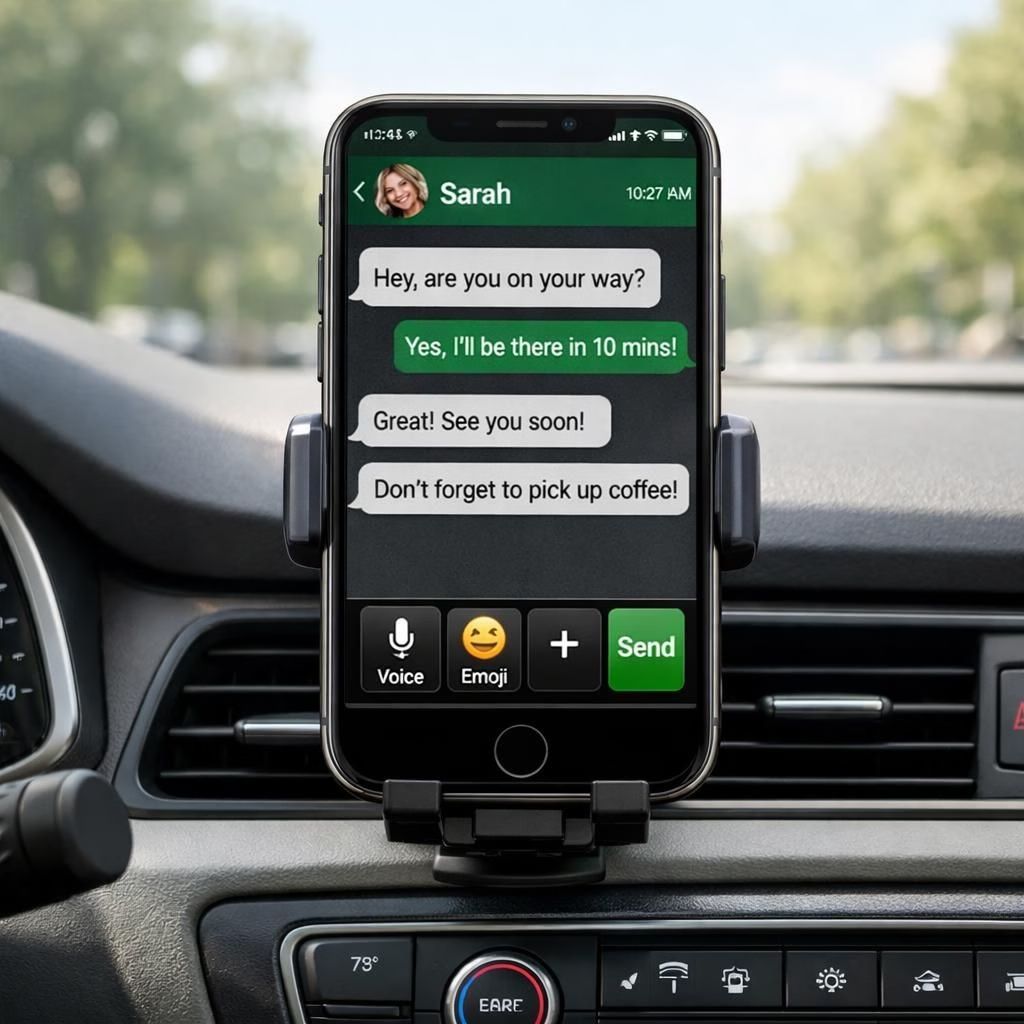
If you’ve ever driven with a phone perched on a dash, you know updates can feel magical. The latest WhatsApp CarPlay update is here, promising a calmer, smarter in-car chat experience for every iPhone user. WhatsApp and CarPlay finally coordinate like a well-oiled pit crew in 2026.
WhatsApp shines on CarPlay: What’s new in 2026
On the dashboard display, messages appear with clean previews so you can decide to read or reply without scrambling for your phone. The update improves the speed of startup and reduces the friction of opening chats on the road. You get clearer previews, smarter quick replies, and better voice input that feels more natural when spoken aloud. Audio messages now play through the car speakers with improved clarity, so you don’t miss the nuance of a well-timed joke or a crucial instruction. CarPlay integration continues to be central to the experience.
This is designed for CarPlay users.
- A standalone app option reduces the need to reach for your phone in traffic.
- Faster startup and clearer previews improve readability on the dash display.
- Voice dictation is sharper, letting you speak and send with fewer misinterpretations.
- Audio messages play more cleanly through the car’s audio system.
From a product perspective, the emphasis is on safety and efficiency. The updated flow minimizes taps and distractions, so you can decide, respond, and continue your drive with a glance or a quick voice prompt. The system prioritizes essential notifications, nudging you toward timely replies without turning a commute into a tech obstacle. The design keeps CarPlay in mind as a core part of the experience.
CarPlay-friendly WhatsApp features that drivers will love
In the dashboard interface, messaging integration is tighter but less chaotic. Instead of hunting for your phone, you can queue a voice reply, drop a quick message, or start a chat with a single prompt. The goal is to preserve awareness and reduce the temptation to fiddle with devices while behind the wheel. The updated design leans into larger tap targets, clearer typography, and faster transitions from one task to the next. CarPlay remains the guiding frame for these improvements.
For CarPlay users, the layout adapts to keep essential actions within reach.
- Notifications stay out of the way until you actively engage, reducing visual clutter.
- Voice input remains accurate and responsive, even with ambient cabin noise.
- Media playback controls sit at a reachable spot, making playlists and podcasts easy to manage on the go.
- Privacy options give you control over what is shown on the dashboard, helping you stay focused on the road.
For drivers, the practical upshot is a calmer cockpit where messaging feels more like a helpful companion than a distraction. The experience is designed to be intuitive and forgiving—perfect for those busy mornings, long highway stretches, or the occasional detour where a quick check-in can save time and anxiety. CarPlay remains the backbone of this improved workflow. CarPlay makes the difference between a minor distraction and a smooth drive.
Tips for a smooth update
To make sure you get the best possible experience, check that your iPhone is running the latest iOS version and that your vehicle’s infotainment system supports the updated CarPlay features. Restarting the car’s system after the update can help the new interface settle in. If you notice any lag or audio glitches, a quick re-pair of your phone often clears the fog and restores snappy performance. In practice, a fresh boot and a clean run-through of a few quick replies should feel almost invisible—like you never left your normal driving routine.
As with any update, you’ll want to test a few common tasks: sending a quick reply, queuing a voice message, and starting a media control action while keeping eyes on the road. The aim is to confirm that the update actually saves time and reduces touchpoints, rather than adding steps that require staring at a screen. With the right setup, this update becomes a reliable helper rather than a digital side quest. If you use CarPlay regularly, you’ll notice the difference in how quickly you can respond and manage media on the go. CarPlay keeps the focus on the road.
In summary, the 2026 WhatsApp CarPlay improvements present a thoughtful balance of safety, speed, and usability. It’s a reminder that even small tweaks can shave seconds off routine tasks and keep drivers focused where it matters most—the road ahead.
Original article: WhatsApp’s improved CarPlay experience is now available to all iPhone users — a big thank you to 9to5Mac for the original reporting and headline that inspired this post.
FAQ
-
Q: How do I update WhatsApp CarPlay on my iPhone?
A: Open the App Store, check for WhatsApp updates, and ensure your iPhone runs the latest iOS. Then verify your car’s infotainment system is compatible with the new CarPlay features. CarPlay will guide you through the setup on first use after the update. CarPlay users who have updated should notice quicker access to messages and media controls. -
Q: Is the new CarPlay experience safer while driving?
A: Yes. The update reduces screen touches, prioritizes essential notifications, and enhances voice input accuracy so you can respond with minimal distraction. CarPlay remains the central hub for in-car messaging. -
Q: Can I send audio messages using CarPlay?
A: Absolutely. Audio messages are designed to play clearly through the car’s speakers, and you can send them with fewer taps. The CarPlay interface keeps you in control without taking your eyes off the road. -
Q: Do I need to adjust privacy settings for CarPlay?
A: You can customize what appears on the dashboard, including whether message previews are shown. This helps you maintain privacy while staying connected via CarPlay.
Conclusion / Takeaway
Bottom line: the 2026 WhatsApp CarPlay improvements balance safety, speed, and usability. If you rely on messaging while driving, this update streamlines tasks and keeps focus where it belongs—on the road ahead.