

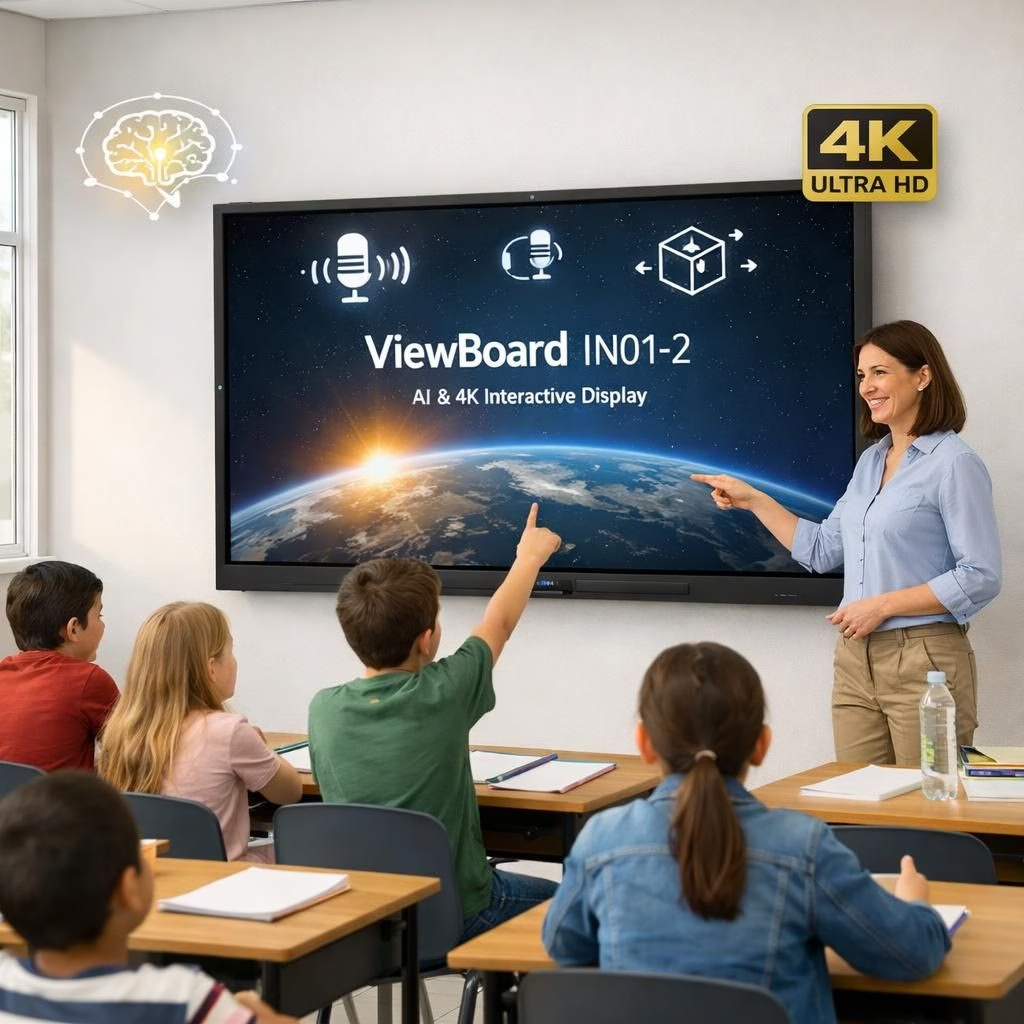
ViewBoard IN01-2 has landed in India with a clear focus on classrooms and collaborative spaces. This AI-enabled suite of interactive displays aims to replace dusty whiteboards with a bright 4K canvas and a toolkit that makes lesson planning feel more streamlined. The lineup comes in 65, 75, 86, and 98 inches and runs Android 14 with Google EDLA certification, giving students quick access to Chrome, YouTube, and Google Search. The launch price starts at Rs 1,20,000, and ViewSonic promises long life and lower maintenance for schools.
ViewBoard IN01-2 and AI-enabled learning: a classroom duet
The hardware delivers a brisk, approachable setup. An octa-core processor powers brisk interactions, 8GB of RAM helps multiple apps breathe, and 128GB of storage gives teachers room for lesson kits, PDFs, and that one class-approved video. The display offers 4K UHD resolution and 450-nit brightness, with a 9H anti-glare coating to keep glare in check during sunny Indian mornings. You can expect up to 40-point touch support, inviting several students to collaborate at once without the dreaded lag.
- Android 14 with Google EDLA certification
- 65, 75, 86, 98-inch options
- Up to 40-point touch, 4K UHD, 450-nit brightness
- 8GB RAM, 128GB storage, expandable memory
A core promise here is AI-enabled functionality. The Text Recognition Pen converts handwriting into editable text, and it can translate English to Hindi in real time for multilingual classrooms. Text-to-speech support makes materials accessible, and formatting tools let teachers tidy up slides with layer management and simple reorganization of content. In practice, that means fewer time sinks and more learning momentum, which sounds like a win for everyone—students, teachers, and the principal who finally gets to sip tea while the lesson runs smoothly.
On the content discovery side, AI-powered search can pull up relevant clips or references on YouTube and Wikipedia, and automatic summaries help students grasp the core ideas without wading through long transcripts. The so-called Magical Pen refines hand-drawn shapes, while the shape recognition feature converts sketches into charts and diagrams. The experience resembles a pen-on-paper workflow, but with a digital safety net and built-in AI-enabled features that keep the chaos to a minimum.
ViewBoard IN01-2 and AI-enabled tools reshape collaboration in lessons
Connectivity covers the essentials: USB-C, multiple HDMI ports with CEC/ARC support, built-in Wi-Fi, and an optional OPS slot for extra processing power. The device ships with a backlight life of up to 50,000 hours, and it meets BIS and WPC standards to satisfy local regulations and charging norms. For audio, you’ll get dual 20W speakers that fill a classroom with clear sound during presentations and videos. The panel design emphasizes wide viewing angles, a robust anti-glare coating, and a simple installation experience that respects school budgets and time pressures.
ViewSonic has hinted at future models that may include built-in cameras to support hybrid and remote collaboration. The idea is straightforward: make it easier for teachers to engage students who are in the room and those who are online, without juggling separate devices or software licenses. The launch remarks emphasized the goal of creating intuitive, inclusive, and future-ready learning environments, reflecting a philosophy that blends practicality with a little optimism about the classroom of tomorrow.
In sum, the ViewBoard IN01-2 series arrives as a pragmatic, ambitious step for classrooms that want to balance power with simplicity. Schools gain a single, capable display that handles content creation, translation, and collaboration tools while still running Android 14, sliding into the modern era without breaking the budget or the back muscles of IT staff. The blend of 4K visuals, broad touch input, and smart features is pitched to keep students engaged and teachers supported, which is exactly the kind of partnership today’s education system needs.
If you have thoughts about ViewBoard IN01-2 and AI-enabled classrooms, drop a note in the comments below. Your feedback helps everyone learn faster.
Original article: ViewSonic ViewBoard IN01-2 launch in India. Thank you to the original source material for providing the details that inspired this rewrite.
For reference and additional reading, see:
Contextual safety and classroom tech examples can be found in the Brenham article: Brenham ISD equipping classrooms with silent panic alert technology.
Practical steps for adopting ViewBoard IN01-2 in schools
- Assess classroom layout and select the appropriate screen size (65, 75, 86, or 98 inches) for optimal visibility.
- Plan content workflows that leverage the AI-enabled features for translation, handwriting recognition, and shape conversion.
- Schedule training for teachers and IT staff to maximize uptime and minimize maintenance.
- Test network readiness, including Wi-Fi coverage and the optional OPS module for added computing power.
FAQ
- Is the ViewBoard IN01-2 available in India?
- Yes. It launches with a starting price of Rs 1,20,000 and comes in 65, 75, 86, and 98-inch sizes.
- What AI features are included?
- Key capabilities include handwriting-to-text, real-time translation, text-to-speech, and shape recognition for diagrams and charts.
- Can it support hybrid or remote learning?
- Yes. The device includes multiple connectivity options and an optional OPS slot for added computing power, enabling flexible collaboration.