

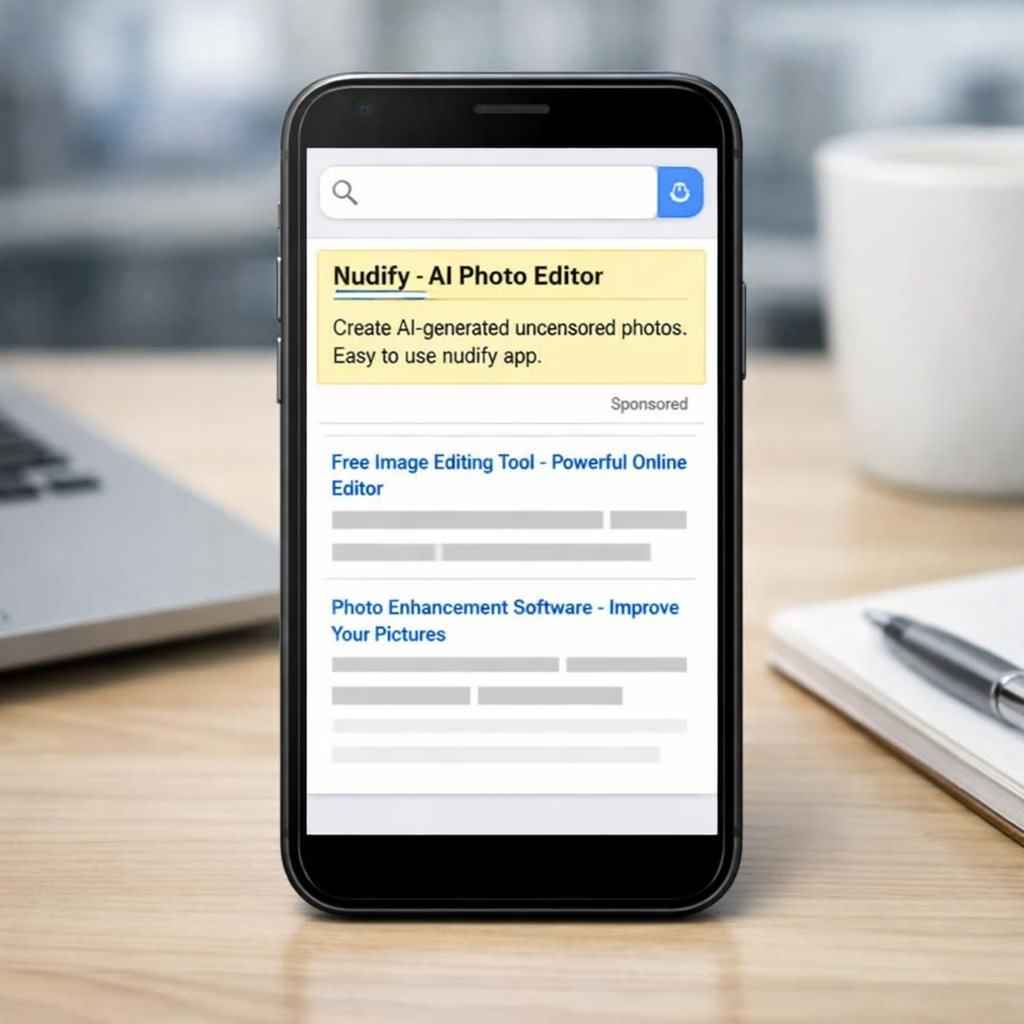
A fresh investigation from the Tech Transparency Project raises concerns about discovery in the Apple App Store. The study points to promoted results and autocomplete hints that nudge users toward nudify apps. The report cites a sponsored face-swapping result that appeared for a ‘deepfake’ query, and autocomplete suggestions surfaced ‘image to video nsfw’ results quickly. In some cases, basic searches did most of the heavy lifting; the team tested a nudify pathway that surfaced topless images with minimal friction.
Nudify Risks in the Apple App Store
Apple removed many of the flagged nudify apps after TTP published their findings. The company declined to comment at the moment. Yet Google Play showed similar patterns, reminding readers this is not a clean-store problem. The report states roughly 40 percent of the top ten results in searches for nudify could render a woman nude or scantily clad. Age ratings sometimes misrepresented potential harm, implying suitability for younger users. The broader concern remains: discovery tools keep surfacing nudify apps despite periodic removals. Another example described a face-swap ad with no content restrictions.
Apple App Store Discoveries and Nudify Safety
We offer pragmatic, non-alarmist guidance for safer browsing. The upshot is not doom but opportunity: better guardrails and smarter discovery. Product teams can add explicit nudity checks, age gates, and keyword filters. Stores could tune autocomplete signals to avoid promoting sexualized results. Users should educate themselves about how discovery works and how to report anomalies. For developers, clear moderation policies and opt‑in content labeling help reduce accidental exposure. In practice, moderation relies on a mix of algorithms and human review, which is imperfect but improvable. As a starting point, stores could publish transparency reports detailing automated removals and appeals. Readers can test with varied queries and report anomalies quickly. Families should enable device controls that restrict adult content. nudify outputs should be clearly labeled to help parents and educators.
Practical steps for safer discovery
- Request explicit nudity checks in app moderation and remove risky apps promptly.
- Enable age gates and accurate content labeling in app listings.
- Adjust autocomplete and search ranking to de-emphasize sexualized results.
- Offer family safety settings and device-wide controls for adults and minors.
FAQ
- What is nudify? Nudify describes tools that can generate nude or partial-nude outputs from images.
- How can I browse safely? Test queries, use device restrictions, and report anomalies to app stores.
- What can developers do? Publish clear moderation policies and opt-in labeling to reduce exposure.
- Where can I report concerns? Use in-store reporting features and refer to the article’s references for guidance.
To close, this is not a cry for panic but a plan for better practice. Readers should act with curiosity and patience. Join the conversation and help raise the standard for safe discovery.
Special thanks to the Tech Transparency Project for the original reporting. See the original coverage at Tech Transparency Project and the coverage from 9to5Mac. Please share your thoughts in the comments below.