

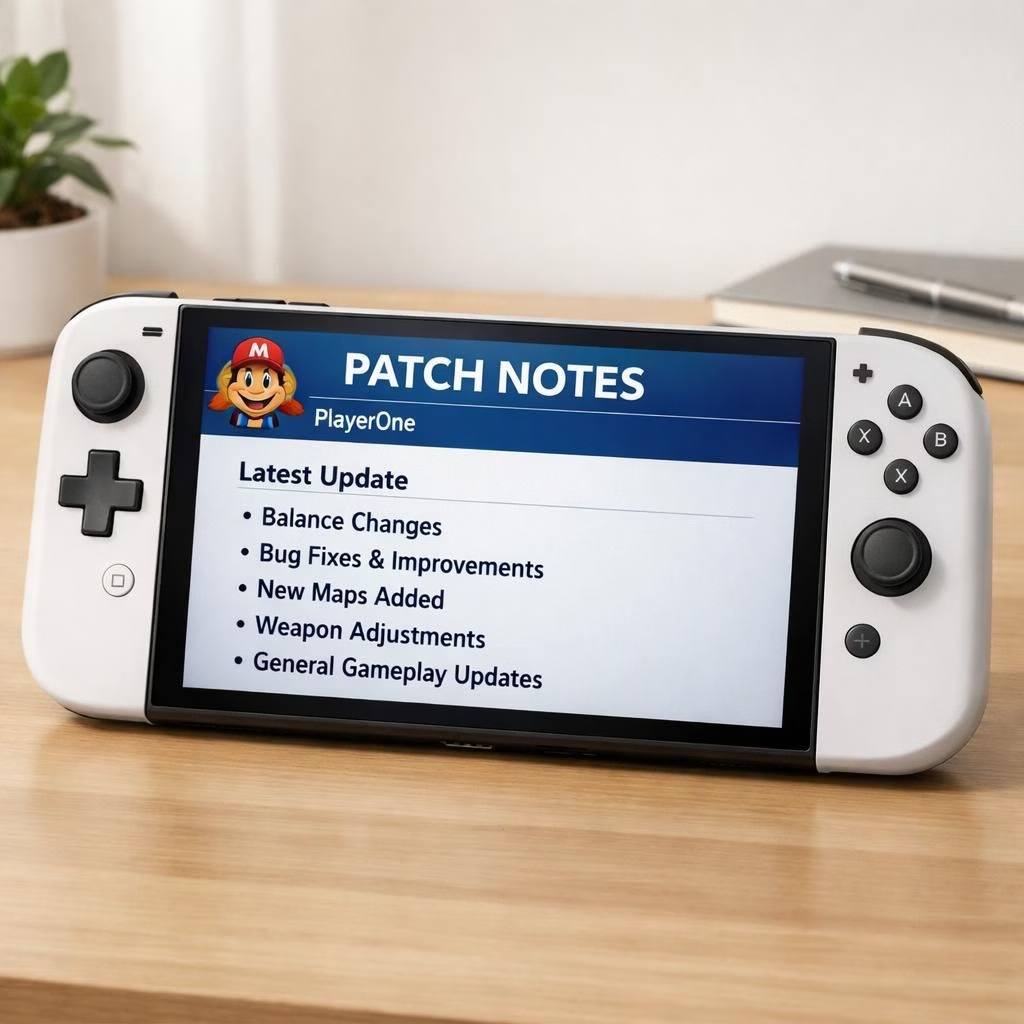
This Nintendo Switch 2 Firmware Update 22.1.0 brings a practical balance of polish and reliability to your daily play. In 2026, Nintendo delivered a patch that keeps the system humming with tweaks to Mario Icons, a refreshed user avatar system, several quality‑of‑life refinements, and a goal of stable performance across hardware revisions. The update lands quietly, the way patches should when you’re wrapping up a session and just want to keep playing after lunch.
Nintendo Switch 2 Performance, Mario Icons, and Patch Health
The core change in this Nintendo Switch 2 release is a more stable experience when switching apps, launching games, or saving long gaming sessions. The update aims to reduce frame drops and improve input latency, which matters for action games and platformers alike. The newly polished Mario Icons now sit in the profile roster with more consistency; they load faster and scale better on varying screen sizes. In short, the Switch feels more confident in the hands of a busy player.
The Firmware Update notes describe UI polish, faster boot times, and more reliable networking. The new Mario Icons system adds a few animated states and clearer visibility in dark mode. The icons have crisper lines and better contrast, improving legibility in busy menus. Don’t worry, the icons still celebrate the same heroic plumber energy you expect, only with a little more polish.
Beyond cosmetics, the patch aims to improve memory usage and background task handling. The notes mention fixes for occasional freezes during online play and faster resume from sleep. Some users report improved battery life under typical play; others say it’s negligible, but we all take small wins. Cloud saves remain stable, so you won’t lose progress if your console crashes during a boss fight. The aim is to keep the experience consistent across Switch 2 hardware revisions and external storage configurations.
As for accessibility and clarity, the UI polish includes higher contrast options and a color‑blind friendly palette. The overall user experience feels more cohesive, which matters when you manage long gaming sessions without losing track of what you are doing. The patch keeps a strong nod to Mario titles and other first‑party software. If you have external storage, you may notice slightly faster detection times when you plug in a new drive; offline progress remains intact and safe.
Ultimately, the 22.1.0 patch is a reminder that Nintendo still values polish as a differentiator. It’s not flashy, but it’s consistently solid. The updates to Mario Icons are a thoughtful nod to players who care about tiny details, while the broader improvements to the update aim to reduce day‑to‑day annoyances. If you like a device that respects your time and your game catalog, this patch deserves a respectful nod.
For Nintendo Switch 2 owners, the patch adds a touch of reliability and steady performance during long sessions. Loading screens feel snappier, and app switching feels more responsive. It’s not a revolutionary leap, but a solid improvement you’ll notice after hours of use.
As you try the upgrade on your console, you may notice faster loading of digital storefronts, settings menus, and your library grid. It’s not about fireworks; it’s about a calmer, more predictable heartbeat behind the scenes. If you care about accessibility, the UI polish includes higher contrast options and a straightforward navigation path that helps both newcomers and seasoned players alike. For reference, the Firmware Update changes are subtle.
Have thoughts? Share them in the comments below, and tell me how this patch affects your day-to-day play.
Original article and patch notes reference: Nintendo Everything — Thank you for the original reporting and materials.
What to test after the Firmware Update
- Check app switching and resume speed by jumping between a game and a chat app.
- Verify Mario Icons appear and load properly in your profile across sessions.
- Test external storage connection and cloud save stability after long play sessions.
- Review UI contrast options in Settings to confirm accessibility improvements.
FAQ
- Is this update required for all Switch 2 owners?
- Yes. The patch focuses on reliability and day‑to‑day usability, so applying it is recommended for the best experience.
- How can I verify the update installed on my system?
- In Settings > System > System Update, you should see the 22.1.0 patch listed.
- Will the update affect battery life?
- Most users report either modest improvements or neutral impact; results vary with usage.
- Do Mario Icons look different after the update?
- The icons gain crisper lines and better contrast, with subtle animated states for visibility in dark menus.
Conclusion and next steps
The 22.1.0 patch is a solid, non‑flashy update that reinforces Nintendo’s emphasis on polish. If you value a calmer, more predictable routine in your Switch 2 library, this patch is worth installing. When you’re ready, check for the update and see how your daily play benefits from these refinements.