

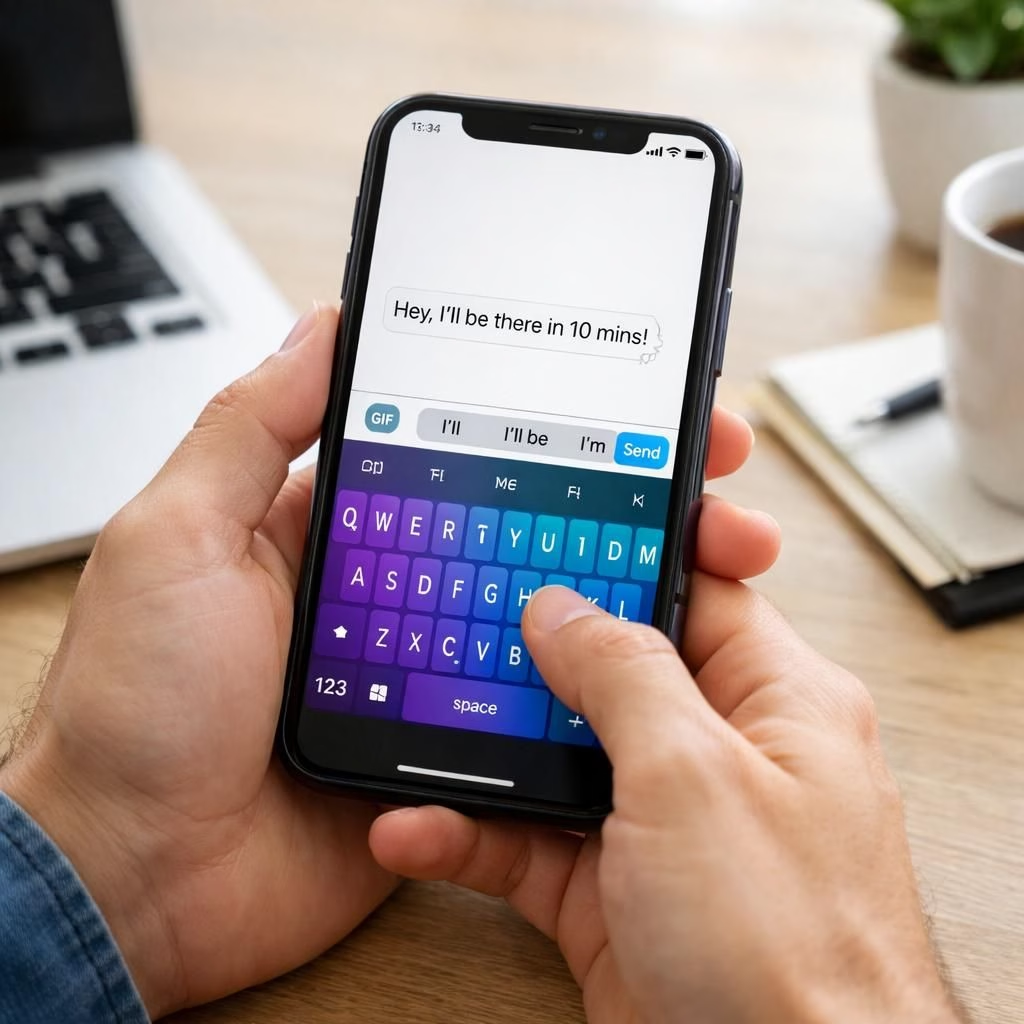
If you’ve ever wished your pocket computer could feel fresher without a price tag, you’re in luck. This piece explores a simple upgrade: switching to a different keyboard. The keyboard you use on your phone can affect speed, privacy, and mood, and the effect is mostly positive. By selecting a non-stock keyboard, you can gain better typing experiences, more customization, and, sometimes, stronger privacy controls. In 2026, the idea that a keyboard can be a gateway to better security isn’t just a sci‑fi dream; it’s practical, approachable, and a little bit funny.
First, let’s acknowledge the obvious: it costs nothing to try a new keyboard, and most options come with free tiers, emoji galore, and handy features. The actual upgrade is speed, accuracy, and a more personal typing feel. A good keyboard app can learn your patterns, offer glide features, and reduce typos. But beyond the thrill of new stickers and color schemes, there are real security questions to consider, like how the app handles your data, permissions, and updates.
keyboard upgrade: Free, practical, and surprisingly effective
Switching keyboards is easy. On Android, you head to Settings > System > Languages & input > Virtual keyboard, then add a new keyboard app. On iOS, you go to Settings > General > Keyboard > Keyboards and add a new one. Do not worry about booting a rocket ship; this is a snap. The best choices respect privacy, offer offline dictation, and avoid harvesting data. You can keep your memory intact while your keyboard does more, with better autocorrect and more subtle suggestions. The result is a visible increase in typing speed and a quieter mind because fewer annoyances interrupt your flow. The keyboard itself becomes a tool you control, not a background data pipeline. This is a practical upgrade that doesn’t cost a dime or require a cable release. Be mindful of security implications as you pick features.
- Try at least two reputable keyboards and test for speed and accuracy.
- Check privacy settings: disable data collection if possible.
- Look for on‑device processing and offline dictionaries.
Practical tips for a smooth transition include backing up custom dictionaries, exporting preferences, and testing with longer messages. Keep an eye on battery usage after switching. If a keyboard eats a lot of juice or asks for unnecessary permissions, you probably want to switch again. The goal is a delightful typing rhythm, not a privacy nightmare or security concern. The keyboard itself becomes a minor hero, boosting productivity without a loud fanfare.
security switch: Protect privacy while typing faster
Privacy is not a buzzword here; it is a feature. Some keyboards demand access to the clipboard, predictive text, or the internet for cloud‑based dictionaries. Read permissions, check what data is collected, and turn off analytics if possible. Prefer apps that offer on‑device processing, offline dictionaries, and transparent privacy policies. There is something satisfying about typing with a keyboard that respects the sanctity of your data. Also, keep updates in check: security patches and new controls arrive with some regularity. A proactive approach to security reduces risk and enhances user trust. The keyboard can become a shield rather than a rusted chain.
- Try at least two reputable keyboards and compare data handling.
- Disable unnecessary analytics and allow on‑device processing when possible.
- Review per‑app permissions after each update.
In practice, this tiny upgrade compounds: faster typing, calmer mornings, and fewer embarrassing typos when you text someone important. The keyboard becomes a personal assistant that respects you, not a data ghost. If you want, you can even customize themes to reflect your vibe—serious business black, or sunny cactus green; your screen, your mood, your rules. The important part is awareness: you control what your keyboard can do, and you decide how much it knows about you, including your security posture.
Have you tried switching keyboards? Tell us in the comments what worked for you and what didn’t.
If you want a practical roadmap, here it is in three quick steps: 1) pick two reputable keyboards; 2) review permissions and privacy settings; 3) test for a week and keep the one that feels best for both speed and security. The result is a no-cost upgrade that demonstrates how small choices can compound into meaningful improvements in daily life. And yes, there is a touch of humor in discovering that a mere keyboard can alter your day in noticeable ways.
Original article: Give Your Phone a Huge (and Free) Upgrade by Switching to Another Keyboard. Thanks to WIRED for the inspiration.
External resources
References
- Original source: Give Your Phone a Huge (and Free) Upgrade by Switching to Another Keyboard (WIRED)