

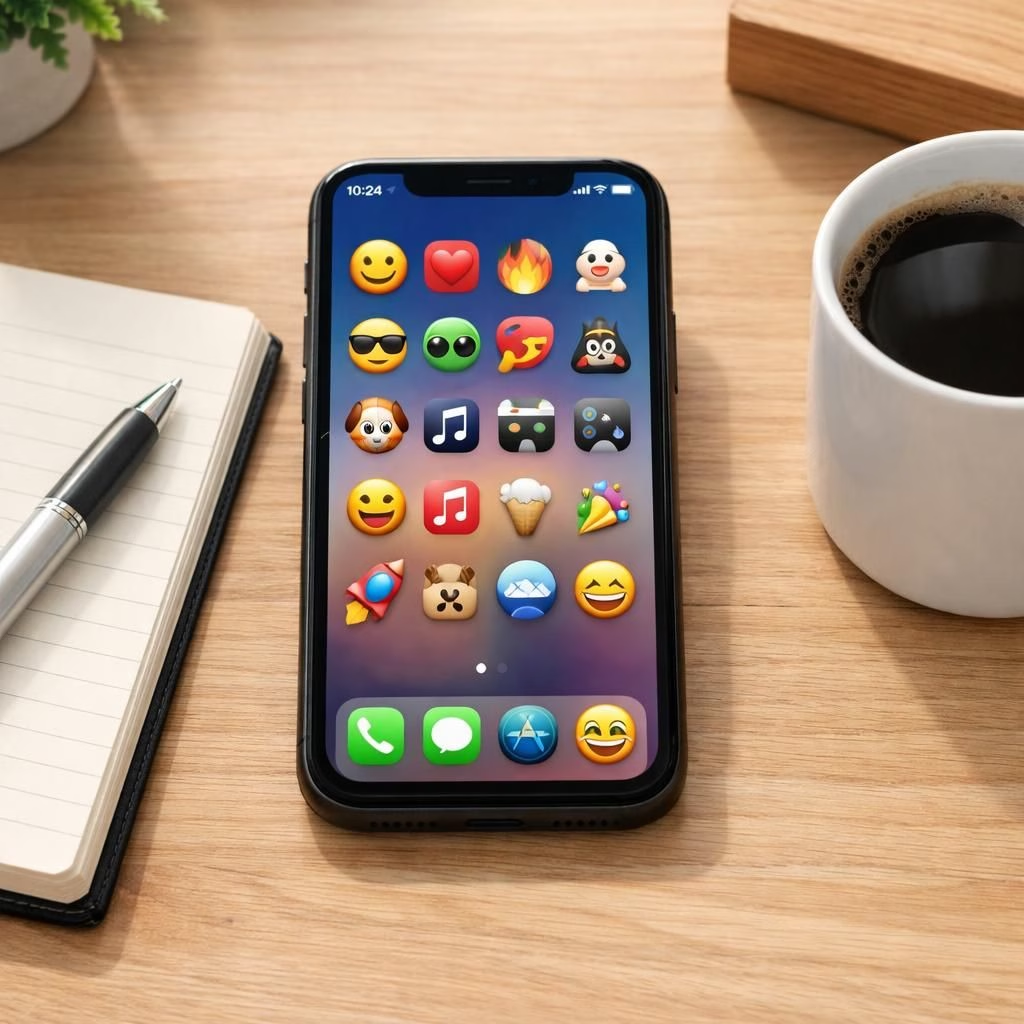
Welcome to a breezy, positive look at iOS 26.4 and emojis, where measurable improvements meet everyday usefulness. This isn’t hype; it’s a practical tour of features that matter, with a dash of humor to keep it human.
iOS 26.4 emojis in action: what’s new
Apple is pushing several upgrades that touch core daily tasks. Thirteen improvements ripple across performance, privacy, and usability, making the iPhone feel smoother without user fatigue. The eight new emojis bring playful personality to messages and apps, including a trombone icon designed by Maryland students that’s headed to iPhones everywhere.
There’s a focus on speed and reliability. Transitions feel snappier, apps wake quicker, and notification summaries are a touch better at not shouting for attention. If you use Control Center frequently, you’ll notice smaller but meaningful refinements in how toggles respond and how you access settings on the fly.
USA Today highlighted eight new pictographs, while 9to5Mac called out a few favorites that improve day-to-day life. The result is a more efficient, friendlier iPhone experience that fits into real work and real play.
Release candidates have arrived for iOS 26.4 and iPadOS 26.4, signaling a careful polish before the public rollout. MacRumors notes these pre-release builds include stability tweaks and UI refinements that address small but pesky quirks users reported in earlier builds. The overall vibe is calm confidence rather than fireworks.
In the control center, one of my go-to features gets a big makeover. The tweaks aren’t flashy, but they cut steps and bring power-user shortcuts into a more intuitive flow. If you love quick actions, you’ll appreciate the way the upgrades reward muscle memory without forcing you to relearn your routine.
Speaking of routines, there’s a pragmatic takeaway here: update early but not during your biggest deadline week. Back up your data, verify that your favorite apps run smoothly, and explore the new gestures in a low-stakes moment. The goal is to level up with confidence, not to chase every new icon around the screen.
Why iOS 26.4 emojis matter for Control Center
What makes this update worth paying attention to isn’t the color palette alone. It’s the way small, well-placed changes compound into lower friction. Quick actions, a refined interface, and better haptics compose a smoother day-to-day experience. The trombone emoji’s debut (or any similarly light-hearted icon) is a reminder that software can feel friendly while staying functional.
Remember the pre-release notes? They’re more than a rumor mill. They map a path toward reliability and user empowerment. The rhythm of these changes is careful: nibble-sized improvements that add up to a more confident, capable device, especially when you’re juggling messages, maps, and music in one hand.
For power users who track details, the release candidates show a willingness to iterate. Developers and enthusiasts alike get early access to iron out edge cases. The result is not just new features; it’s a cleaner, more predictable experience when you’re juggling multiple apps during a workday.
Bottom line: the iPhone ecosystem grows richer without demanding a crash course in new gestures. The update respects your routines while adding thoughtful, non-disruptive improvements that pay off over time. If you enjoy keeping a finger on the pulse of platform evolution, this release is worth a look.
In 2026, these tweaks feel purposeful and patient, proof that ongoing improvements beat flashy gimmicks.
Have thoughts, impressions, or favorite tweaks from this release? Share them in the comments below—let’s discuss how these changes land in your daily use.
External notes and reporting: 9to5Mac coverage of the update.
Quick-start with iOS 26.4
- Back up your iPhone before updating to protect your data.
- Check essential apps for compatibility and settings changes.
- Explore new Control Center gestures and the refined toggles.
- Try a few emojis with friends to see the new feel.
Practical tips after upgrading
Open Settings > General > Software Update to install the RC or official release when ready. Take a few minutes to customize Notifications Summary and Control Center shortcuts to your workflow. The goal is a smoother routine, not a screens-wide exploration.
Frequently asked questions
- Q: Which devices support iOS 26.4?
- A: Most recent iPhone models will receive the update; older devices may be excluded.
- Q: Are there any known issues with emojis in this release?
- A: Pre-release builds focus on stability; backup first and watch for edge-case bugs.
- Q: Do the new emojis affect battery life?
- A: Not significantly. Battery impact depends more on usage patterns than on emoji changes.
Conclusion
The iPhone ecosystem grows richer with iOS 26.4 and its thoughtful emojis. It respects routine while delivering non-disruptive improvements that pay off over time. If you like following platform evolution, this update is worth a look.