

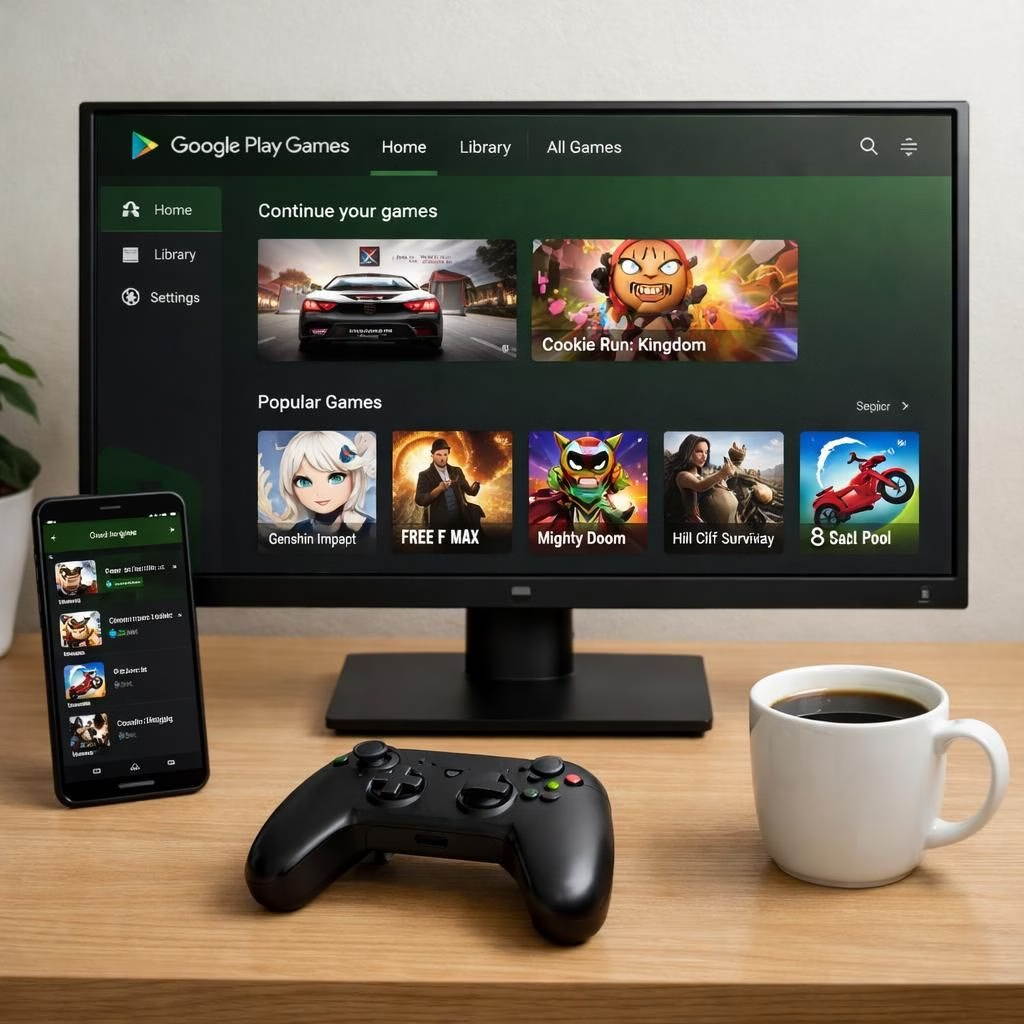
Google Play Games on PC is evolving in 2026, and the shift isn’t just a rumor. The platform is curating more premium titles and embracing Cross-buy so Android adventures can stride onto the desktop with minimal friction. In plain terms: your mobile library can travel with your keyboard and monitor, not just your thumbs. This isn’t a gimmick; it’s a carefully choreographed bridge between two worlds that used to pretend the other didn’t exist.
Google Play Games on PC: Cross-buy and Premium Titles Expanded
On the PC, you now see a curated catalog of premium titles. Not every Android game qualifies, but the best fit the PC frame with thoughtful optimizations. The Cross-buy approach means you own the game across devices with a single purchase, cutting the frustration of switching storefronts. Developers gain a broader audience, and players gain the convenience of resuming on a home rig after a commute, without losing progress or paying twice. It’s a pragmatic nudge toward a more seamless multi-device gaming habit.
For players, Google Play Games on PC uses the familiar Android library, but with keyboard and mouse support, desktop UI tweaks, and smoother performance profiles. Cross-buy remains a key selling point: buy once, then play on Android or PC without re-checking your wallet. Google Play Games isn’t a mere mirror of mobile; it’s a curated extension that respects your time, your library, and your coffee budget. Expect cloud saves that actually feel reliable, controller compatibility that doesn’t require a museum tour to set up, and a storefront that understands you don’t want to relearn a new interface every time you switch screens.
Google Play Games on PC: Cross-buy and Premium Titles Explained
The ecosystem is increasingly deliberate about which titles earn a desktop release. Premium titles come with higher visual fidelity, potentially better frame rates, and PC-friendly control schemes. Cross-buy helps you keep your ownership consistent, so you don’t have to abandon progress when you switch devices. This isn’t mere marketing fluff; it’s a sensible move that lowers friction for long-term gaming commitment on multiple screens. Google Play Games balances accessibility with a curated catalog that rewards players who value a stable, cross-device experience. When you see a big-name Android game appearing on PC with its purchase intact, you’ll recognize the practical shift toward a more unified ecosystem.
Industry observers have highlighted ancillary features that accompany the broader rollout. Google Play Games Sidekick offers companion tools to manage game sessions, while Game Trials let you dip into paid games before committing. The intention is to reduce impulse buys and improve satisfaction for players who prefer to test a title’s vibe before fully investing. Paid games, PC compatibility, and community posts are all part of the expanding menu, signaling that Google Play is serious about cross-platform presence without sacrificing the mobile roots that built the catalog. If you like the idea of trying a game on PC first, you’re likely to enjoy the smoother onboarding that comes with this evolution.
From a developer perspective, the move to PC is an invitation to rethink pricing, optimization, and port readiness. Titles that scale well across input methods—touch, keyboard, gamepad—stand a better chance of thriving in a mixed ecosystem. Cross-buy acts as a trust signal: it says, in effect, we’re not asking you to cherry-pick platforms; we’re asking you to treat your purchases as a single library. This philosophy aligns with broader trends toward platform-agnostic ownership and a more frictionless user journey. If you’re curious how a given game adapts to PC, check for native controls, scalable UI elements, and preserved progress across devices—these are the telltale signs of thoughtful cross-platform design in 2026.
As coverage from outlets like 9to5Google, TechCrunch, and The Tech Buzz notes, the Play Games initiative is broadening: Sidekick features, trials, paid expansions, and even more community-oriented capabilities. The goal is not to replace traditional PC game stores but to enrich the Google Play ecosystem so your Android library has a natural home on desktop without sacrificing the familiar shopping experience. The result is a more resilient, user-friendly cross-device workflow, where a gamer’s ownership feels tangible across screens and contexts. Google Play Games on PC thus becomes less about novelty and more about a durable, practical evolution of how we play across devices.
In practice, this strategy rewards players who already own Android games and want the flexibility to switch to PC for longer sessions or a different control style. It rewards developers who invest in cross-platform polish and who embrace a catalog approach rather than siloed releases. And it rewards the entire gaming community by lowering barriers to entry, encouraging discovery, and making it easier to share progress and experiences across a diverse set of devices.
If you’re compiling your own wish list or experimenting with cross-platform play, you’ll likely notice how much the experience improves when your purchases feel portable rather than tethered. The blend of premium titles, Cross-buy, and side features like Game Trials suggests a future where PC gaming complements, rather than competes with, Android gaming. The overarching message is clear: Google Play Games on PC isn’t a sideshow; it’s a cornerstone of a more cohesive, user-focused gaming universe in 2026.
Have you tried Google Play Games on PC yet? How does Cross-buy feel in your day-to-day gaming with a keyboard and monitor? Share your experiences and questions in the comments below so we can compare notes and help others navigate this evolving landscape.
Original reporting inspiration and gratitude go to the original article and its authors. Special thanks to Ars Technica for bringing these developments to light and for the thoughtful coverage that helped shape this discussion: Ars Technica. Thank you for the original material and insights.
Quick-start guide: Getting set up with Cross-buy on PC
- Install Google Play Games for PC and sign in.
- Open a title with Cross-buy eligibility and confirm you own it on Android.
- Enable keyboard/mouse or controller and adjust performance settings for your rig.
- Enjoy seamless progress across devices thanks to cloud saves.
FAQ about Google Play Games on PC and Cross-buy
- What is Cross-buy?
- Cross-buy is a purchase model that lets you own a game across Android and PC with a single purchase, so you can switch devices without paying twice.
- Do all titles support Cross-buy?
- No. The catalog is curated, and only select premium titles are slated for cross-platform releases.
- Will my progress sync across devices?
- Yes. Cloud saves are designed to keep your progress consistent when you move between Android and PC.
- Is there a trial or demo before buying?
- Yes. Features like Game Trials let you test a title before committing, reducing impulse purchases.
Conclusion
In short, Google Play Games on PC is becoming a practical bridge between mobile and desktop gaming. If you value a single library, consistent progress, and a thoughtful catalog, this evolution is built to feel natural rather than disruptive. Start by exploring a few Cross-buy titles and see how your preferred control setup complements the cloud-enabled workflow.
References
- Ars Technica
- 9to5Google: Coverage on Sidekick and Game Trials
- TechCrunch: Google Play Games expansion