

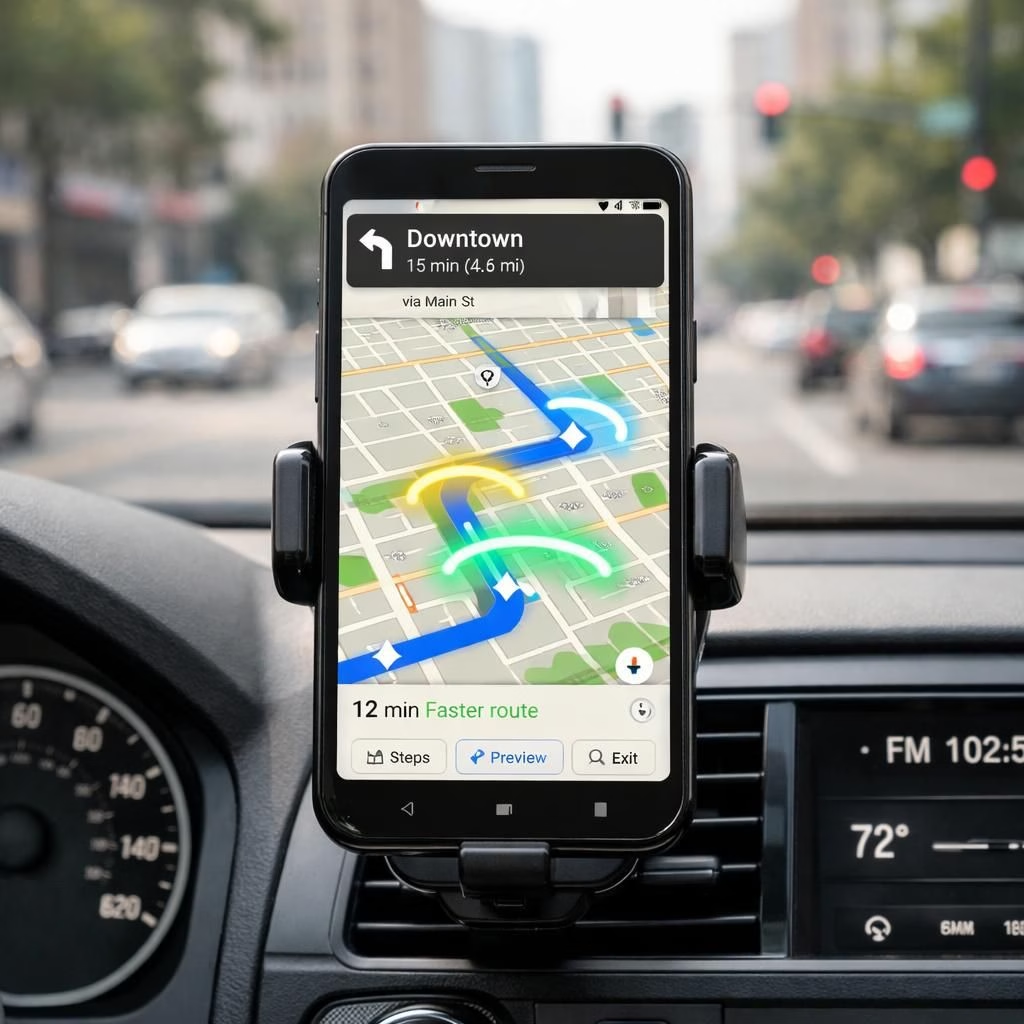
Welcome to a sunny, AI-boosted tour of Google Maps and Gemini AI in action. Instead of getting lost in the carpool lane of data, we’re applying practical tweaks that make navigation feel less like a puzzle and more like a friendly GPS sidekick.
Google Maps Gets an Upgrade with AI Smarts
In this reimagining, the map remains your compass, but the AI behind the scenes acts as a cooperative co-pilot. You’ll see smarter route choices, context-aware detours, and a quiet confidence that you’re not wandering through traffic soup.
For drivers, walkers, and pixel-peeping planners alike, the AI layer is designed to surface relevant information without shouting. The key is not to replace human judgment, but to extend it—letting you reason faster with better signals.
Gemini AI Powers Better Routing in Maps
Gemini AI appears as a backstage strategist that watches real-time data streams, historical patterns, and your preferences to suggest routes that save minutes rather than miles of patience. By understanding the time of day, typical bottlenecks, and even the weather, the system nudges you toward options that feel natural instead of chaotic.
Ask Maps features, which have gained momentum in recent coverage, let you pose complex questions like how to balance a detour with a coffee stop or how to optimize for a family with kids and a full stroller. This is not a gimmick; it’s a practical tool that helps you think aloud while the map does the heavy lifting of data crunching.
Additionally, Google Maps is testing 3D map capabilities for drivers, giving a more tactile sense of elevation and landmark cues, which can calm nerves in unfamiliar neighborhoods. It’s not virtual reality, but it’s close enough to feel like a small gadget victory during your commute.
In real-world use, the AI adds nuance to traffic warnings and construction zones, so you don’t get stuck behind a flashing cone that’s clearly out to ruin your afternoon. The system prioritizes safety: it will avoid abrupt lane changes and instead propose smoother, more predictable progress through congested corridors.
From a user experience perspective, the integration is designed to be unobtrusive. You’ll notice more relevant suggestions at the right moments, with the interface giving you room to confirm or override as you prefer. The goal is not to babysit your ride, but to treat navigation as a cooperative sport where both human and machine contribute winning plays.
To maximize benefits, keep your preferences up to date: home and work places, travel times, and preferred routes. The better your data, the better the AI can tailor its guidance while you maintain full control over the final decision. And yes, it’s still perfectly fine to ignore a suggested detour if you crave a longer cruise with your favorite playlist.
As with any major upgrade, privacy considerations are essential. The AI-driven features rely on data about your routes and behaviors, but providers emphasize on-device processing and opt-in controls to reduce data sharing. You aren’t surrendering your commute to a faceless algorithm; you’re inviting it to learn from patterns and adapt to your style.
Practical tips for getting the most from this AI-augmented maps experience: start with a clean slate in settings, enable live traffic and incident feeds, and set realistic arrival targets so the AI can propose meaningful options. Use the voice query feature to test Ask Maps during a drive so you can hear how the system interprets your questions in real time. And remember, you can always tap the route card to see alternate paths and compare them side by side.
Ultimately, the collaboration between Google Maps and Gemini AI aims to reduce cognitive load rather than remove choice. You stay in the driver’s seat, while the AI offers a toolbox of context, timing, and clarity that helps you decide faster and with more confidence. The result isn’t a robotic replacement for human judgment; it’s a smarter assistant that respects your preferences and your time.
We live in a moment where digital maps become more than a line on a screen. They evolve into adaptive partners that help you plan, navigate, and enjoy the journey. The emphasis remains on usefulness, reliability, and a sense of humor about the occasional wrong turn that reminds us we’re all human—and sometimes we’re the ones who pick the detour to a favorite coffee shop.
What do you think about these AI-driven navigation improvements? Do you enjoy the extra context, or do you value minimal UI and pure, silent guidance? Share your thoughts as you test these features on your next trip. Your feedback helps refine the experience for everyone.
Original article: Gizmodo — Thank you for the original material: https://gizmodo.com/gemini-is-now-your-permanent-passenger-in-google-maps
Practical Tips to Get More from Google Maps with Gemini AI
Here are simple steps to tailor the experience without slowing you down:
- Open Settings > Navigation > Smart features and enable live traffic, incidents, and preferential routing.
- Set your home/work locations and typical departure windows to help the AI prioritize routes.
- Try voice queries during a drive and compare suggested paths side by side with your favorite route.
- Review the route card before you start to pick the best balance of time, distance, and scenery.
FAQ: Gemini AI in Google Maps
- Is my data safe with Gemini AI in Maps?
- Providers emphasize on-device processing and opt-in controls to minimize data sharing.
- Can I disable AI suggestions if I want a minimalist UI?
- Yes. You can adjust settings to reduce prompts while keeping essential navigation.
- Does the 3D map feature improve driving in unfamiliar areas?
- It offers better landmark cues and elevation context, aiding orientation without overwhelming visuals.
Conclusion: A Practical Step Forward for Everyday Navigation
With thoughtful AI assistance, Google Maps aims to balance speed, safety, and clarity. The partnership with Gemini AI helps you think fewer thoughts while you focus on the road and the moment. Expect iterative improvements that respect privacy and user choice as these tools mature.
Related Reading
For broader context, see the original Gizmodo piece and related coverage on maps and AI-driven navigation.