

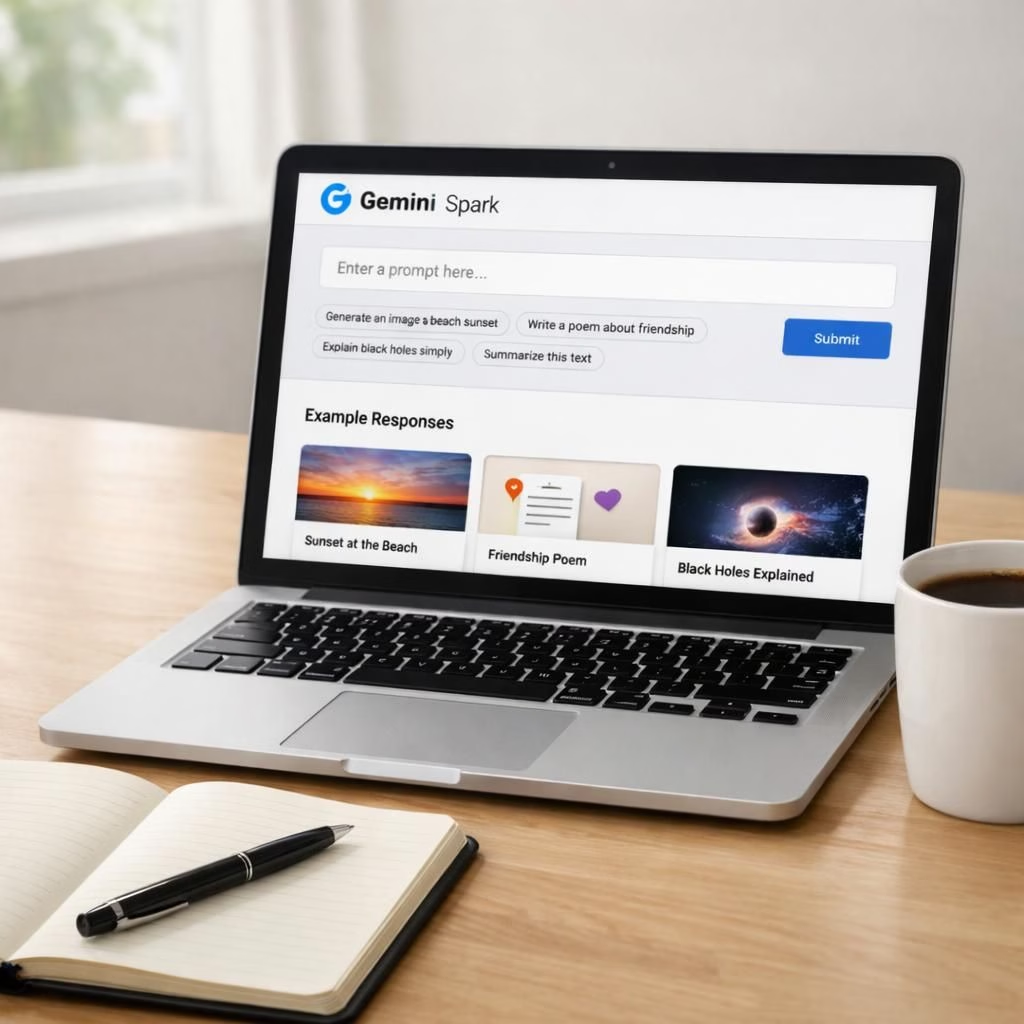
The Gemini Spark AI Assistant is not just a buzzword; it’s a practical feature set that aims to lighten daily friction. As a Gemini Spark experiment, this AI Assistant acts as an around-the-clock co-pilot for work and life. On a busy morning, the Gemini Spark interface suggests succinct summaries, drafts emails, and even schedules reminders with a calm, chatty tone.
Across TechCrunch, 9to5Google, PCMag, Android Police, and WIRED, readers report a mosaic of experiences. The Gemini Spark AI Assistant shines when asked to summarize long documents, draft replies, or fetch quick facts. In practice, the Gemini Spark setup often feels like a helpful coworker who has access to your calendar and to-do list. The AI Assistant‘s 24/7 availability means you can test ideas at odd hours, which is oddly reassuring in a world of always-on notifications. Still, the Gemini Spark system is imperfect; it can misunderstand context, propose partial solutions, or mix up small details. The key is to use it as a drafting partner, not as your final editor, and to verify critical outputs before sending them along.
Gemini Spark in Practice: The AI Assistant You Can Actually Use
In practice, the Gemini Spark AI Assistant helps with rapid research, brief memo-style notes, and quick content generation. TechCrunch’s take is cautiously optimistic: it’s actually pretty useful when you set clear prompts and constraints. The AI Assistant is strongest when it handles routine, repeatable tasks like turning meeting notes into bullets or outlining a plan. Some users report that Gemini Spark can integrate with email and calendars, reducing back-and-forth and letting you focus on the creative parts of a project. But the system remains a tool, not a replacement for judgment, and the best results come when you guide it with explicit intent and a human check at the end. The lesson is: treat Gemini Spark as a capable ally rather than a pushbutton miracle, and you will notice a real boost in productivity.
AI Assistant Realness: The Gemini Spark Experience Across Outlets
From 9to5Google to PCMag, the consensus is that the Gemini Spark AI Assistant has arrived in a more usable form. The PCMag piece notes the rollout to Ultra subscribers, and Android Police confirms broader access with a practical, more capable layer. WIRED pushes the idea that the Gemini Spark workflow can blend into daily life, weaving memory cues, reminders, and quick checks into a single interface. Across outlets, the message is similar: the Gemini Spark AI Assistant helps you work smarter, not harder, as long as you remain mindful of privacy, security, and accuracy. The AI Assistant learns from your prompts, but it does not solve all problems at once; you still need a clear brief and a human eye for nuance, especially with sensitive information.
Gemini Spark and the 2026 Tech Landscape
Looking at the big picture, Gemini Spark sits among a growing class of AI helpers that want to do more with your daily routines. The Gemini Spark AI Assistant demonstrates what happens when a search-forward, context-aware assistant is tied to real-world apps and services. It can fetch data, draft text, and propose next steps, but the value comes when you pair it with your own knowledge. The 2026 landscape rewards tools that save time without stealing judgment. In that sense, Gemini Spark is less a miracle and more a practical companion that helps you move from ideas to action—without pretending to replace your brain.
Have you tried Gemini Spark? Tell us in the comments how the AI Assistant fits your workflow, what works, and what terrifies you about automation.
Original reporting and inspiration: thanks to TechCrunch for the initial write-up: I put Google’s 24/7 AI assistant Gemini Spark to work, and it’s actually pretty useful.
Getting Started: Quick Tips
- Define a single task with clear constraints. This helps the AI Assistant deliver focused results.
- Review outputs with a human eye before sharing. Treat the tool as a drafting partner, not the final editor.
- Measure time saved by comparing a human-only workflow to a Gemini Spark-assisted one.
Frequently Asked Questions
- Can I use the AI Assistant for sensitive data?
- How do I verify outputs before sending them?
- What kinds of tasks best suit Gemini Spark right now?