

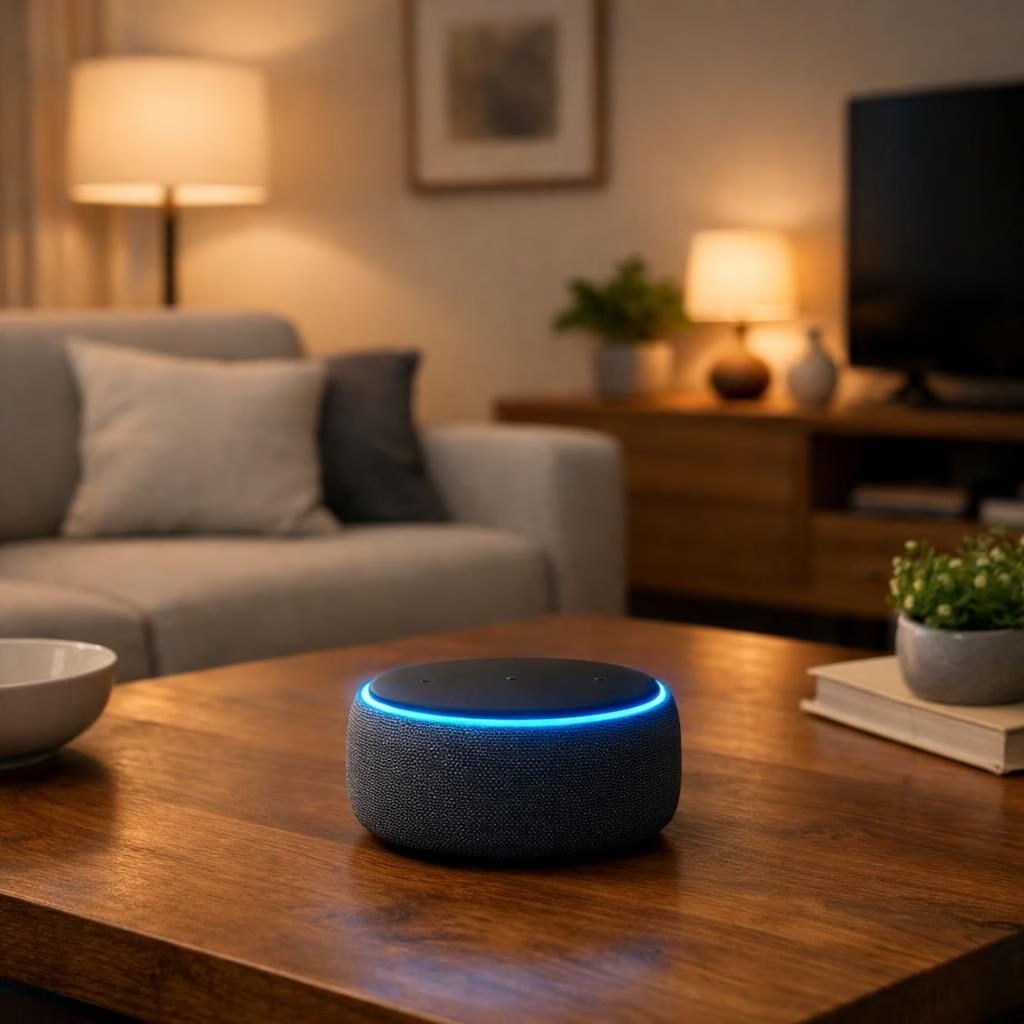
Welcome to a brighter, busier home ecosystem, where Gemini for Home gets a thoughtful upgrade with continued conversations. The idea is simple: the smart assistant can stay in the chat without shouting Hey Google after every answer. The result is a wake-word-free, more natural exchange that now feels like chatting with a helpful neighbor who happens to live inside your speaker. In 2026, this improvement aims to speed up responses and reduce friction while you go about daily routines.
Gemini for Home and the magic of continued conversations
Under the hood, Google has tuned the Gemini for Home platform to listen for a brief window after a reply. The mic remains active for a few seconds, and the device lights pulse to signal that you can speak again. If you interject with another question, Gemini should carry context from the earlier turns, so you don’t need to repeat the basics. The goal is to make the exchange feel seamless rather than robotic.
Because the feature relies on context, there is a balancing act between helpful continuity and privacy. Google emphasizes that continued conversations are distinct from stray room chatter and are processed with safeguards. You still control the feature via the Google Home app: Settings > Gemini for Home voice assistant. You can switch it on or off, and you can clear or limit what the device can keep over short time windows. This setup is designed to feel intentional rather than accidental, and the on-device cues help users judge when the assistant is listening vs. when it is simply awaiting the next prompt.
Why Gemini for Home matters: continued conversations in practice
Rolling out today across Gemini for Home languages and regions, this upgrade aims to minimize friction during daily tasks. For a family kitchen or a living room hub, the ability to ask a follow-up without repeating context saves time and reduces interruptions. If you want to test the waters, turn on the feature and notice how the device responds to an initial query and then to a follow-up question a few seconds later. Is the context preserved? Does the assistant surface the needed details more quickly? These are the small experiments that reveal whether continued conversations becomes a habit you appreciate.
Critics have asked: does the accommodation for wake-word absence raise the risk of accidental listening? The short answer is that Google has implemented checks designed to separate purposeful conversation from ambient room noise. The longer answer depends on your environment and your comfort with on-device processing. Overall, the promise is a more natural pace of dialogue that respects user preferences and privacy choices. If you have concerns, you can disable the feature or adjust how long the mic stays active after an answer, providing you with control over the flow of conversation.
Historically, continued conversations existed in a limited capacity under the older Google Assistant platform, but Gemini for Home positions this feature as a core part of the new assistant experience. This shift reflects Google’s broader ambition to replace the older Assistant platform with Gemini for Home in the near term, while still offering familiar controls and settings. The pace of updates in 2026 shows the company testing and refining, guided by user feedback and privacy safeguards.
In addition to the core flow, expect subtle hardware cues: the light ring or device glow may pulse in sync with the conversation state, providing a quick, visual cue that the assistant is listening, thinking, or ready to chat again. The combination of a continuing audio window and a visible cue helps users manage expectations and plan their interactions around real-time needs rather than choreography.
For creators and developers, this evolution hints at more robust context handling and better energy management across devices. We may see improved cross-device continuity, where conversations held on one Gemini for Home display or speaker carry over smoothly to another supported device, with user consent and privacy preserved. The aim is not to trap users in a single ecosystem, but to offer a more fluid and humane experience when life gets busy and hands are full of tasks.
As with any major feature, the proof will be in real-world use. We will be watching for examples where continued conversations save steps, reduce repetitive prompts, or help users discover information faster. We suspect that in households that adopt Gemini for Home, the rhythm of daily tasks will adjust to a more natural cadence—like chatting with a bright, attentive teammate who happens to live in a smart speaker.
Internal note: We credit the original piece for background context. Original article: Engadget coverage of Gemini for Home.
Practical steps to use Gemini for Home with continued conversations
- Open the Google Home app and navigate to Settings > Gemini for Home voice assistant.
- Enable continued conversations to let the assistant carry context after responses and pause briefly for follow-ups.
- Test a sequence: ask a question, then follow up a few seconds later to see if context stays intact.
- If needed, adjust the mic wake window duration to suit your environment and privacy comfort.
FAQ
- What is continued conversations? It’s the ability for Gemini for Home to carry context across a short window after answering, allowing follow-ups without repeating the basics.
- How do I enable it? Open the Google Home app, go to Settings > Gemini for Home voice assistant, and switch on the feature. You can tailor retention and privacy options as you prefer.
- Is it private? Google emphasizes safeguards and on-device processing to limit data retention. You can disable it or adjust storage windows if you’re concerned about privacy.
- Can I adjust the mic wake window? Yes. You can shorten or extend the window to fit your comfort with on-device listening.
We’d love to hear your thoughts on this upgrade. Share your experiences with Gemini for Home and continued conversations in the comments, and tell us how this affects your daily routines.