

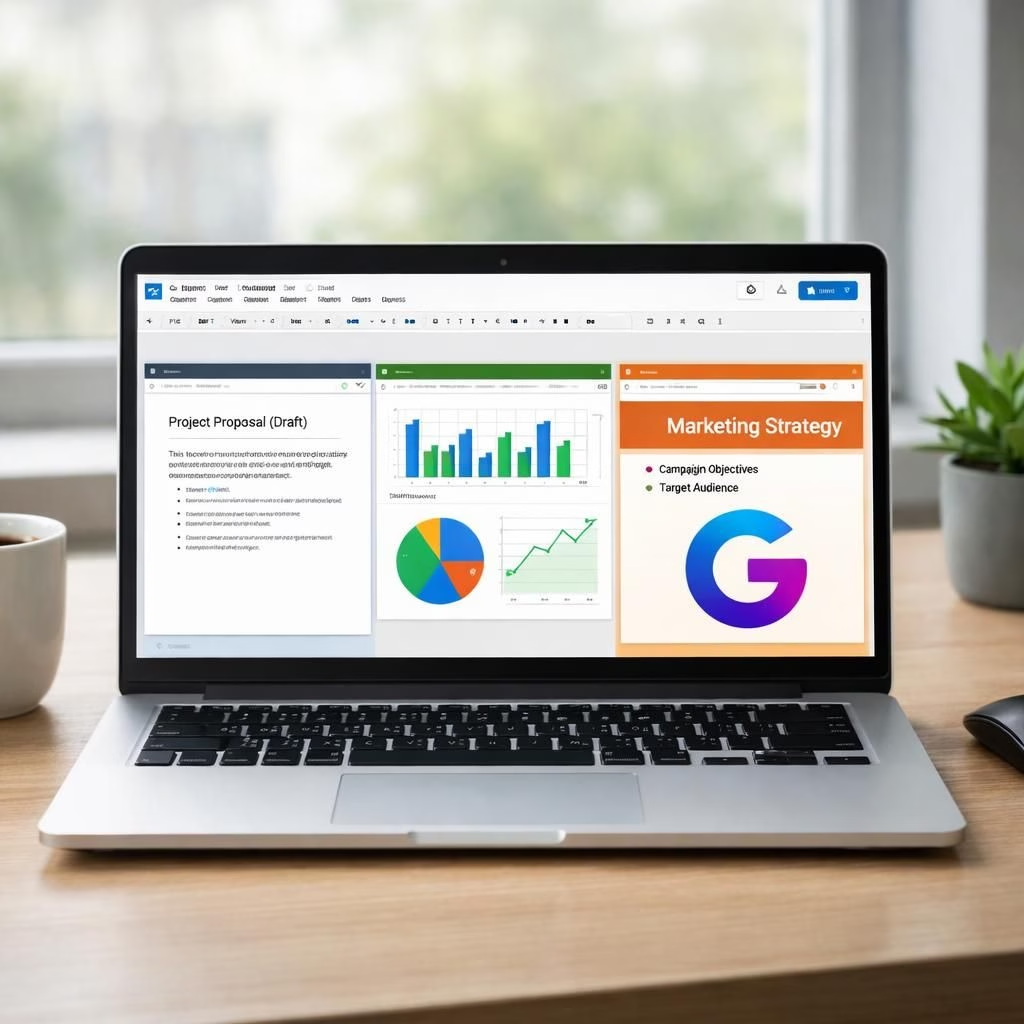
Gemini AI boosts Google Workspace: Smarter Docs, Sheets, Slides, and Drive
In 2026, Google Workspace gets a friendly, mischievous upgrade. Gemini AI steps onto the stage as a collaborative partner, not a hidden feature. The suite—Docs, Sheets, Slides, and Drive—gains AI-powered helpers that cut busywork and spark better collaboration. Yes, Gemini AI is more than a logo; it is a practical teammate that can draft, analyze, and search with poise inside Google Workspace. If you ever wished your files could think ahead while you sip coffee, you are in luck. The update pulls information from emails, chats, and files to finish projects in seconds, not hours. The rollout today signals a shift from manual tinkering to ambient intelligence that makes sense. This is not sci‑fi; it’s your everyday toolkit, now a touch more autonomous within Google Workspace.
Gemini AI powers smarter Google Workspace apps
The first wave centers on Docs and Sheets, where Gemini AI acts as a collaborative research assistant and writer. Instead of starting from a blank page, you can request a draft that synthesizes content from Drive files or prior Gmail conversations. The goal is simple: reduce idle staring at a cursor, because you have a partner that pulls relevant material fast. On drafts, two refinements help keep it professional: Match Writing Style and Brand Formatting. The system can align tone with existing material and apply brand formatting to match templates. The result feels effortless, powered by Gemini AI as a trusted co‑pilot inside Google Workspace.
In Sheets, Gemini AI lowers the barrier to advanced analysis. The Fill with Gemini tool infers intent to auto-populate tables quickly. For example, paste customer feedback and Gemini can categorize items as Praise or Complaint and draft tailored responses. Google reports this is nine times faster than manual data entry for routine tasks. An Optimization feature handles complex logic problems—like maximizing profit in an employee schedule—using simple natural language prompts. The underlying idea is to turn your natural language requests into concrete spreadsheet outcomes, while preserving the accuracy needed for real business decisions. Practically, your team spends less time wrestling with formulas and more time interpreting insights, all within Google Workspace.
Slides and Drive in Google Workspace, powered by Gemini AI
Presentations get a makeover without you needing to become a designer overnight. Gemini AI now handles design heavy lifting in Slides by turning brainstorm sketches or tabular data into editable diagrams and charts. Describe your needs and a polished, on‑brand presentation appears. It’s not a magic trick; it is a reasonably fast synthesis of layout, color, and typography guided by templates. Over time, you will be able to generate entire on‑brand presentations from scratch simply by describing what you want to show. The experience aims to keep your deck on brand while freeing you from the tedium of manual formatting.
In Drive, a feature called AI Overviews shifts the focus from file lists to summarized answers. Instead of scrolling through dozens of files, you can query for a topic like “winter 2025 feedback” and receive a concise, cited overview. This is not just a search; it is a guided synthesis that highlights relevant documents with citations at the top. You can also save a curated set of documents as a Project, enabling the AI to reference those materials during longer brainstorming sessions. The Drive enhancements connect your history with present needs, so the AI can pull in past discussions and related files in a coherent way.
Rollout and availability in Google Workspace
All of these features are rolling out with a careful staged approach. The Alpha release targets business accounts that already rely on Gemini for experimentation and feedback. Google AI Pro and Ultra subscribers are included in the testing group to calibrate performance, safety, and privacy controls before broad deployment. The US gets priority for the initial wave, with plans to scale to other regions as data‑handling requirements are satisfied and as the AI models demonstrate stable behavior across diverse workloads. This phased rollout aims to deliver practical improvements from day one and steady reliability over time.
From a practical standpoint, teams should expect better draft quality, faster data exploration, and smoother presentation flows. The tools are designed to reduce repetitive tasks without subtracting critical human judgment. As with any AI integration, the best results come from clear prompts, explicit expectations, and ongoing human oversight. The collaboration between Gemini AI and Google Workspace is framed as a true partnership—the AI handles the drudgery, while people focus on strategy, storytelling, and decision making.
What this means for everyday work in Google Workspace
What this means for everyday work is a renewed emphasis on speed and clarity. You can test drafts in Docs with a quick Gemini AI draft, measure sentiment or tone, and hand off the final polish to brand guidelines with a few clicks. In Sheets, you can crowdsource insights from conversations across Gmail or Drive and then verify the outputs against the numbers you trust. In Slides, the creative process is accelerated by turning rough ideas into polished visual narratives. In Drive, you gain context rather than a scatter of files, which makes long projects feel more organized and less chaotic. The guiding principle is simple: Google Workspace powered by Gemini AI helps teams do more with less friction.
FAQ: Gemini AI in Google Workspace
- What is Gemini AI’s role in Google Workspace?
Gemini AI acts as a collaborative partner that drafts, analyzes, and helps search across Drive, Mail, and Chats to accelerate work. - Do these features require a premium plan?
Initial rollout targets Gemini Alpha business accounts and Google AI Pro/Ultra subscribers. - Will my data stay safe?
Privacy controls and enterprise safeguards are emphasized during testing and rollout. - Can I describe what I want for slides or docs?
Yes. Natural language prompts guide drafting, design generation, and data shaping.
For teams ready to experiment, the updates promise clearer workflows, less repetitive work, and a more coherent history of work across Docs, Sheets, Slides, and Drive.
Conclusion: practical, not magical
Google Workspace, powered by Gemini AI, aims to amplify human capability rather than replace it. The upgrades offer faster drafts, smarter data, and more cohesive visuals within your existing workflows. To maximize value, organizations should plan training, governance, and guardrails, then adopt with real use cases and measured steps.
References
- Times of India. Google supercharges Docs, Sheets, Slides and Drive with Gemini AI-powered features. https://timesofindia.indiatimes.com/technology/tech-news/google-supercharges-docs-sheets-slides-and-drive-with-gemini-ai-powered-features-what-is-changing/articleshow/129413295.cms
- Google’s official blog: Gemini AI integration in Google Workspace. https://blog.google/
- The Verge: coverage of Gemini AI in productivity tools. https://www.theverge.com/