

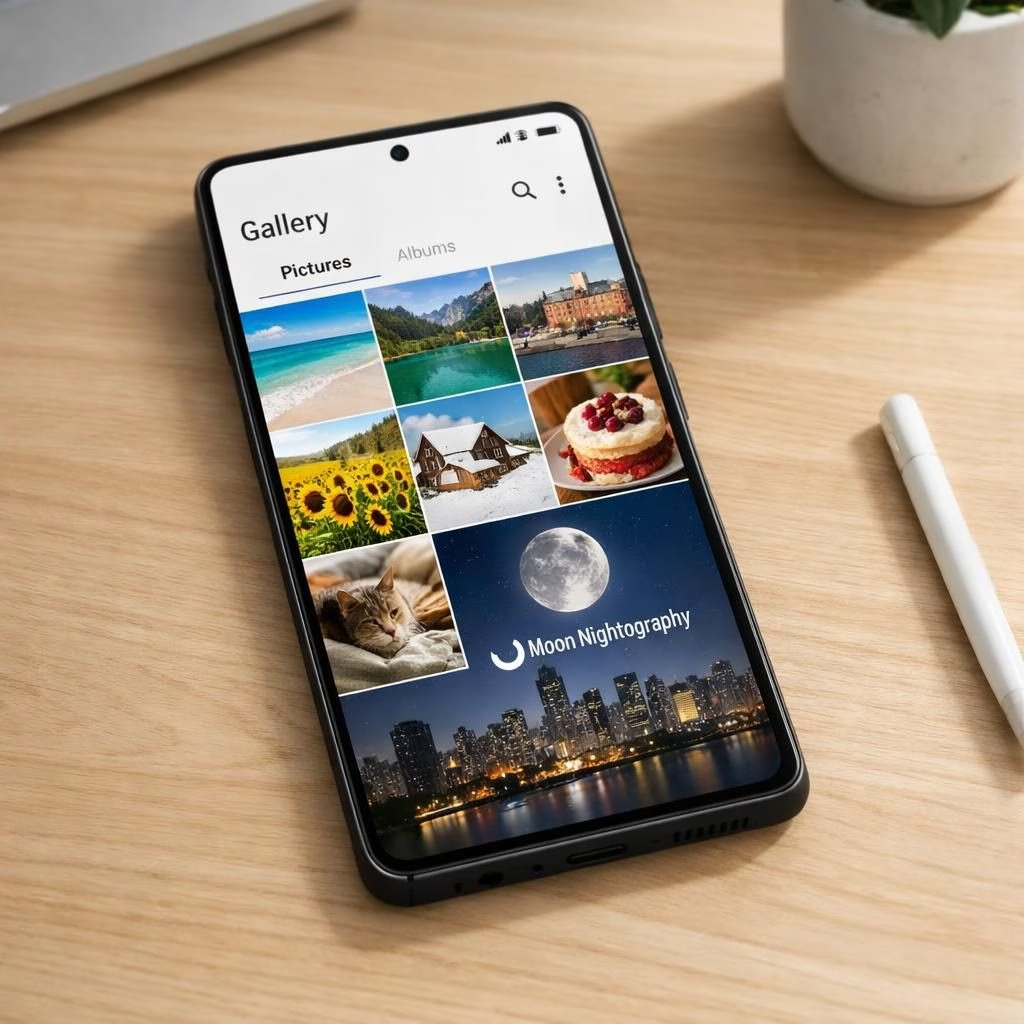
In a world where your Galaxy S26 is basically a memory sponsor, the camera system decides which moments get celebrated. The Galaxy S26, with its Nightography features, turns ordinary dinners, weekend hikes, and even quiet moments into bright, shareable stories. Nightography isn’t just a buzzword; it’s a design philosophy aimed at keeping memories crisp and candid, generation after generation.
Galaxy S26: Nightography in Everyday Moments
The Galaxy S26 family stacks smart sensors with clever software. It covers real life, from casual lunches to low-light gigs. The standard S26 and S26+ use a 50-megapixel main camera at F1.8. They deliver solid results in good light. The Ultra model goes bigger, shooting 200 megapixels with an F1.4 aperture. It adds a dedicated 50MP telephoto lens with 10x optical zoom. In practice, the Ultra captures detail we once needed a tripod for. Nightography helps in dim venues by boosting light while preserving color and texture.
That 200MP sensor lets you crop later without turning photos into digital dust. The faster aperture helps in darker venues like clubs or indoor events. Nightography keeps faces bright while the background stays rich. You can shoot confidently, because you have options on the Galaxy S26 and its sharper kin.
Nightography: How the combo shines in low light
Nightography isn’t a one-trick pony. It works across Photo and Video modes. Samsung’s logic and smart processing back it up. In low light, the camera opens wider (the Ultra’s F1.4 helps). The software brightens without washing color. In practice, you’ll notice crisper textures, better skin tones, and less noise in dim venues or under string lights.
To activate Nightography in Photo mode, open the Camera app, switch to Photo, and tap the yellow Moon icon in the lower-right corner. When lighting is poor, the camera may suggest longer exposure times. You can pick a number or leave Auto for the phone to decide. In Video mode, Nightography runs automatically from the start of recording, giving you consistent results without fiddling with settings mid-shot.
Super Steady is Samsung’s video stabilization across the S26 line. Horizontal Lock, available on the Ultra, keeps the horizon level when you move. Real-time data from the gyroscope and accelerometer tracks motion and compensates for it. Your footage stays steady, even during fast or unpredictable movement.
In other words, footage shot on the move stays smooth and level. You can say goodbye to a tilting horizon that makes handheld video look amateur.
Photo Assist is an AI editing tool in Gallery that lets you alter a photo after you’ve taken it. You can transport a shot to a different location or time of day. You can add elements like people, animals, or objects by describing what you want. You can apply a style transformation or merge two shots into one—think portrait plus backdrop, or a pet in the frame.
To use it, open a photo in Gallery, tap the AI icon, then type or say what you want to change. You can generate, review, and keep editing until you’re happy.
Standard editing fine-tunes what’s in a photo—crop, exposure, color, filters. Creative Studio creates something new. It’s accessed via the Edge panel. It can turn photos into stickers, greeting cards, or invitations you can share. Choose a photo, describe what you want, pick a style, and hit generate to create.
The S26 family covers a lot of ground. The standard models handle everyday shooting with ease. The Ultra offers a top-of-the-range option for detail, zoom, and low-light prowess. The Nightography features stay active across the entire series, so you don’t have to debate hardware versus software every time you press the shutter.
Whichever choice you land on, you’re getting a camera system primed to preserve your memories for years to come.
Want to compare specs? See the full Galaxy S26 lineup at Samsung’s site.
Results vary by light, subject, and shooting conditions. A visible watermark may appear on generated images when using Nightography features. Some features require network access or a Samsung account. These notes reflect standard caveats for AI features.
For creators who want a quick verdict: use Ultra for weddings, concerts, or exotic landscapes. Nightography in dim spaces helps portraits shine. Photo Assist and Creative Studio craft quick keepsakes. The S26 line is built to preserve memories with a light, playful touch and practical edge.
As you explore the Galaxy S26, you’ll notice the experience feels polished without being overbearing. The camera partners with you in storytelling, not just as a gadget. The result is a device that frames life as it happens—with a dash of whimsy and a lot of practical edge.
Have thoughts or questions? Please share your thoughts in the comments.
Practical tips for using Nightography on the Galaxy S26
- Try Auto exposure in low light and adjust the exposure time using the Moon icon for better skin tones.
- Switch to Horizontal Lock when you’re moving through crowds or filming from a vehicle.
- Experiment with Photo Assist after shooting to craft quick keepsakes or collages.
- Use Creative Studio to generate personalised cards or invitations from your best shots.
Frequently Asked Questions about Galaxy S26 Nightography
- What is Nightography? It’s Samsung’s approach to brighter, clearer images in low light, using a blend of wider apertures, smarter processing, and AI features.
- Does Nightography work for video? Yes. Nightography runs in Video mode from the start of recording for consistent results.
- Is Nightography available on all Galaxy S26 models? Yes, the feature is designed to work across the entire S26 lineup, with some extra options on the Ultra (like Horizontal Lock).
- Do I need a subscription for Galaxy AI features? Some AI features require a Samsung account and network access; check the on-device prompts for access and any terms.
Conclusion
The Galaxy S26 delivers a polished photography and video experience that helps you capture life as it happens—from everyday moments to special events—without the fuss of extra gear. The Nightography tools and AI-assisted editing keep your memories crisp and shareable, with a light, practical touch. If you’re choosing among the S26 models, the Ultra is best for the most demanding scenarios, while the standard S26 and S26+ are quick, reliable companions for daily use.
References
Original article: https://www.cnet.com/paid-content/news/galaxy-s26-camera-system-the-biggest-questions-answered-before-you-buy/