

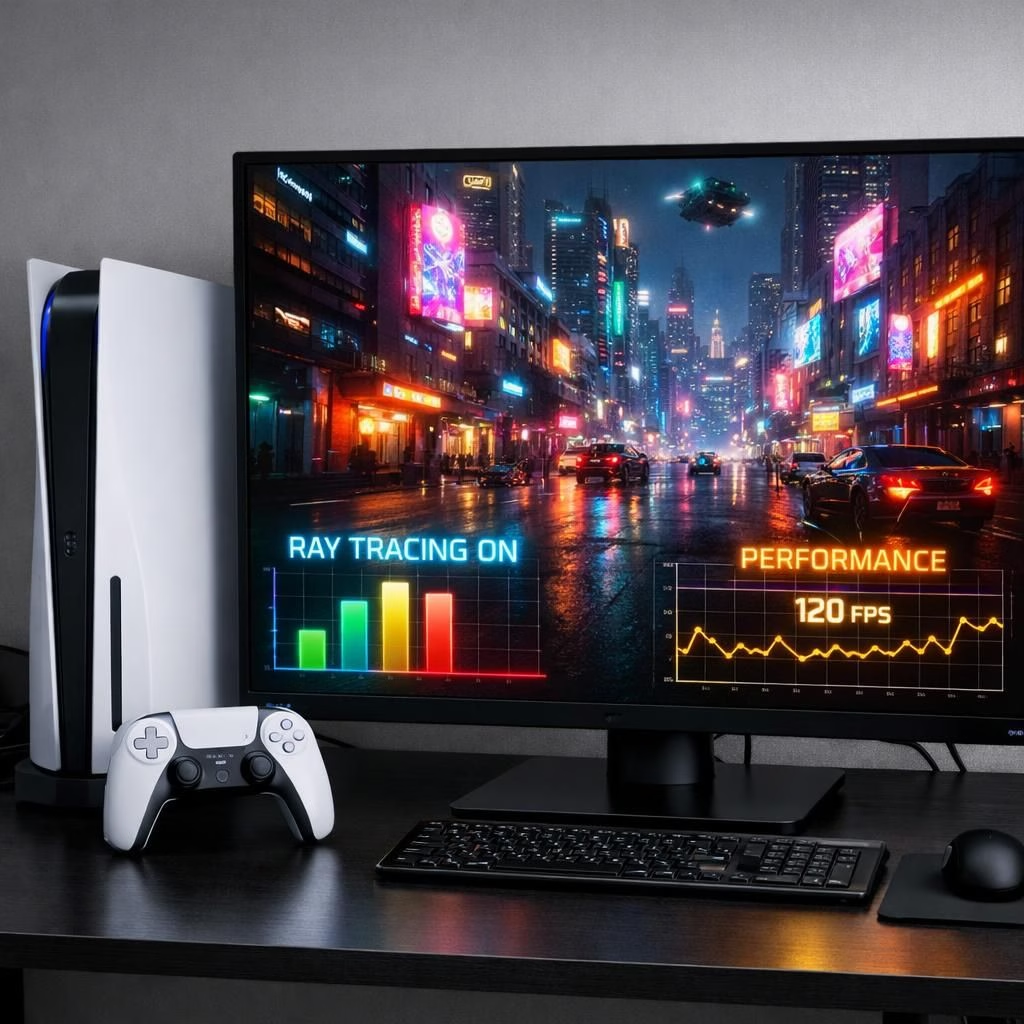
In this breezy field guide, Cyberpunk 2077 and PS5 Pro unite in patch notes like two late-night coders bragging about optimization power. The aim is clear: sharper RT lighting, smoother frame budgets, and a city that feels alive rather than silk-screened. If you want the quick take, Cyberpunk 2077 gets better RT performance, and PS5 Pro gains the room to flex without breaking a sweat.
Cyberpunk 2077 PS5 Pro: RT Upgrades That Feel Real
The patch leans into real-time ray tracing features while guarding frame stability. RT shadows snap to surfaces with more fidelity, reflections on rain-slick neon surfaces show depth, and global illumination gets smarter about bounce lighting. The result isn’t a cinematic easter egg hunt; it’s a well-lit alley where every sign and window glass behaves logically. The team tunes the balance so that you notice the glow and not the struggle to render it.
For players who want practical outcomes, you will find better consistency in busy city traffic, less dithering during rain sequences, and a more convincing sense of scale. The patch doesn’t force you into a single mode; instead it offers a family of options that let you tailor brightness, reflections, and shadows to your hardware. If your GPU is up to the task, you will likely see a noticeable upgrade in cities that brim with neon and reflection pools. If you prefer performance first, you can lean into a mode that prioritizes stability while preserving essential RT cues.
Cyberpunk 2077 PS5 Pro: Rendering Tricks for the Pro
Rendering tricks focus on efficiency. Dynamic resolution steps in gracefully, letting the game scale up during calmer frames and pull back when chaos erupts in the street chase. Temporal anti-aliasing remains a reliable friend, smoothing edges without turning the world into vapor. The PS5 Pro benefits from faster memory access, but the patch keeps a human-friendly target frame rate in mind. What matters is that the city looks crisp, with fewer pop-ins and less shimmering on distant neon signs.
Performance budgets are more forgiving now. The patch respects your preferred balance: you get the thrill of RT lighting without a cost you can feel in sub-60fps stretches. On Sony’s hardware, the improvements land with more headroom in ultrawide scenes and during heavy lens flares. On PC fans, the story is similar: RT fidelity scales well with your GPU, and the developers offer sensible toggles that allow you to reclaim performance if your frame times spike. The practical upshot is a more consistent ride through Night City with occasional moments where you swear you are in a next-gen showcase, but without the price tag you feared.
Beyond the numbers, the patch signals a philosophy shift: RT isn’t a gimmick, it’s a tool that can coexist with playability. The patch celebrates a future where you can enjoy cinematic lighting and fluid motion in equal measure, without compromise on the experience. If you are an enthusiast who loves the look and a pragmatist who hates stuttering, this balance lands squarely in your wheelhouse.
Love it or leave it, the patch invites hands-on experimentation. Try toggling shadows, reflections, and global illumination to discover your personal sweet spot. The city responds to your choices with a glow that feels earned, not forced.
References to the original material come from Digital Foundry: Review: Cyberpunk 2077’s PS5 Pro Patch Goes Heavy On RT And Performance Upgrades.
Tuning the Experience: Practical Steps for Cyberpunk 2077 on PS5 Pro
- Step 1: Start with RT shadows set to Medium to avoid bloom-heavy halos while keeping key silhouettes crisp.
- Step 2: Enable Dynamic Resolution and adjust target framerate to ensure smoother ride in Night City traffic.
- Step 3: Use a moderate Global Illumination setting and toggle Reflections to balance neon glow with performance. Try PS5 Pro-tuned options where you can.
- Step 4: Save a profile for ultrawide or standard displays and switch between RT-on and RT-off presets as needed.
Cyberpunk 2077 FAQ for PS5 Pro
- Does the patch fundamentally change how Cyberpunk 2077 runs on PS5 Pro?
- It improves RT fidelity and frame stability, with options to trade some visual quality for steadier performance on PS5 Pro.
- Is this primarily a PS5 upgrade, or does PC benefit too?
- PC builds with strong GPUs also gain RT improvements and practical toggles to maintain smooth frame times.
- What about ultrawide displays?
- The patch provides more headroom for wider scenes, especially when RT lighting is active on PS5 Pro-enabled setups.
Conclusion: A Balanced Patch for Cyberpunk 2077 on PS5 Pro
The patch leans into a future where cinematic lighting and playable motion coexist. It’s not about maxing every pixel at the expense of motion but finding a personal sweet spot. If you value sharp RT cues and steady frame times, this update lands close to your ideal Night City experience.