

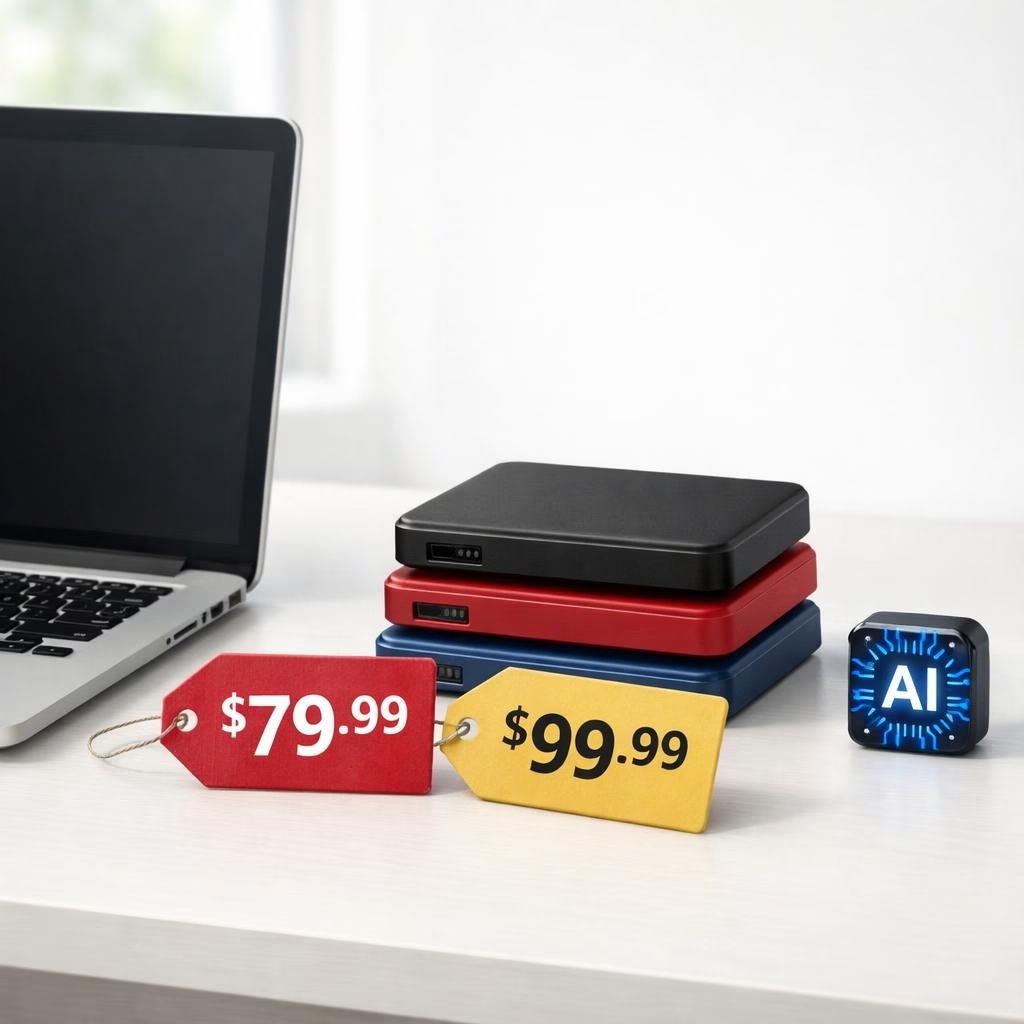
Apple’s approach to technology sneaks a storage story into every product release. In 2026, storage demand from AI workloads is nudging external prices higher. This isn’t fearmongering; it’s a practical reality shaped by supply-chain shifts, component costs, and retailer pricing strategies. For readers, the takeaway is clear: upgrading storage will cost more, but there are smart ways to get the capacity you need without breaking the bank. You can stay savvy with reviews, price tracking, and smarter buying. Apple storage trends matter because they reveal how AI reshapes the hardware market.
Apple storage price reality check in 2026
Across outlets, price bumps show up on popular external drives and SSDs. Gizmodo, AppleInsider, ProVideo Coalition, PhoneArena, and Wccftech all weighed in. Causes span supply-chain constraints, higher component costs, and retailers adjusting margins to reflect demand. The practical effect is palpable for anyone upgrading or building a new rig. Yet there is a silver lining: recalibrate expectations and still find value in reliable gear if you shop thoughtfully. For Apple fans and storage enthusiasts, the moment invites patience, comparison, and a willingness to wait for the right deal.
Why Apple and storage costs spike in the AI era
When AI workloads proliferate, storage gets a starring role. The math is simple: more data, faster access, bigger arrays of silicon, and longer firmware support all push prices up. The result is a mixed bag for Apple fans and storage enthusiasts alike. Some brands respond with promotions; others with capex investments in faster controllers and more durable NAND. The human story remains: you want dependable storage that is fast, quiet, and affordable enough to justify the upgrade. Here are concrete steps to navigate the market without sacrificing reliability.
- Compare prices across retailers and watch sale cycles.
- Consider refurbished or OEM drives from reputable sources.
- Check warranty length and brand reputation for durability.
- Balance on-device storage with cloud options where suitable.
- Plan ahead for future capacity rather than buying piecemeal.
For AI-heavy workflows, measure actual usage. Don’t buy just for the label. A smaller, faster NVMe storage drive can outperform a larger, older SATA drive if you need speed. And if you rely on external storage for backups, invest in a model with rugged design or good warranty. In short: stay pragmatic, stay curious, and keep a sense of humor about how tech prices move in a world of AI-driven demand. If you’re an Apple user, you know this hits the wallet a bit harder when you upgrade a key drive, so you plan more carefully and smile more when a good deal finally arrives.
Original article attribution: AppleInsider coverage on storage pricing trends. Thank you to the original reporters for doing the legwork and keeping readers informed.
Practical steps for Apple users
Start with a clear assessment of your actual needs before upgrading storage. Prioritize speed for active projects and reliability for backups, then compare durable options across brands.
Smart storage upgrade checklist
- Set a realistic budget and a single upgrade target rather than multiple small buys.
- Look for drives with proven reliability and a solid warranty.
- Evaluate whether on-device storage or cloud storage better fits your workflow.
- Consider refurbished units from reputable sellers if they come with a warranty.
- Test and back up important data after installation to avoid data loss.
FAQ
- Will prices drop after AI demand stabilizes?
- Prices swing with supply and demand. A stabilization period can bring dips, but long‑term shifts in data needs may keep prices elevated compared with pre‑AI levels.
- Is refurbished storage a good idea?
- Refurbished drives can offer good value if they come with a warranty and a trusted seller. Check SMART data and run a thorough health check before relying on them for backups.
- Is NVMe worth the extra cost for external storage?
- For active projects, NVMe speed can boost performance. For archival storage, SATA may be sufficient and more affordable.
- How can I extend storage without a full upgrade?
- Offload rarely used files to cloud or secondary drives, prune duplicates, and organize folders to keep everything accessible with less space wasted.