

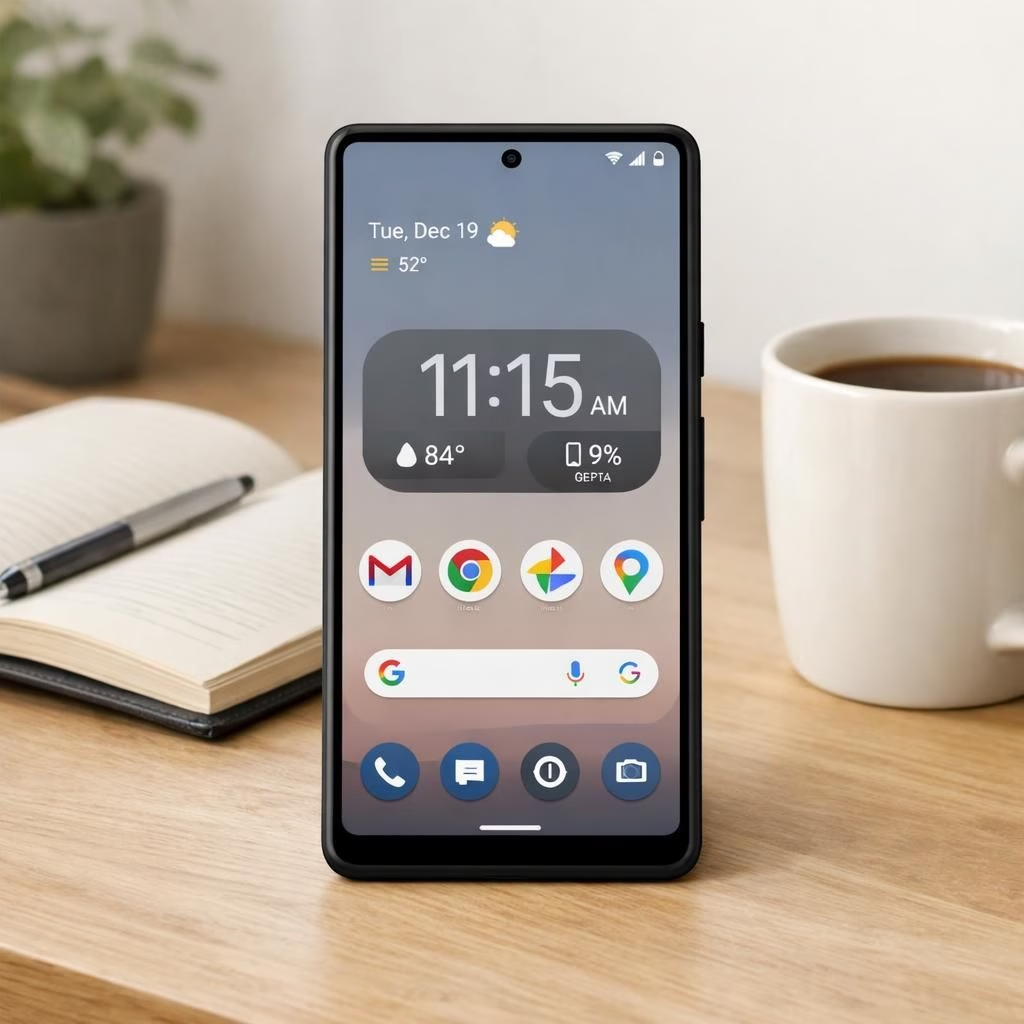
Android and Google are steering the tech ship once again as Google releases Android 17 QPR2 Beta 1 for Pixel, delivering a playful mix of polish and practicality. This beta lands with a smile, promising smoother app launches, battery-aware tweaks, and a few UI nudges that make the Pixel feel a touch more alive. If you love clean UI, robust security, and the occasional Easter egg, this release has your name written on a notification badge.
Android improvements you can actually notice
In this beta cycle, Android 17 QPR2 introduces snappier transitions, smarter permission prompts, and a refined quick settings area. Users will find a more forgiving battery life model and a smarter back-end that reduces lag when switching between apps. The Pixel remains the star, but the engine now hums a little more quietly, which is a compliment in a world of buzzing notifications.
What Google tweaks in QPR2 Beta 1 for Pixel
Google‘s approach to this beta is practical and transparent. The company lists known issues, invites user feedback, and encourages developers to test their apps against the new build. Expect refined privacy toggles, more granular media controls, and improved on-device AI prompts that respect user choice without nagging. The beta isn’t just about new icons; it’s about a more coherent user experience across Pixel devices.
Google and the Pixel ecosystem: a symbiotic dance
Pixel devices have long served as a proving ground for Android updates, and QPR2 Beta 1 confirms Google‘s commitment to iterative improvements. The beta process lowers risk for end users by allowing early testing in a controlled environment, so you can decide whether to enroll in the beta program or wait for the stable release. Android, Pixel, and the broader ecosystem come together to create a more resilient launch day with fewer surprises.
Practical tips for users and developers
To join the beta, head to the Android Beta Program page, sign in with your Google account, and enroll your Pixel. Back up your data first, because even good bets can bring surprises. If you install the beta, expect occasional reboots and some apps to behave differently as they adjust to new permissions and APIs. For developers, verify compatibility with updated SDKs, test crash-prone flows, and keep an eye on battery telemetry to ensure your app isn’t draining power in the background.
Design notes and user experience: polish without frivolity
The design language around Android 17 QPR2 Beta 1 leans into clarity and speed. You’ll notice smoother animations, crisp typography, and a more predictable notification stack. The company nudges design consistency across apps, guiding developers to align with Material You aesthetics while leaving room for brand personality. The result is a more approachable Pixel experience that still feels cohesive.
What to watch next from Android and Google in 2026
Looking forward, we should expect ongoing tweaks to performance, privacy controls, and developer tooling. Android 17 QPR2 Beta 1 is less about a flashy gimmick and more about habit-forming reliability. The company will likely refine the onboarding for beta testers, expand accessibility options, and fine-tune background task handling to keep the Pixel responsive even under load. The net effect is a more resilient Android ecosystem with a little more harmony between services and the Pixel hardware.
Android Security and Privacy: more protection with less friction
Security remains a priority in this beta. Android 17 QPR2 Beta 1 tightens app permission prompts, adds clearer indicators when sensitive data is accessed, and strengthens on-device protections. Expect smarter threat detection at the OS level, and a more intuitive privacy dashboard that helps users manage what apps can see and do. The changes aim to reduce accidental sharing while keeping power-user controls discoverable for those who want them.
Developer and Ecosystem: Android and Google tooling evolve
For developers, the beta brings updated APIs and improved testing hooks. Google emphasizes compatibility testing, smoother Gradle builds, and better tooling for monitoring battery impact and memory usage. Android Studio updates align with the beta, and third-party libraries will gradually align as developers receive early access and share feedback. The result is a healthier ecosystem where Android and Google work in concert with Pixel hardware.
As always, your experience matters. If you’ve tested Android 17 QPR2 Beta 1 on Pixel, share your real-world findings, tips, and quirks. Your feedback helps shape the final polish for everyone. Android and Google fans, your hands-on thoughts are welcome here.
Special thanks to the original reporting at 9to5Google for the core story about Android 17 QPR2 Beta 1 for Pixel.
Please share your thoughts in the comments below to keep the conversation going.
References
FAQ
- What is Android 17 QPR2 Beta 1 for Pixel?
It’s an early test build for Pixel that focuses on performance, privacy, and usability improvements ahead of the stable release.
- How do I join the beta program?
Visit the Android Beta Program page, sign in with your Google account, and enroll your Pixel device. Back up data first.
- Will apps behave differently in the beta?
Yes. Expect updated permissions and APIs; some apps may reboot or request new permissions as they adapt.
In short, this beta emphasizes reliability and a more coherent Pixel experience, with ongoing tweaks expected as Google continues to refine the platform.