

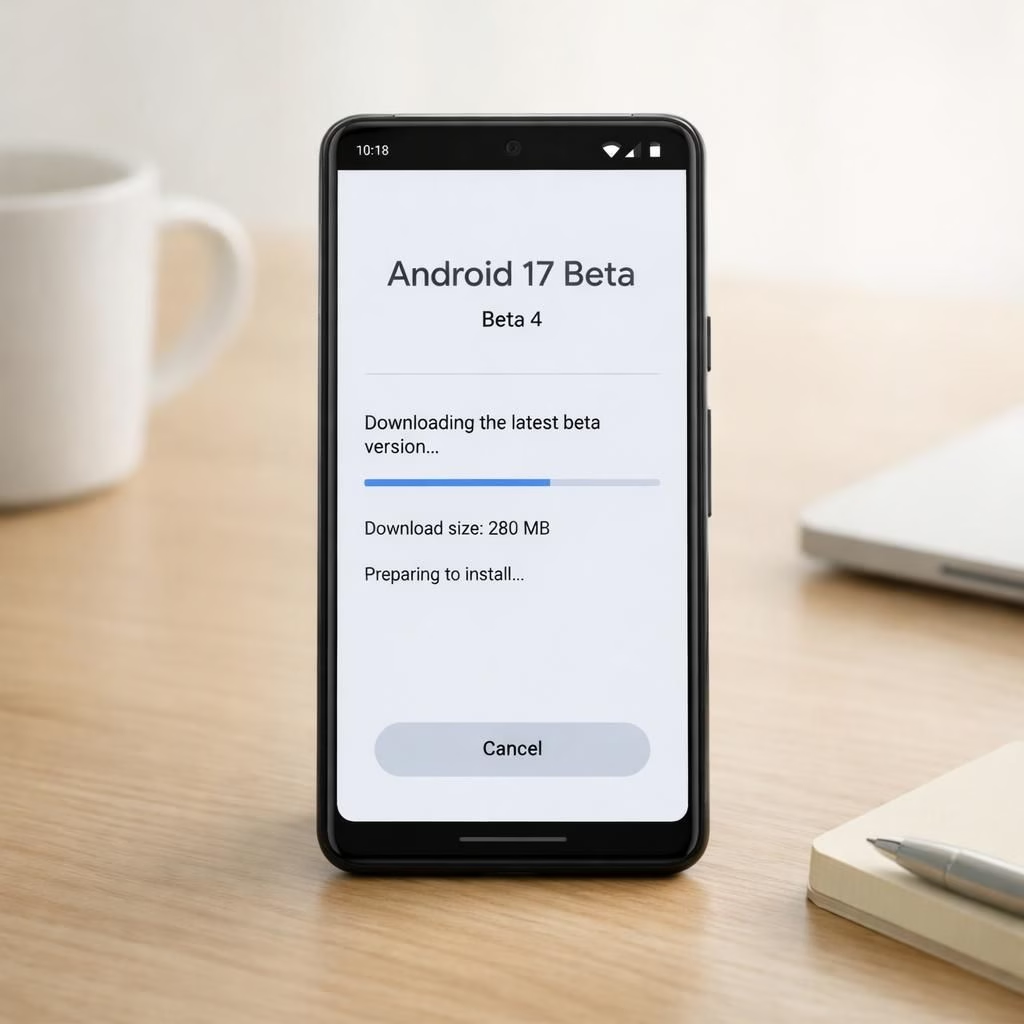
Android 17 is staging a comeback, rolling Beta 4 onto Pixel devices with a gentler approach to the Android experience. This is not a revolution so much as a well-timed nap in a hammock: subtle improvements, fewer surprises, and enough performance tweaks to feel next-gen without scaring your battery. For fans of Android 17 and Pixel alike, this release is a reminder that sometimes the best update is the one you barely notice—until you notice it a lot.
Android 17 Beta 4 on Pixel: What’s New
The Android 17 Beta 4 update for Pixel centers on polish rather than fireworks. You’ll find refined toggles, a cleaner notification shade, and small, meaningful performance bumps that add up over a day’s use. The goal is to let you breathe easier while the OS quietly handles routine chores—think background optimizations, faster wake times, and smarter energy management. In practice, Android 17 on Pixel feels more confident and less pushy, which is exactly the mood a minimalist system should project.
Security and privacy get a light but noticeable tune-up. The update tightens some background access rules, nudges apps toward more respectful data access, and makes permission prompts less invasive while preserving control. If you poke at settings for a while, you’ll notice a few deeper options that feel accessible rather than arcane, giving Pixel users a sense of empowerment without an instruction manual. Android 17 on Pixel continues to emphasize reliability, with less concern about flashy new features and more focus on consistent daily behavior.
In terms of the platform’s ecosystem, Android 17 Beta 4 remains the last scheduled release for the current cycle, which means it’s your final chance to enjoy any last-minute refinements before the next major phase. 9to5Google and other outlets have highlighted how this final scheduled release aims to close gaps and stabilize the experience for long-term Pixel users. Android 17 on Pixel continues to honor the minimalist ethos: fewer knobs, more meaningful tweaks, and a calm upgrade path that respects your time and device budget.
Pixel Users: Everyday Use with Android 17
If you spend your days swiping between apps on a Pixel, Android 17 should feel familiar in all the right ways. Morning routines benefit from a slightly quicker boot, a more predictable battery curve, and a notification system that doesn’t flood you with interruptions. The tweaks are subtle, but when you string them together, you notice a more reliable rhythm to day-to-day Android 17 tasks on Pixel devices. The difference isn’t fireworks; it’s a patient, practical improvement that makes your gadget feel more like a trusty sidekick than a temperamental stage kid.
Third-party coverage has been quick to note that the Android 17 update reaches a broader list of Pixel-powered hardware, with some additional device families mentioning eligibility in the post-release chatter. The vibe across Android 17 and Pixel coverage is consistent: the update respects the hardware, preserves battery life, and leaves room for a few niche tweaks without turning Pixel into a configuration maze. The overall sentiment is positive, with a gentle nod to power users who crave fine-grained control without the chaos of an earlier era of big feature drops.
Beyond the Pixel core, there are echoes of the broader Android 17 ecosystem. You may see mentions of Vivo, iQOO, and other brands in companion articles, noting that updates sometimes travel in waves and that Pixel remains the flagship carrier for the core Android 17 experience. The cross-talk between Pixel updates and other supported devices reminds us that a calm, steady upgrade path can be more valuable than a sudden leap forward with compatibility quirks. Android 17 on Pixel thus presents a humane approach to modernization—clean, readable, and easy to share with friends who aren’t on the bleeding edge.
For the curious reader who wants a quick checklist: if you own a Pixel and you’re running Android 17 Beta 4, expect improved responsiveness in everyday tasks, slightly smarter battery pacing, tighter privacy controls, and a debugging-friendly update process should you decide to tinker. The goal remains: keep the essence of Android 17 intact while letting Pixel shine with sensible refinements. It’s the difference between a consultant’s powerpoint and a well-executed blueprint—both informative, but one simply works better in practice.
Android 17 Beta 4: Quick Update Steps for Pixel
- Open Settings on your Pixel device, go to System, then Software Update.
- Download Android 17 Beta 4 if it appears, and back up important data just in case.
- Install during a time when you won’t need the phone for a while; updates can be patient but worth the wait.
- After install, review privacy and notification settings to tailor the minimalist Android 17 experience to your taste.
If you’re curious about broader device support beyond Pixel, you’ll find that coverage from Android Police, Droid Life, Nokiamob, and Tech Advisor has chronicled a range of eligible devices and the general eligibility trend. The takeaway is simple: Android 17 Beta 4 on Pixel is designed to be accessible and reliable, with room for thoughtful tweaks across the wider Android 17 family, including Vivo and iQOO devices in follow-up discussions.
In sum, Android 17 Beta 4 on Pixel is not a flashy splash page; it’s a patient, well-structured upgrade that respects your time, your battery, and your preference for a clean, sensible Android 17 worldview on Pixel.
Original reporting and gratitude: Thanks to 9to5Google for the original coverage and for helping frame the expectations around Android 17 Beta 4 on Pixel. Read the original article here: 9to5Google: Android 17 Beta 4 on Pixel.
We’d love to hear what you think. Share your thoughts in the comments below and tell us how Android 17 Beta 4 on Pixel has changed your daily routine in 2026.
Original reporting references: Android Police, Droid Life, Nokiamob, Tech Advisor, and 9to5Google
Original reporting and gratitude: Thanks to 9to5Google for the original coverage and for helping frame the expectations around Android 17 Beta 4 on Pixel. Read the original article here: 9to5Google: Android 17 Beta 4 on Pixel.
External references
- Official Android updates and support
- Android Central coverage and hands-on
- The Verge: Android updates and ecosystem