

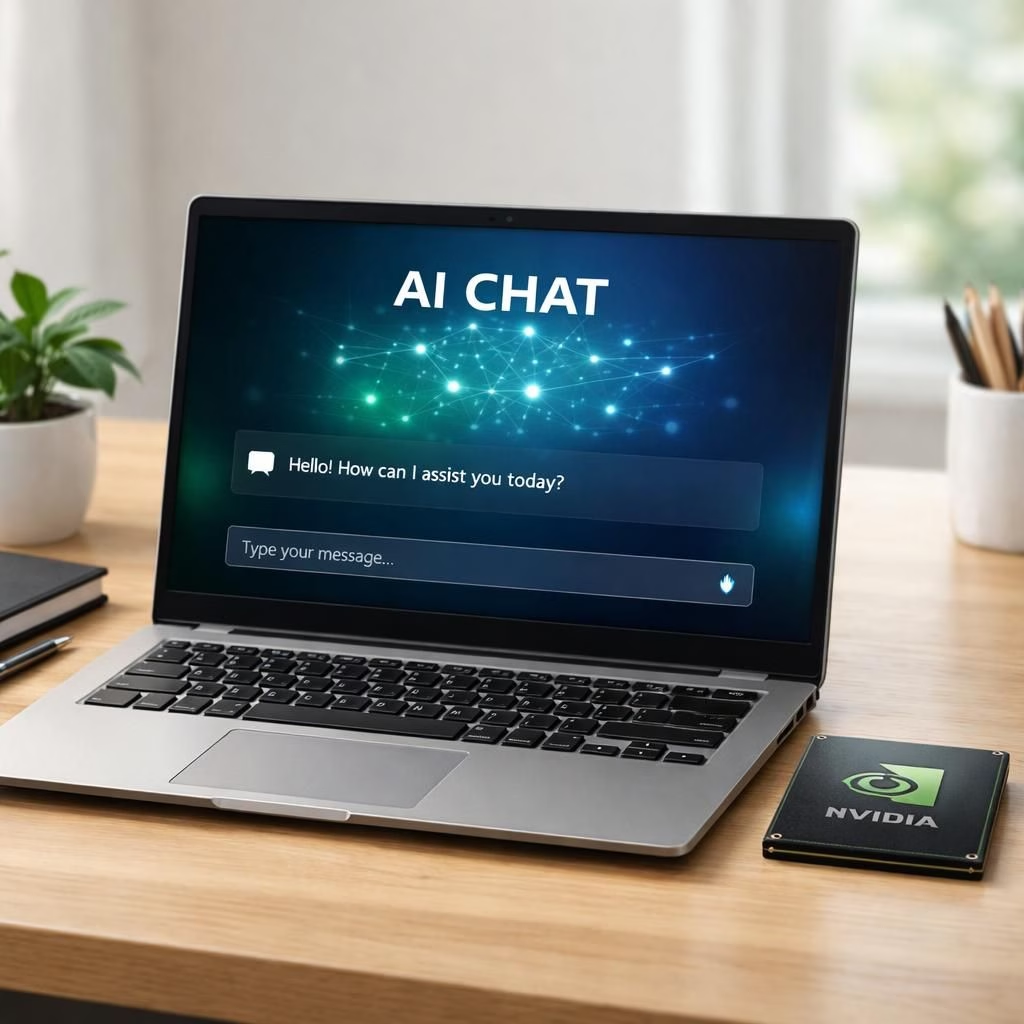
AI and NVIDIA are quietly rewriting the Windows PC rulebook for 2026. They turn ordinary machines into personal AI helpers. They do this without turning the fan into a helicopter engine.
From the NVIDIA Newsroom to CNBC, The Verge, Axios, Bloomberg, and others, the trend is clear. Hardware and software teams want a more interactive, predictive computer. This is not hype. It is a deliberate design choice. Windows PCs will run smarter software with AI models on the device. Latency drops. Privacy improves where it matters.
NVIDIA reshapes Windows PCs for the Era of Personal Computing
In practice, NVIDIA chips and Arm-based designs power strong AI acceleration on laptops, ultrabooks, and workstations. Microsoft’s Windows gains an evolving AI layer that sits between you and the hardware. It offers predictive suggestions, faster searches, and smarter media handling. The collaboration aims to make AI feel like a helpful assistant built into the device. It is not a cloud foreman upselling features, or at least not always.
NVIDIA AI chips keep Windows laptops cool while staying fast
Readers may wonder if this is hype. The answer is no. The shift brings tangible gains. NVIDIA chips combined with Windows software deliver smoother performance in content creation, coding, data analysis, and gaming. They preserve battery life. The AI stack runs locally for common tasks. A cloud path exists for heavier workloads. Privacy, latency, and user delight benefit.
On the software side, developers tap into standardized AI APIs built into Windows, including voice, vision, and contextual assistance. The result is less clicking and more understanding. You see fewer frustrations. AI and NVIDIA focus on fast responses when you say, ‘Hey Windows.’ You get contextual results without surrendering control to clouds.
The practical impact for users and businesses
Everyday users gain faster app launches, smarter spell-checking, image editing, and help with data analysis and presentations. Workers gain productivity through smarter multitasking and offline AI features. Sensitive information stays on-device. NVIDIA and AI come together to reduce wait times and boost confidence in Windows-powered machines.
Power and cooling matter. The best AI features feel invisible: fast, accurate, privacy-conscious. NVIDIA architecture emphasizes energy efficiency. Trained models run in the background without a high energy bill. The PC feels smart, not noisy, when you open a document or run a spreadsheet.
In business, AI and NVIDIA accelerate workflows in creative industries, engineering, finance, and education. Teams deploy AI-assisted design, automated testing, and data-driven insights on Windows devices. They avoid long trips to distant servers. The result is a more capable laptop, better AI, and clearer control for decision-makers.
Security tips in 2026 emphasize protecting local AI models and encrypted data. Cloud-native tools stay optional for heavier tasks. The Windows AI experience stays transparent. You opt into more features as you gain trust. You can also turn them off easily if you prefer a lean setup. This makes AI and NVIDIA feel like a helpful co-pilot rather than a mysterious algorithm.
What should you do next? Enable AI-assisted features in Windows. See where NVIDIA-powered acceleration makes a real difference. If you lead a small team or school lab, try AI-powered productivity tools. Measure time saved, error rates, and user satisfaction. The more you test, the more you see how AI and NVIDIA push Windows toward a friendlier future.
As with any big technology shift, questions remain about privacy, control, and cost. The good news is that Microsoft and NVIDIA offer options. Local on-device AI for sensitive data. Optional cloud support for heavier workloads. This balance keeps features practical, useful, and not overbearing.
For readers who want more details, here is a quick digest of what to watch: better AI copilots, smarter search, improved content creation workflows, and more efficient AI inference on Windows laptops. Expect ongoing improvements as NVIDIA refines its chipsets and Microsoft tunes Windows to be AI-aware without sacrificing security or user experience.
Original source material and attribution: NVIDIA and Microsoft Reinvent Windows PCs for the Age of Personal AI. Thank you to the NVIDIA Newsroom and CNBC for sharing this story and for sparking this delightful revolution.
What are your experiences with the new AI features on Windows? Share your thoughts in the comments below to join the conversation.
Practical steps to explore on-device AI
- Enable AI-assisted features in Windows via Settings > Privacy & Security > On-device AI controls.
- Test offline AI tasks first (document editing, local photo editing, and code completion).
- Monitor light usage and fan noise to see how on-device AI affects thermals.
Frequently asked questions
- Is the AI on Windows always on-device?
- Most common tasks run locally, with cloud options for heavy workloads as needed.
- How does this affect privacy?
- Data stays on-device for local AI tasks, reducing cloud exposure.
- Will this require new hardware?
- Some devices may see benefits from newer GPUs; many features work on current hardware with updates.
- Can small teams use these features in education or business?
- Yes. You can test, measure productivity gains, and scale gradually as you validate results.
References
- Original source: NVIDIA and Microsoft Reinvent Windows PCs for the Age of Personal AI
- CNBC
- The Verge
- Axios
- Bloomberg